.png)
Why use Q&A
The Q&A tool makes it easy to collect, manage, and respond to questions during a live session—without interrupting the flow of conversation. It helps keep discussions organized and ensures every question is seen and addressed.
Use Q&A to:
-
Encourage participation: Give attendees a simple way to ask questions without speaking over others.
-
Stay organized: Manage multiple questions in one place and mark them as answered as you go.
-
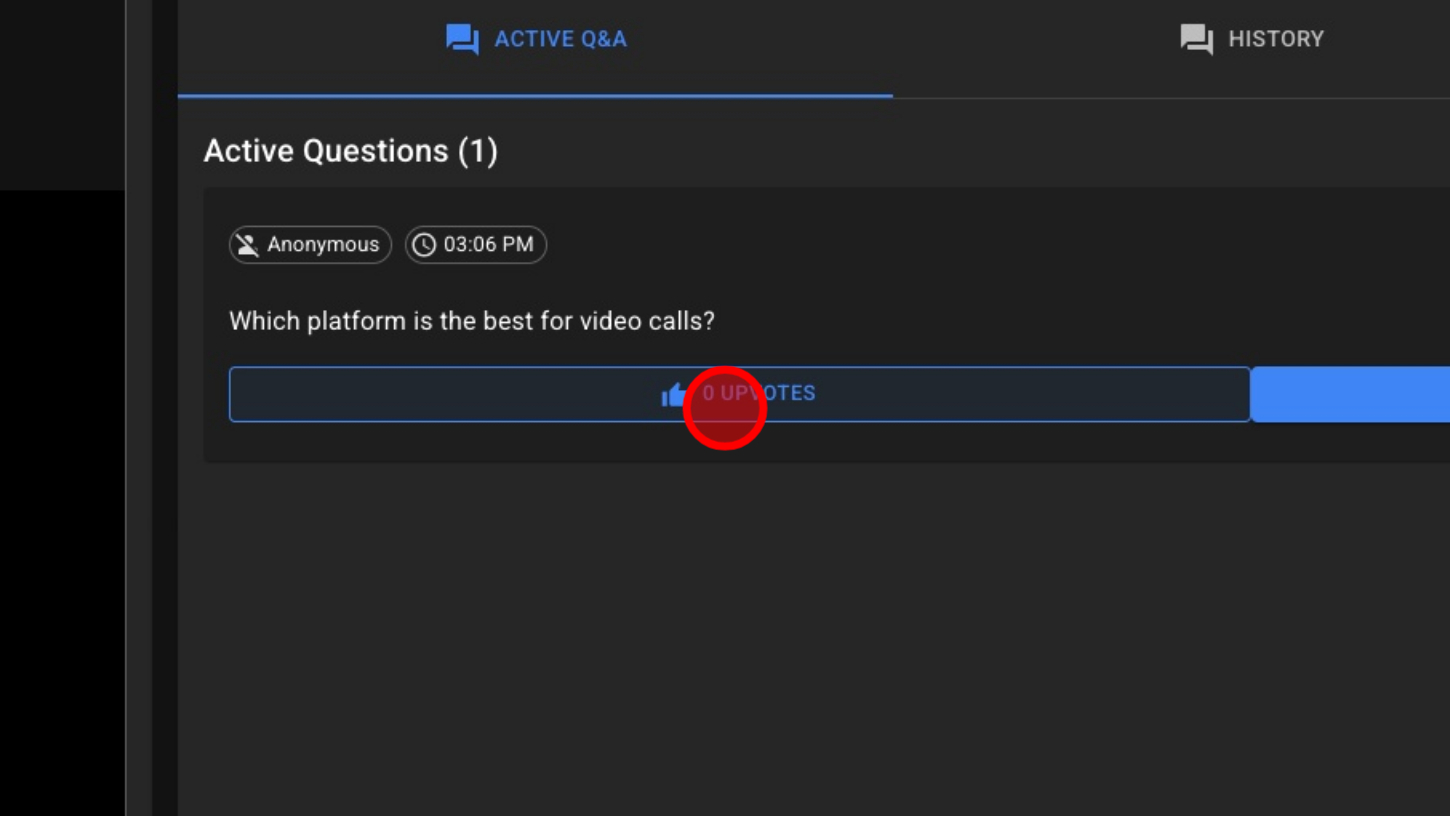
Prioritize effectively: Allow guests to vote on questions to be answered in priority order.
-
Support large groups: Keep busy meetings or classes structured by separating chat from questions.
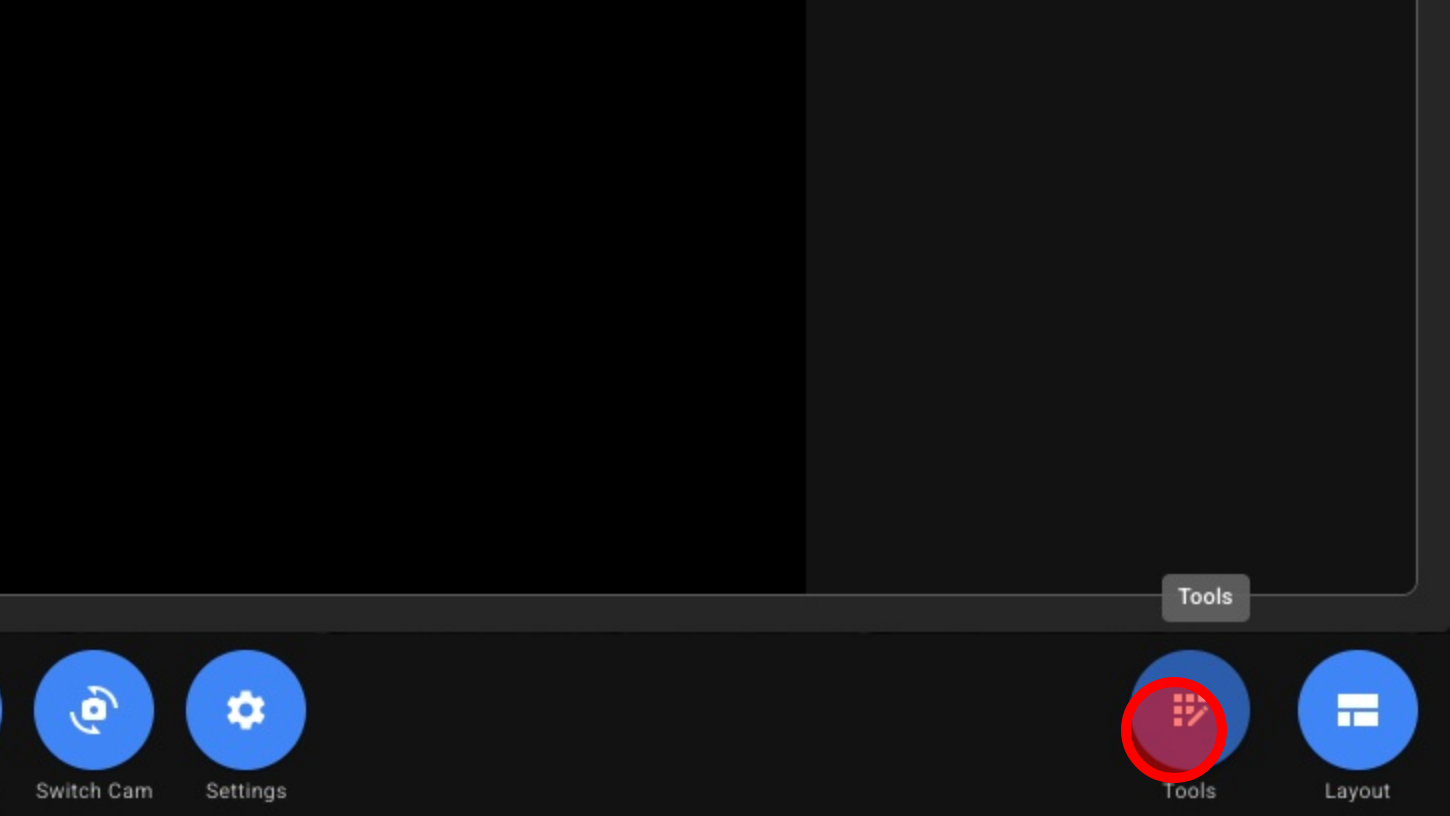
1. Open Tools
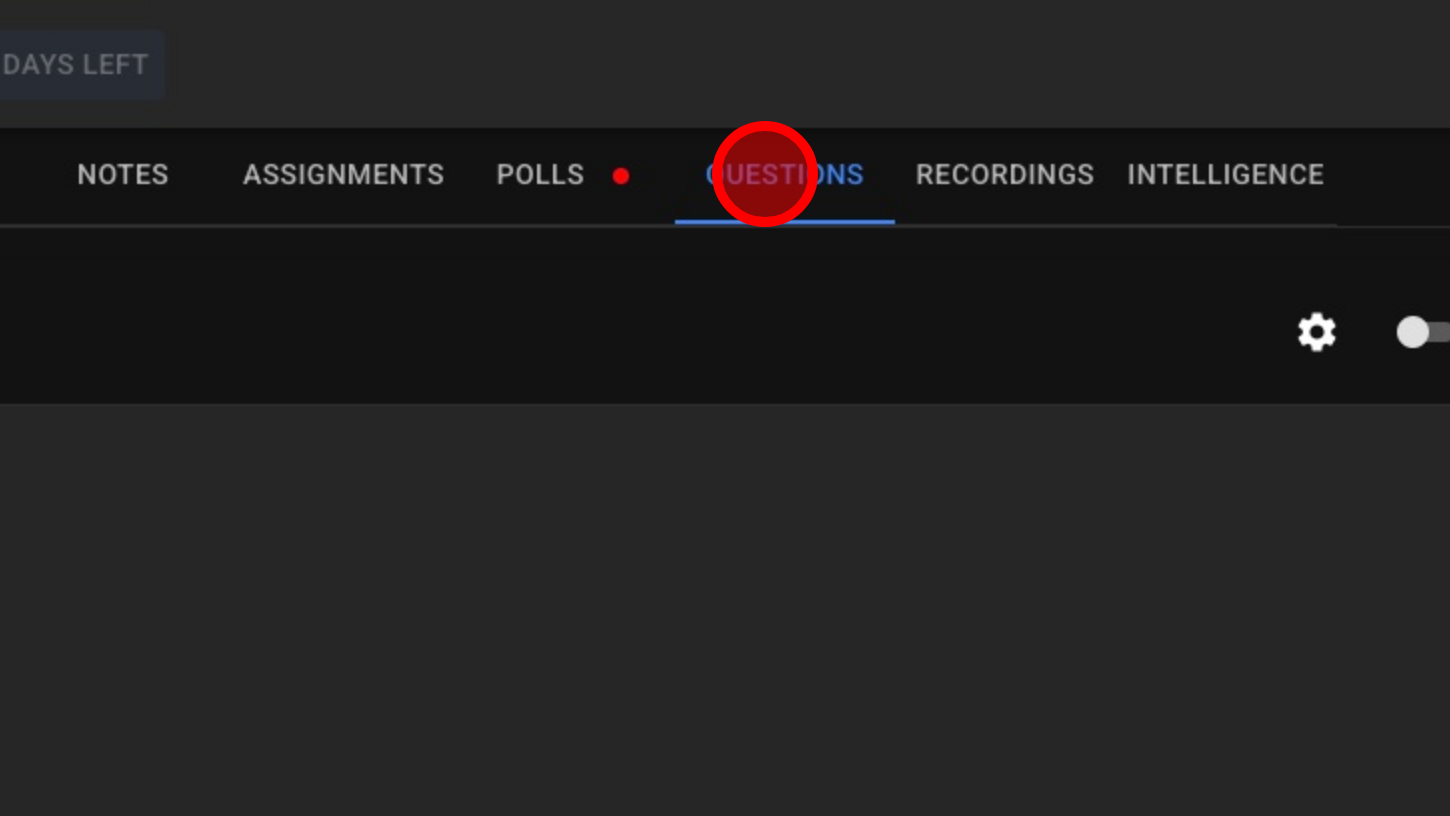
2. Click 'QUESTIONS'
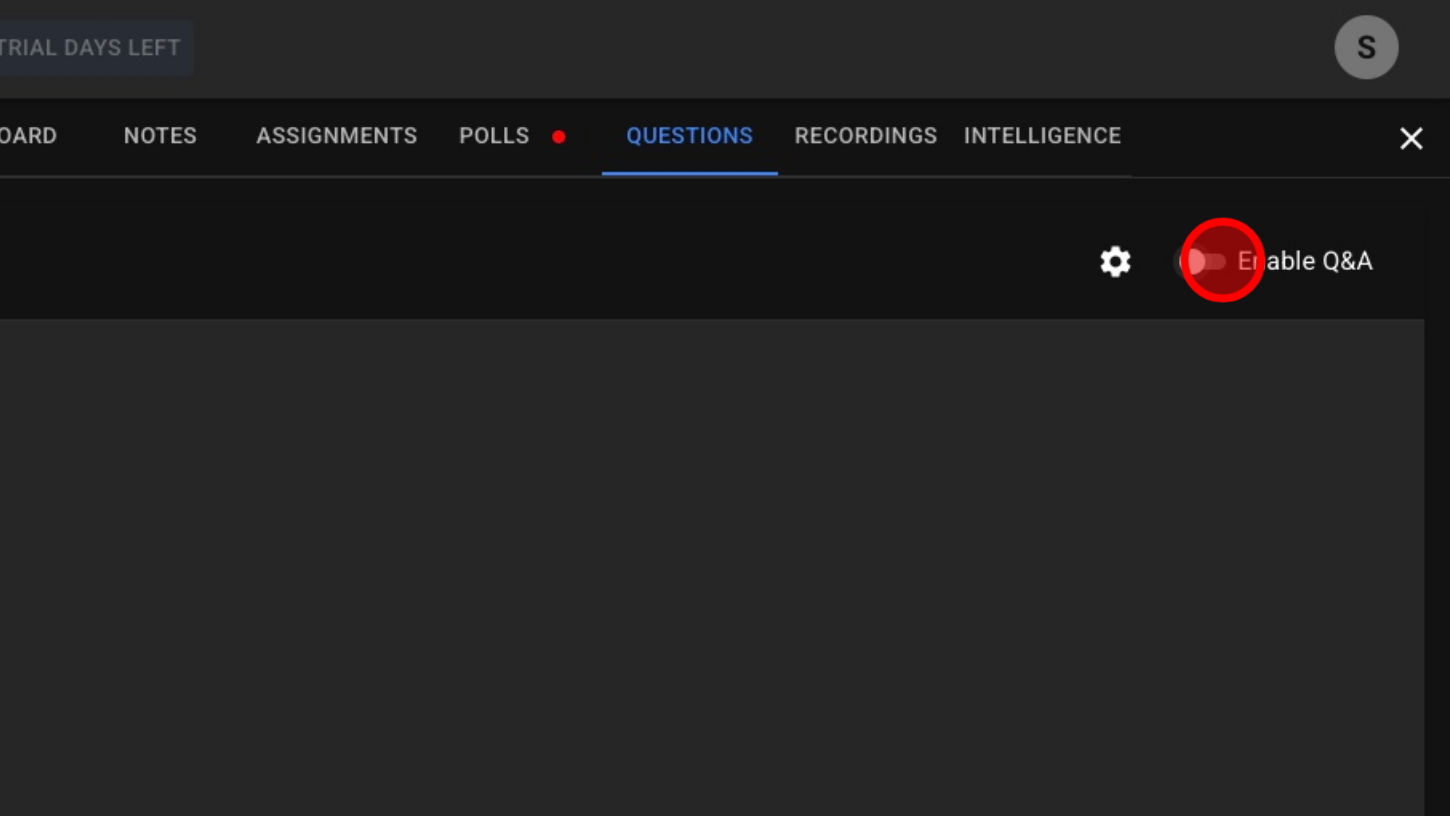
3. Enable Q&A
4. Q&A Settings
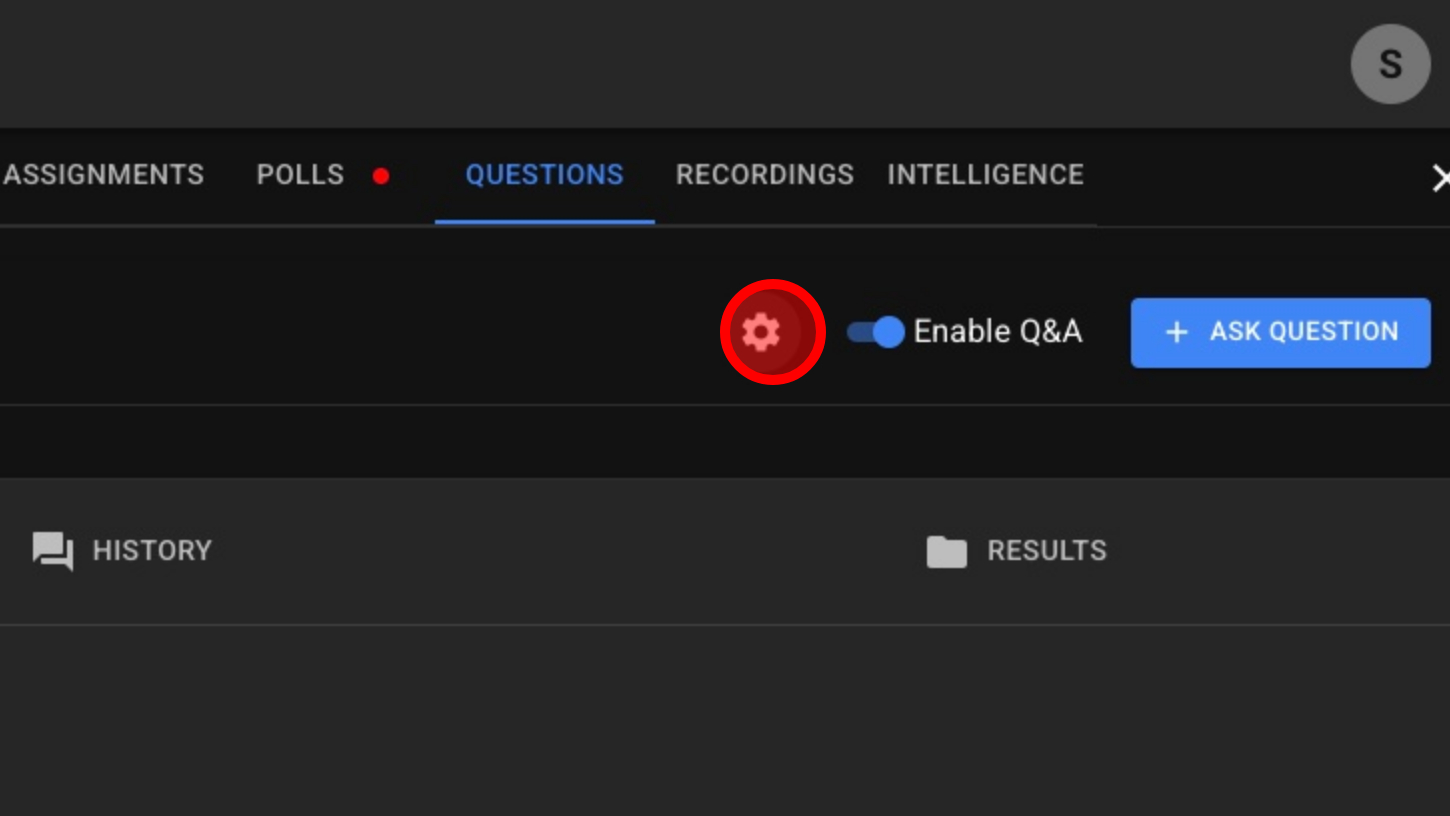
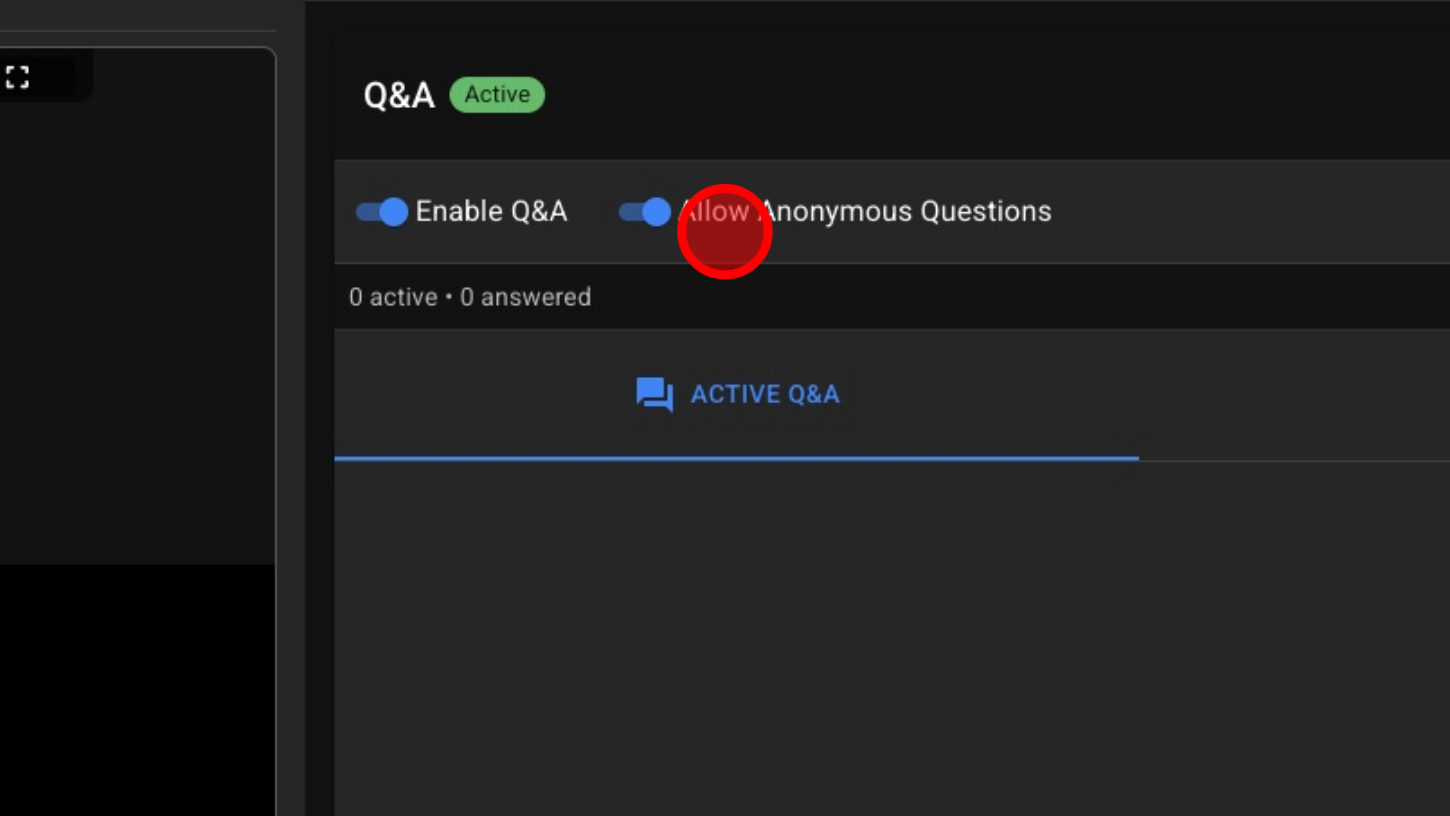
5. Optional – Allow Anonymous Questions
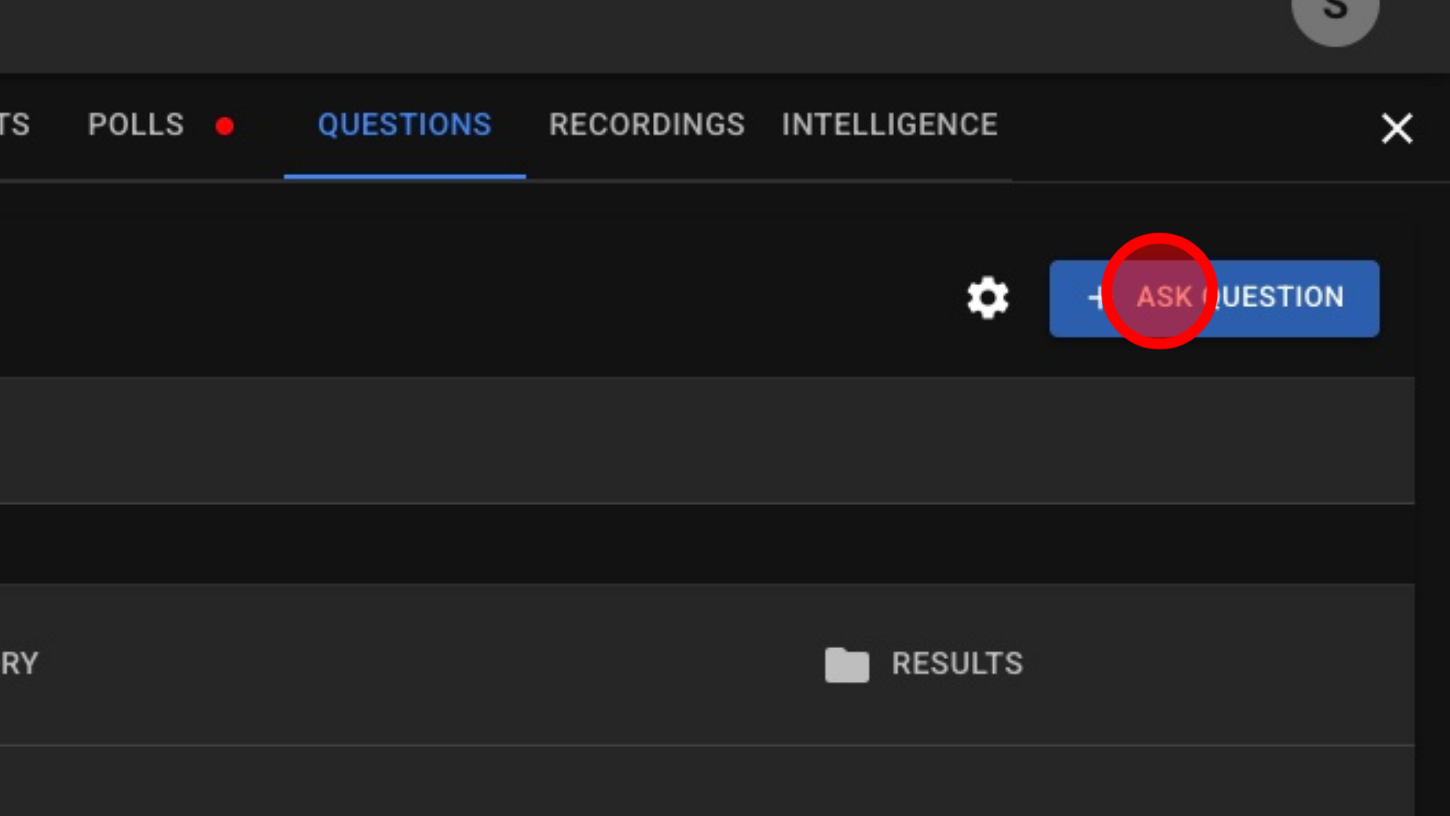
6. Click 'ASK QUESTION' button
7. Type Your Question
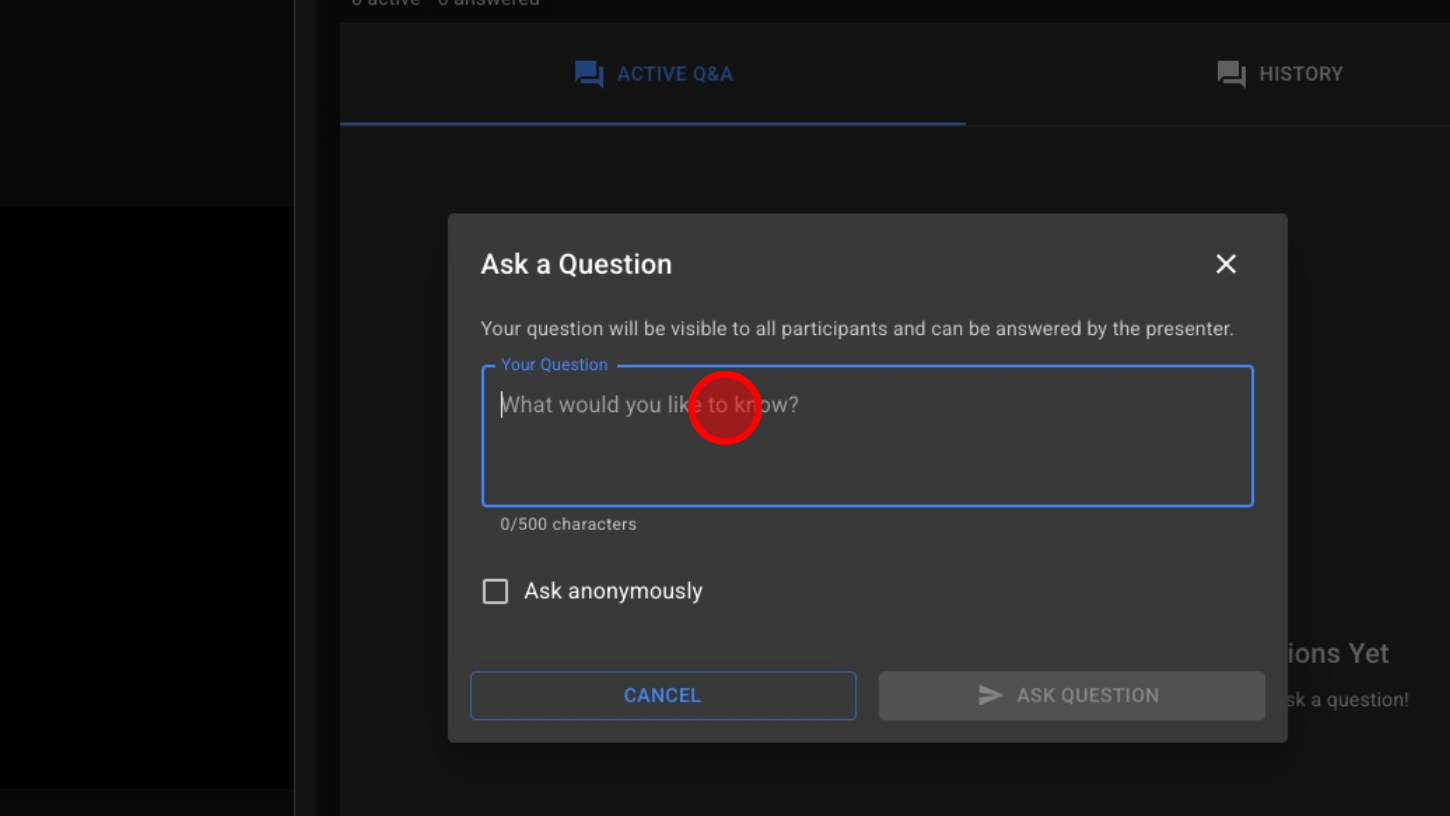
8. Optional – Ask Question Anonymously
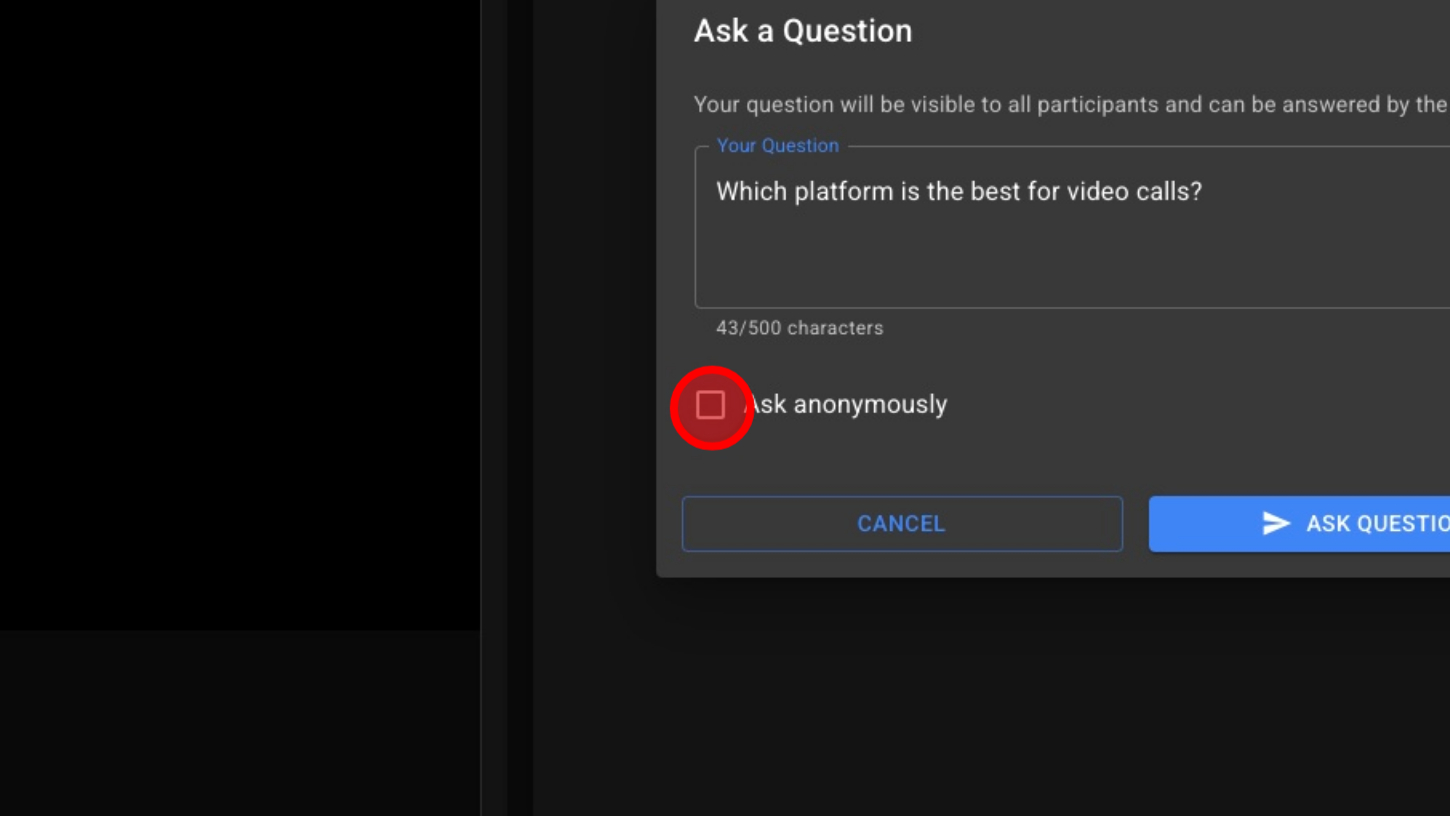
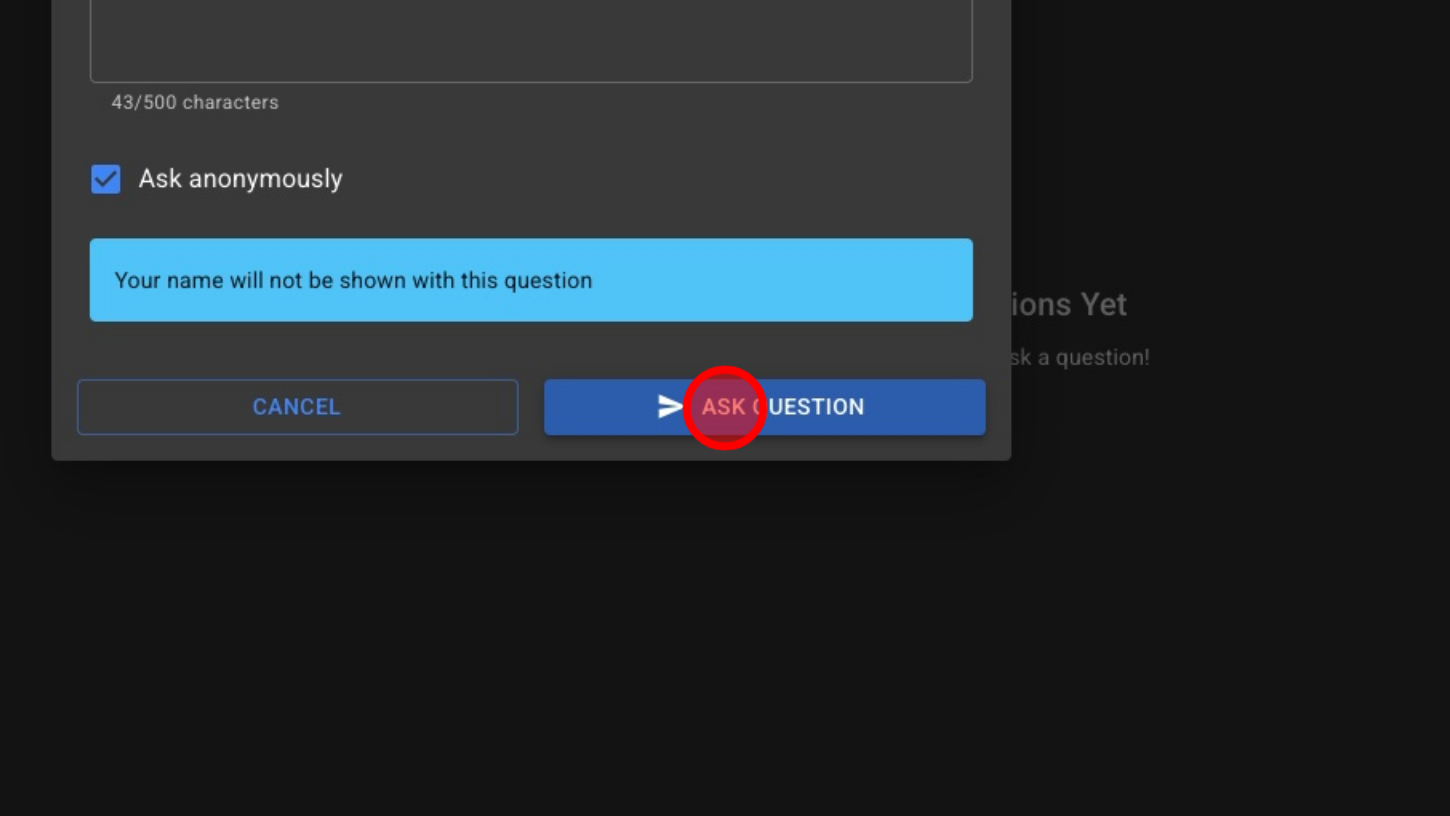
9. Click 'ASK QUESTION' button
10. Users Can Upvote Questions They Want Answered
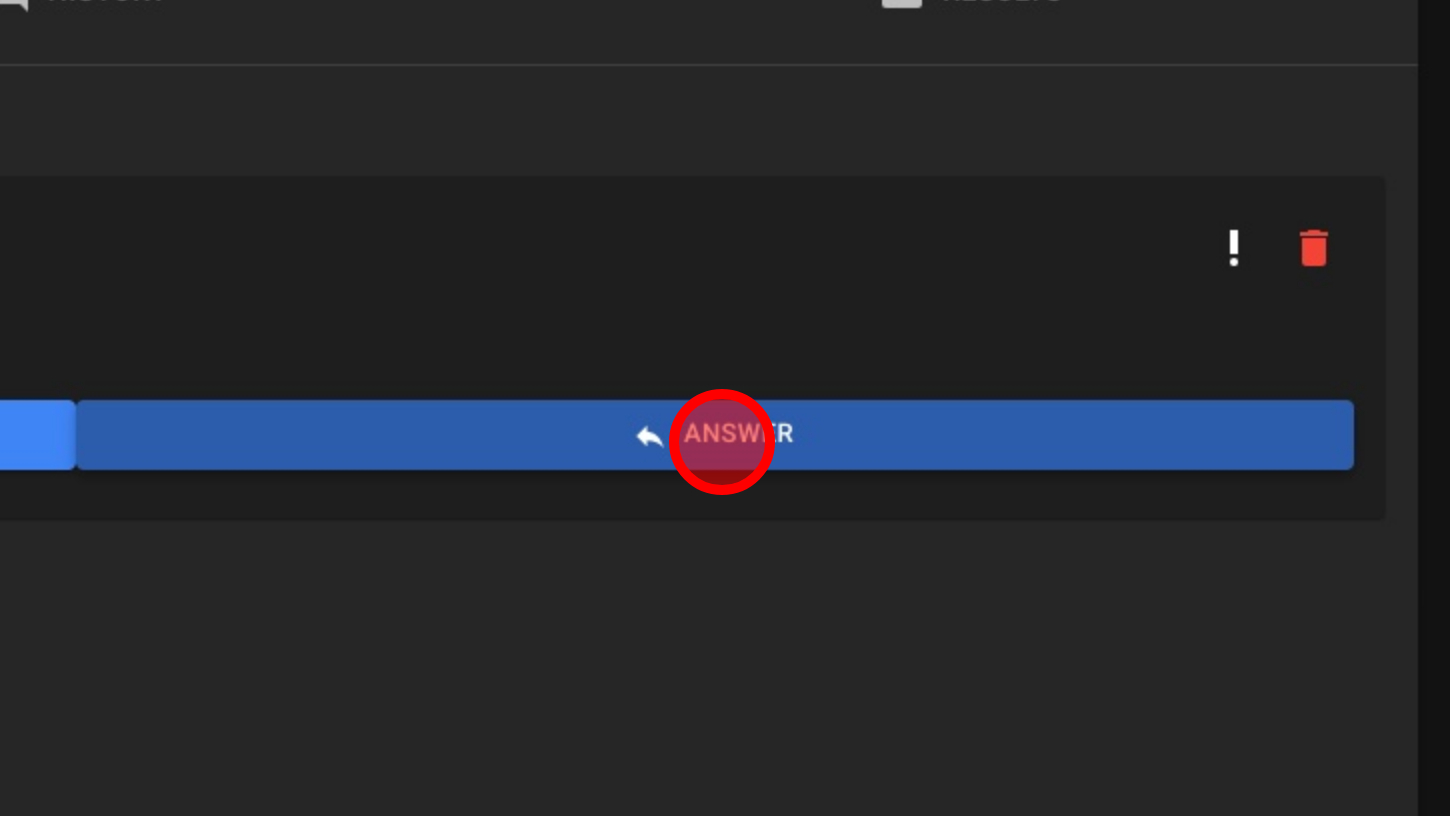
11. Click 'ANSWER'
12. Host Types the Answer
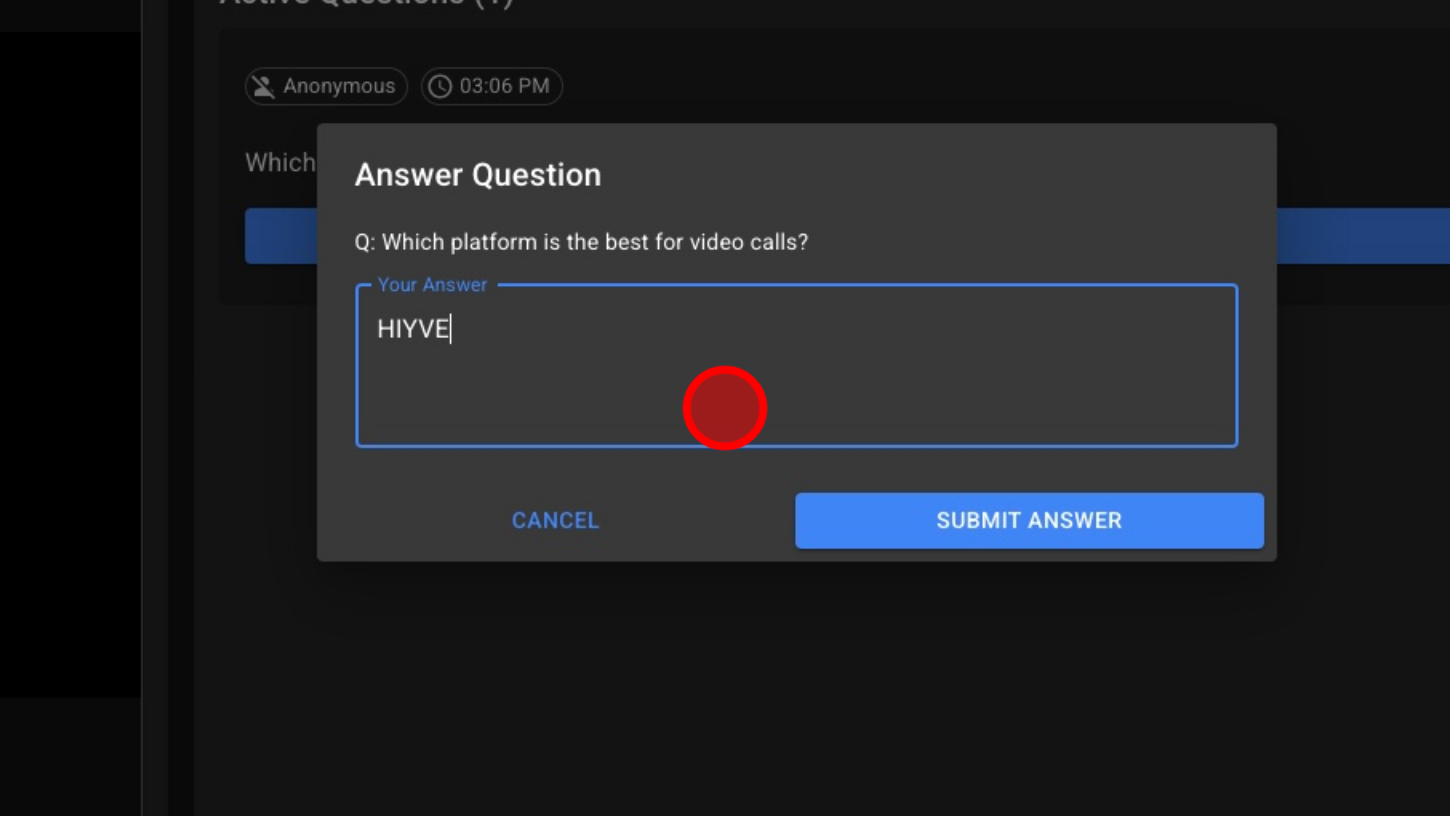
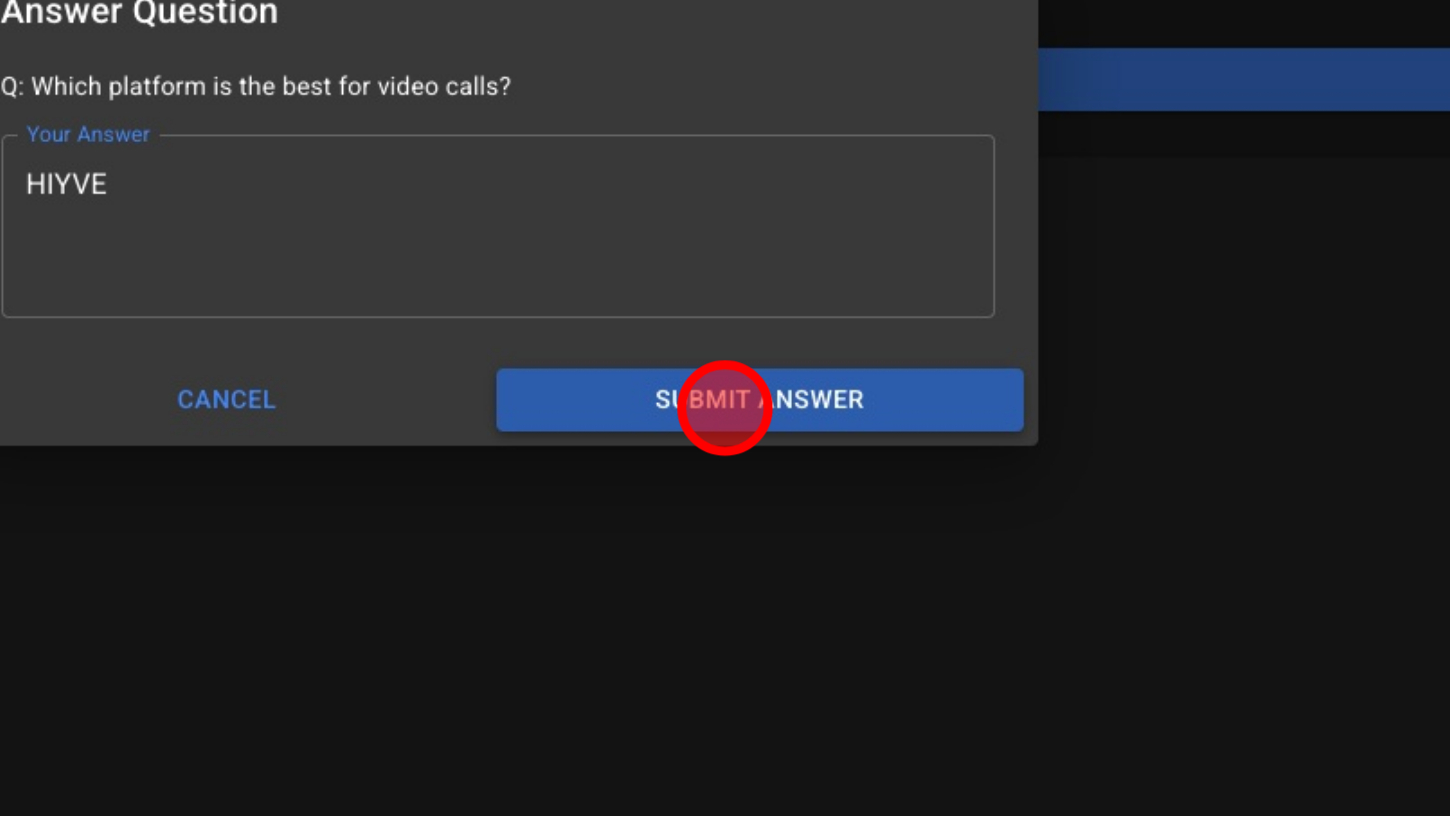
13. Click 'SUBMIT ANSWER'
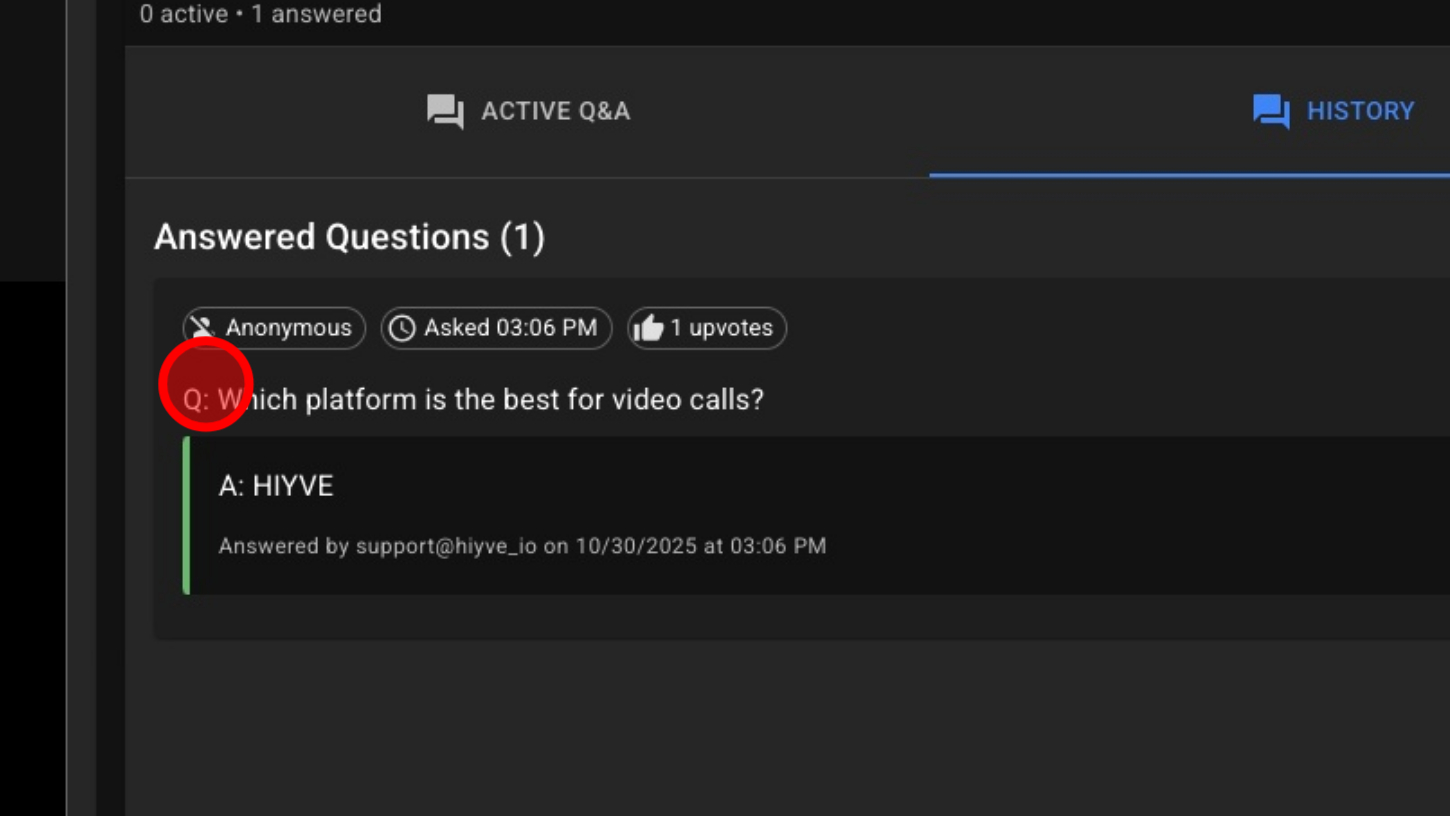
14. View Answered Questions – Click History

15. View Answered Questions