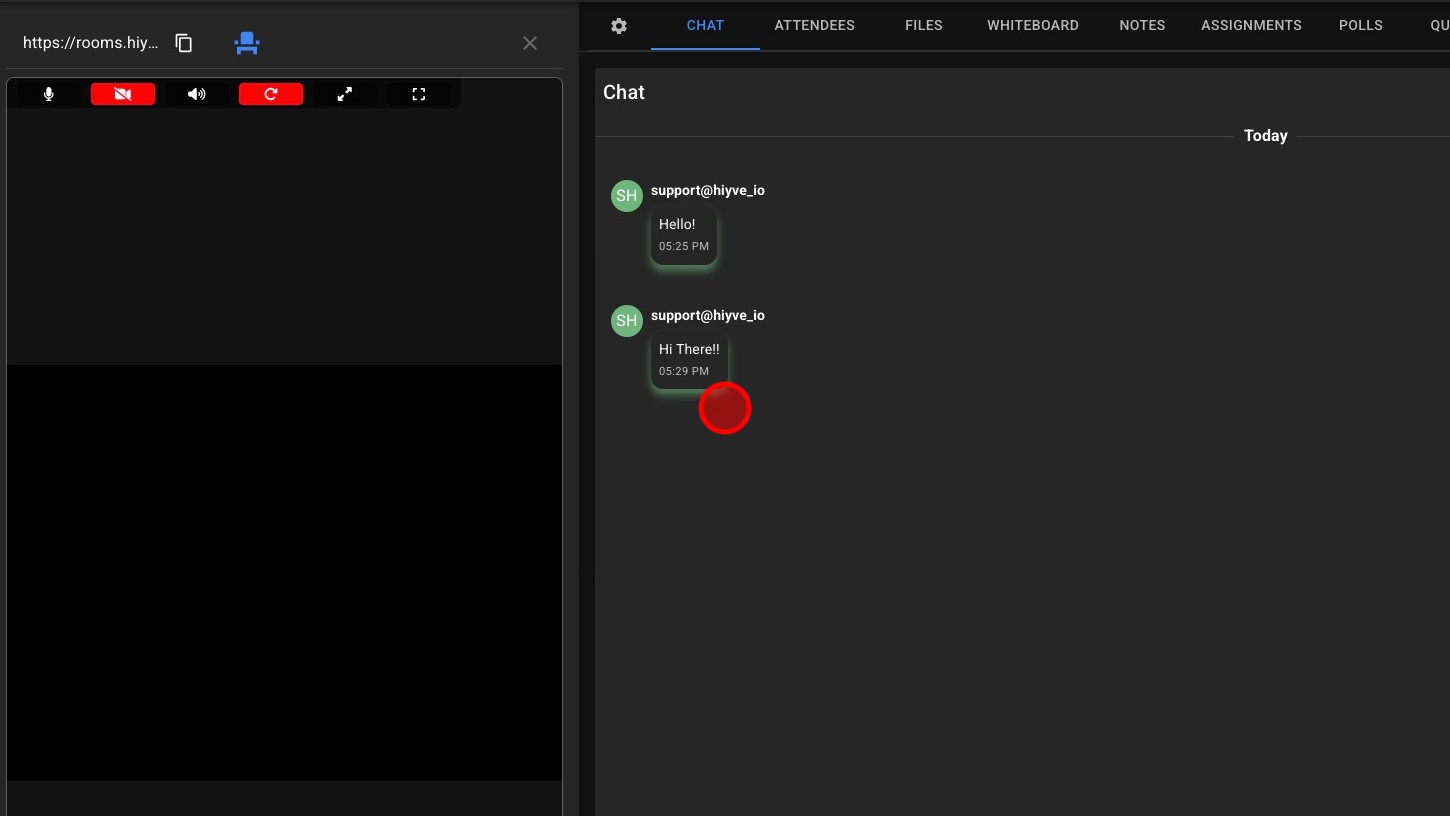
.png)
Why use Chat
The Chat tool allows participants to communicate through text alongside the live session. It provides a simple, flexible way to share messages, links, and quick feedback without interrupting the conversation.
Use Chat to:
-
Enhance communication: Send messages, notes, or questions while others are speaking.
-
Encourage participation: Let quieter participants contribute without speaking aloud.
-
Stay organized: Keep discussions, questions, and resources visible throughout the meeting.
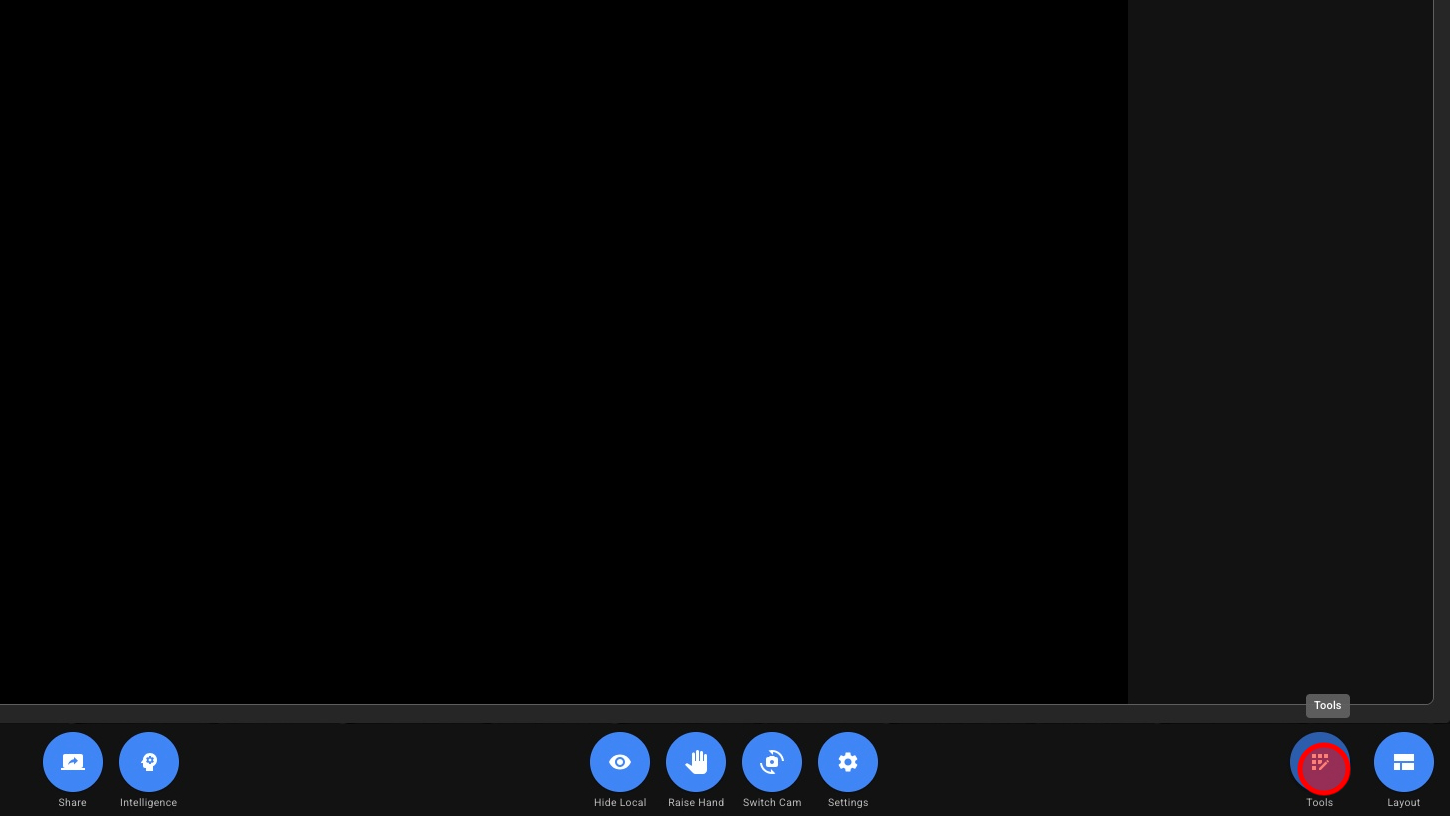
1. Open Tools
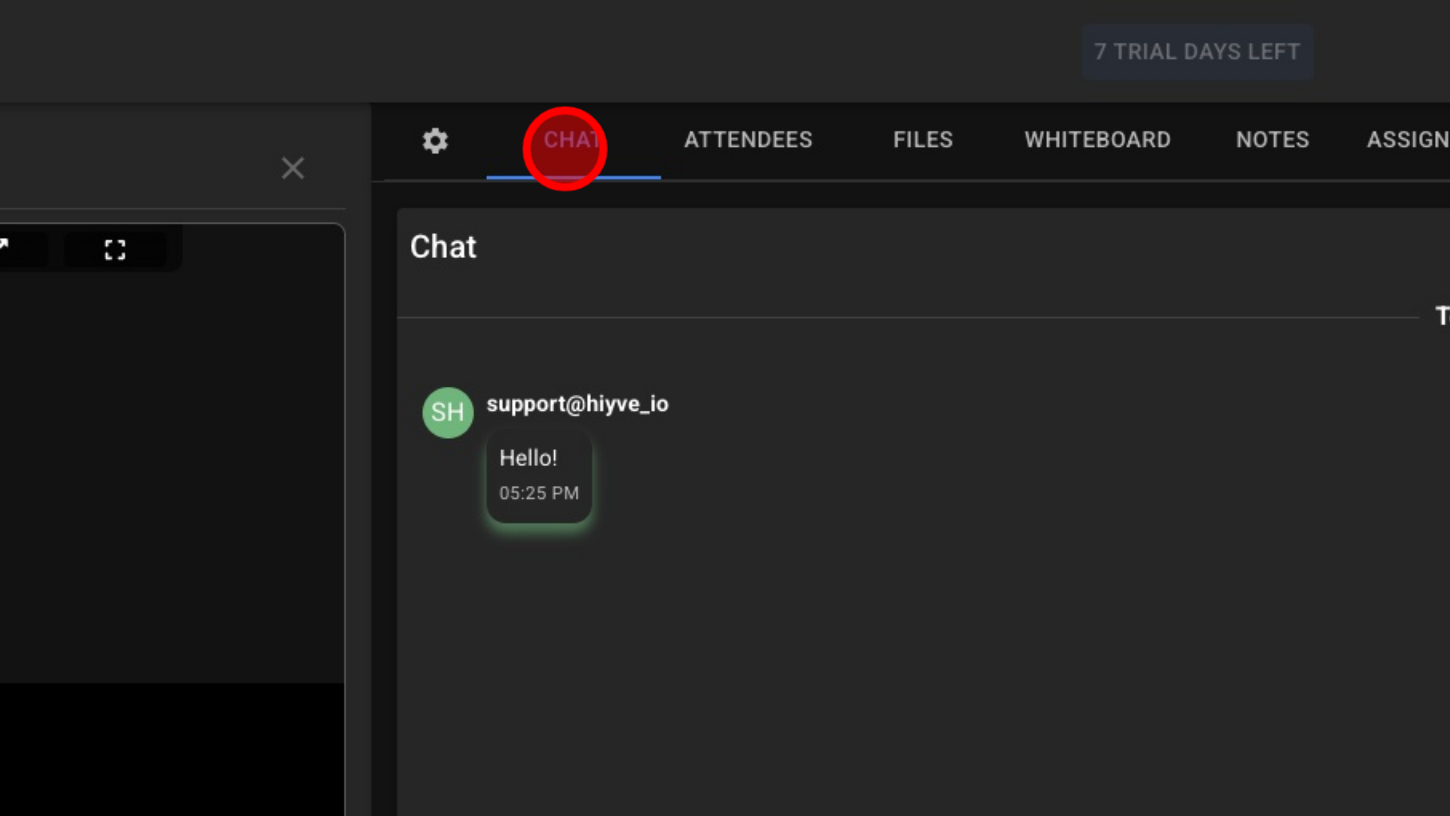
2. Click “Chat”
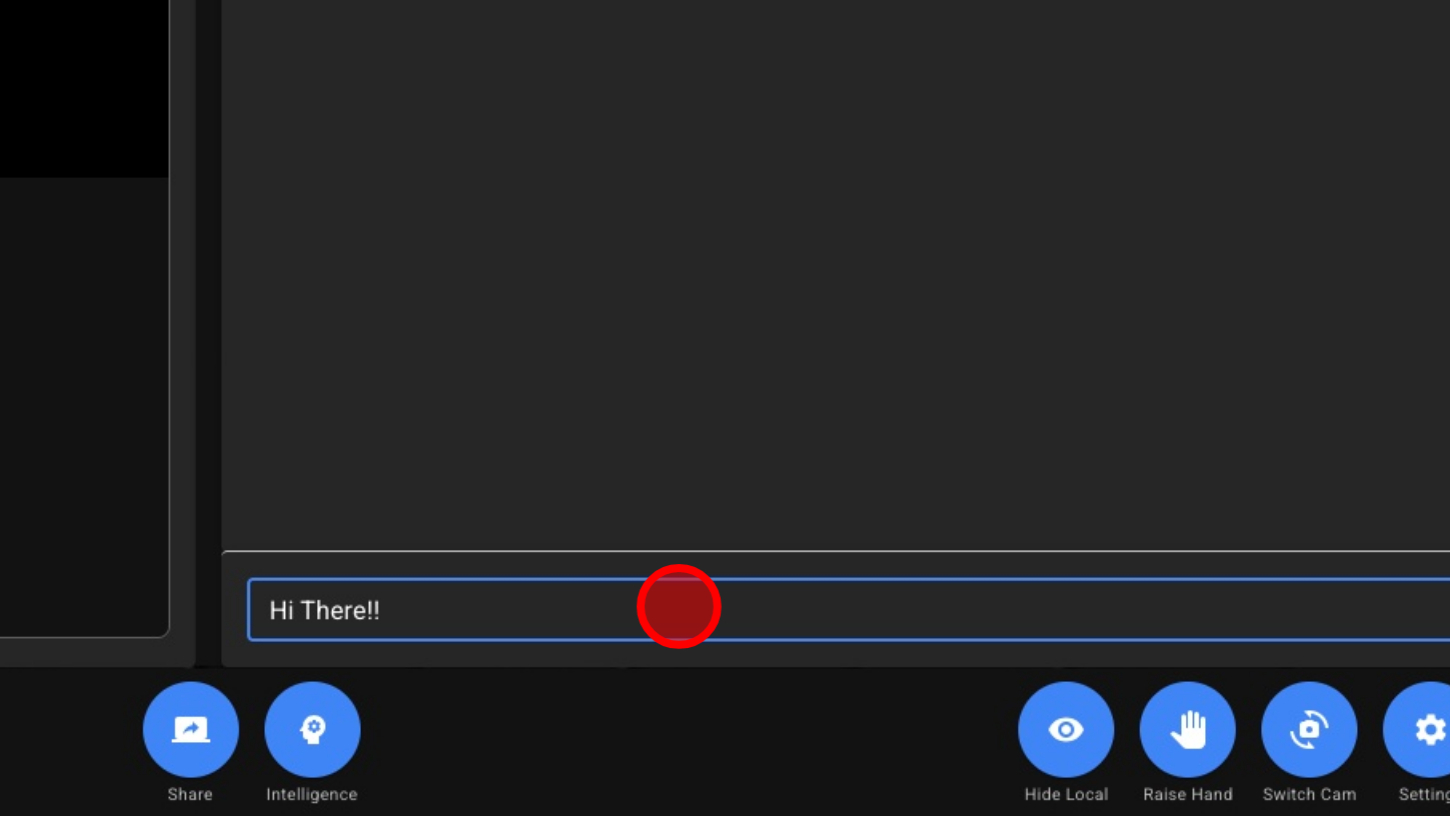
3. Click The Input Field
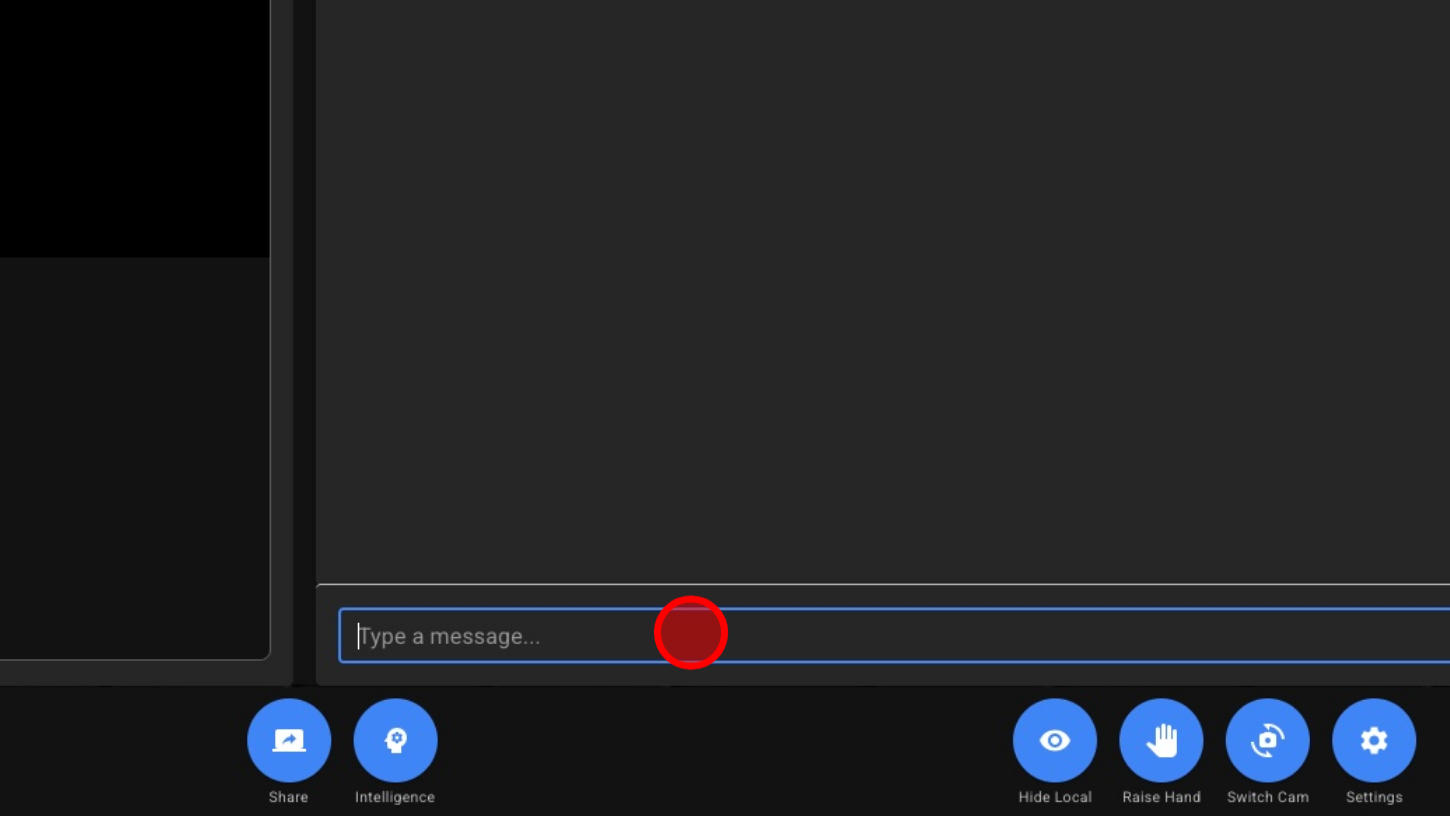
4. Type A Message
5. Click Send
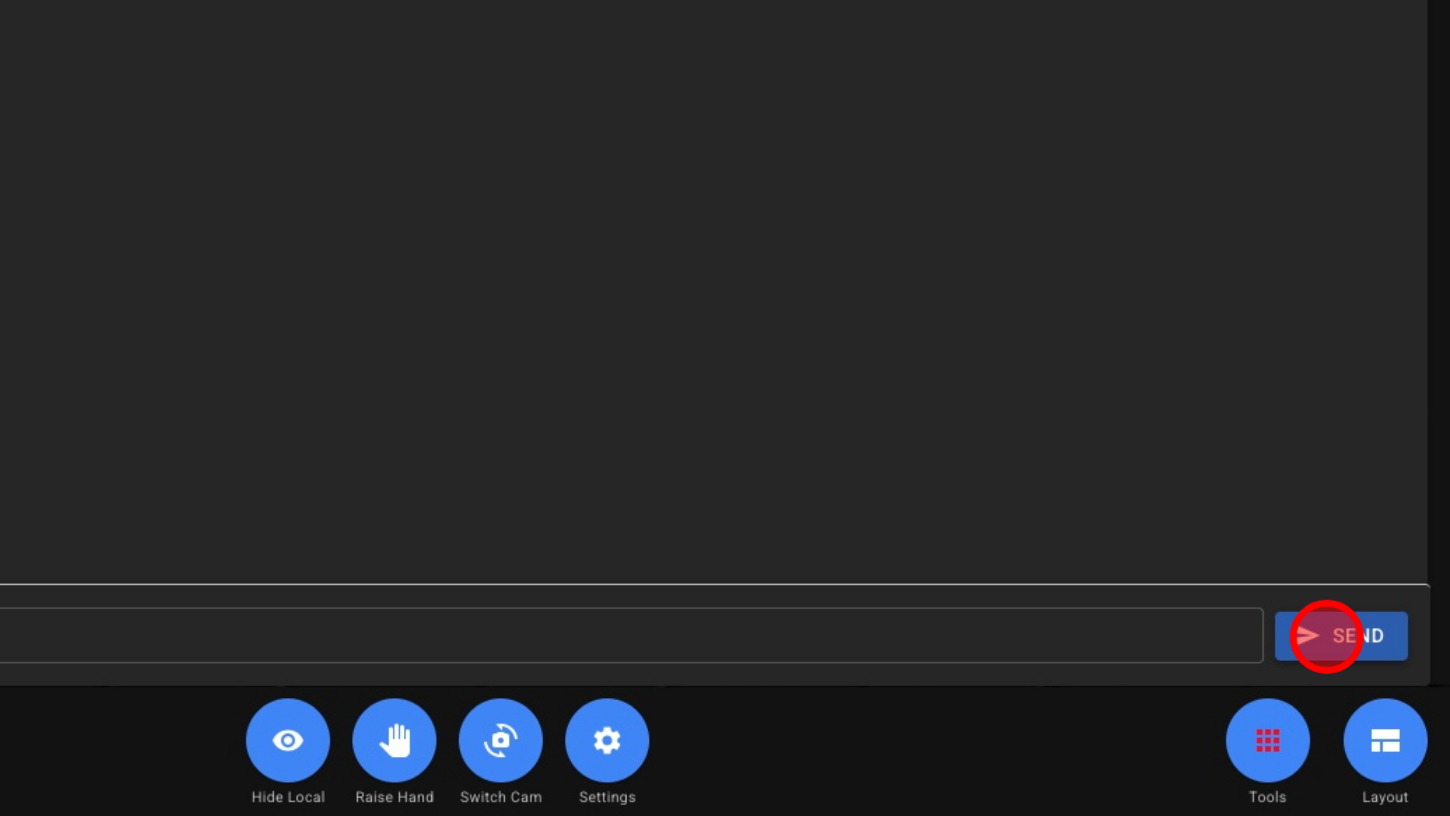
6. View Messages