.png)
Why use AI Search
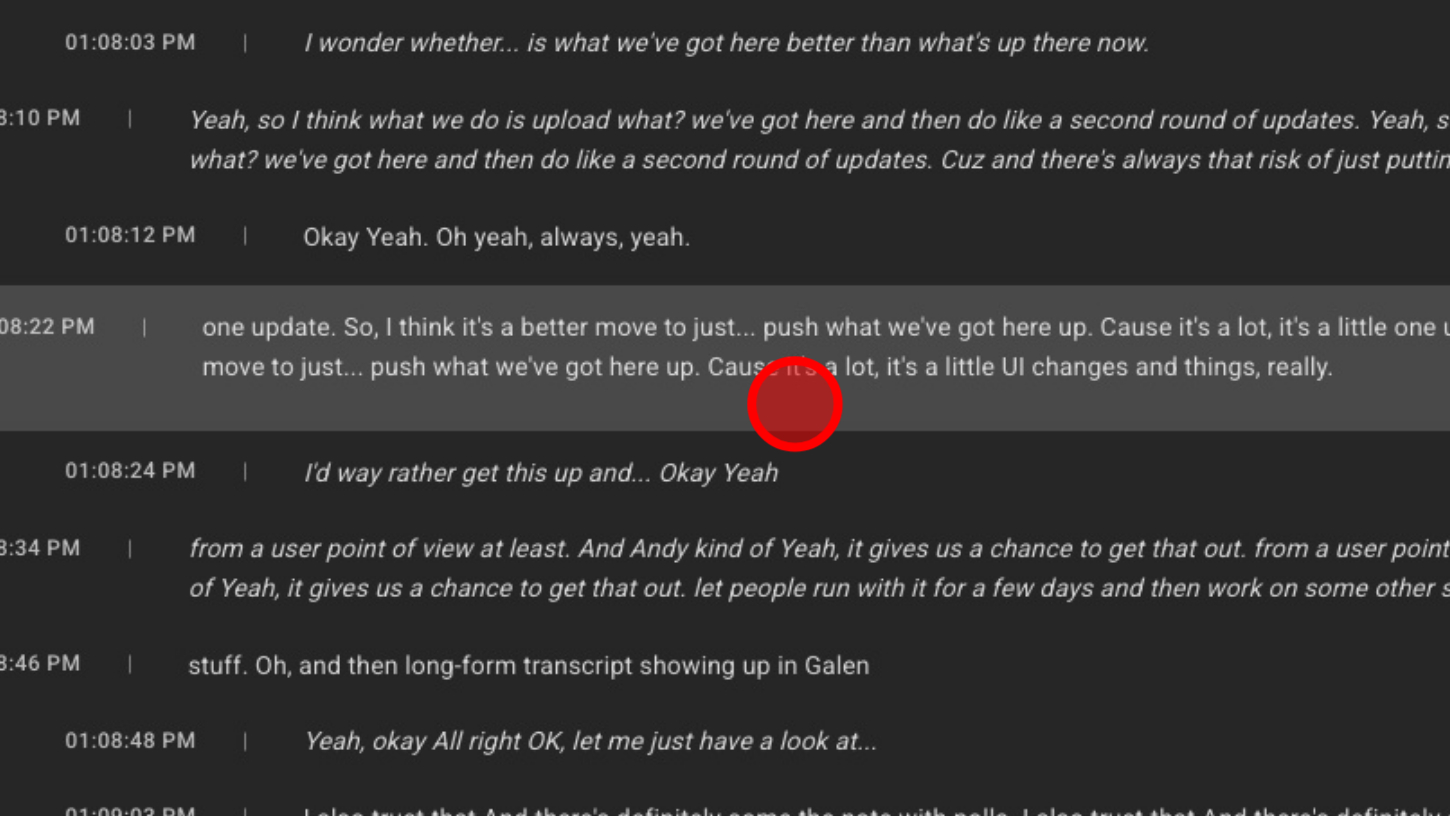
AI Search helps you instantly find the moments that matter across all your calls, rooms, and transcripts. Instead of scrolling through hours of conversation, you can ask natural questions and get direct answers, key moments, and relevant context in seconds.
It’s the fastest way to locate decisions, action items, important discussions, or anything you might have missed — all without manually digging through transcripts or recordings.
1. Open "Find In Transcripts"
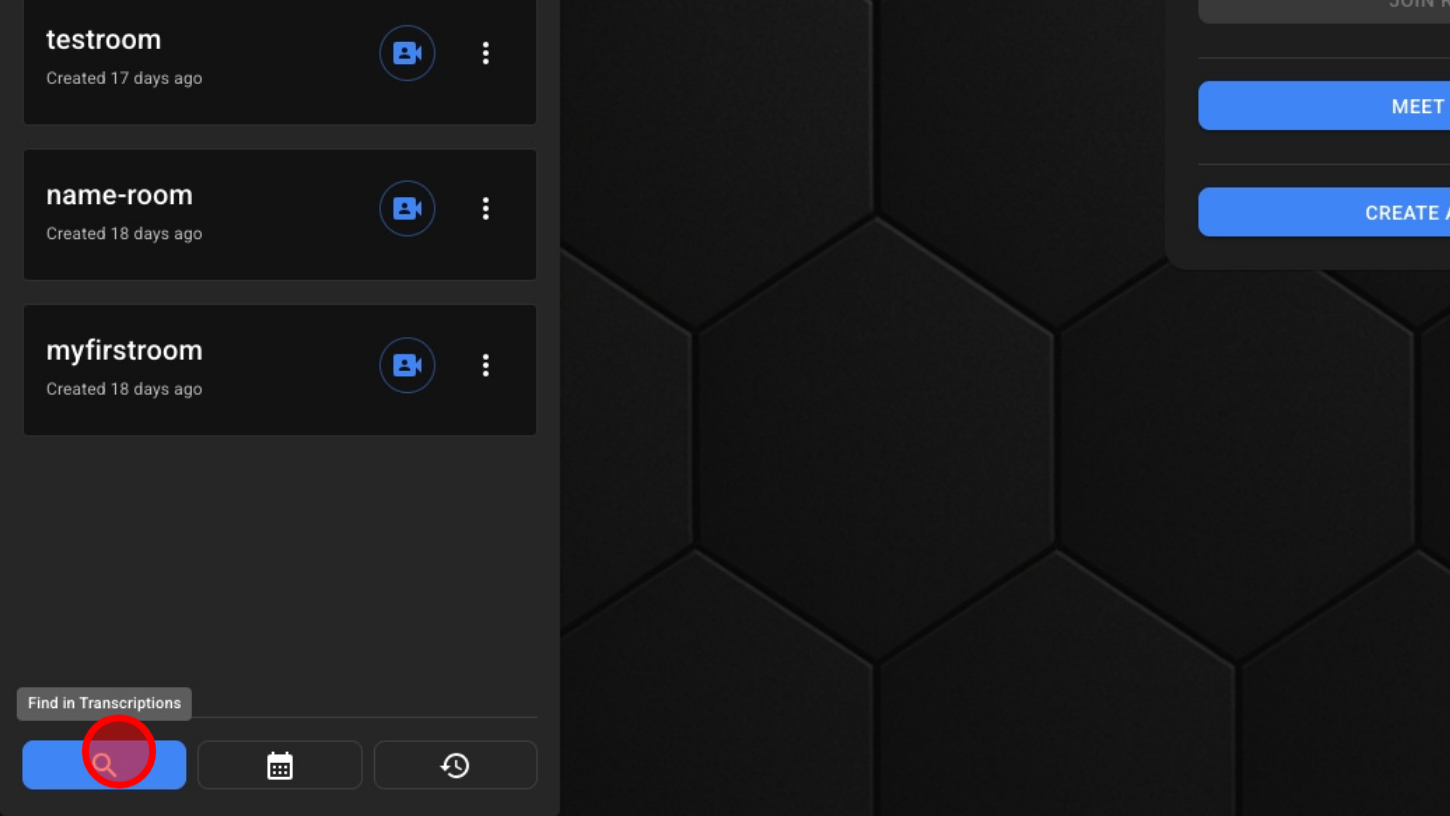
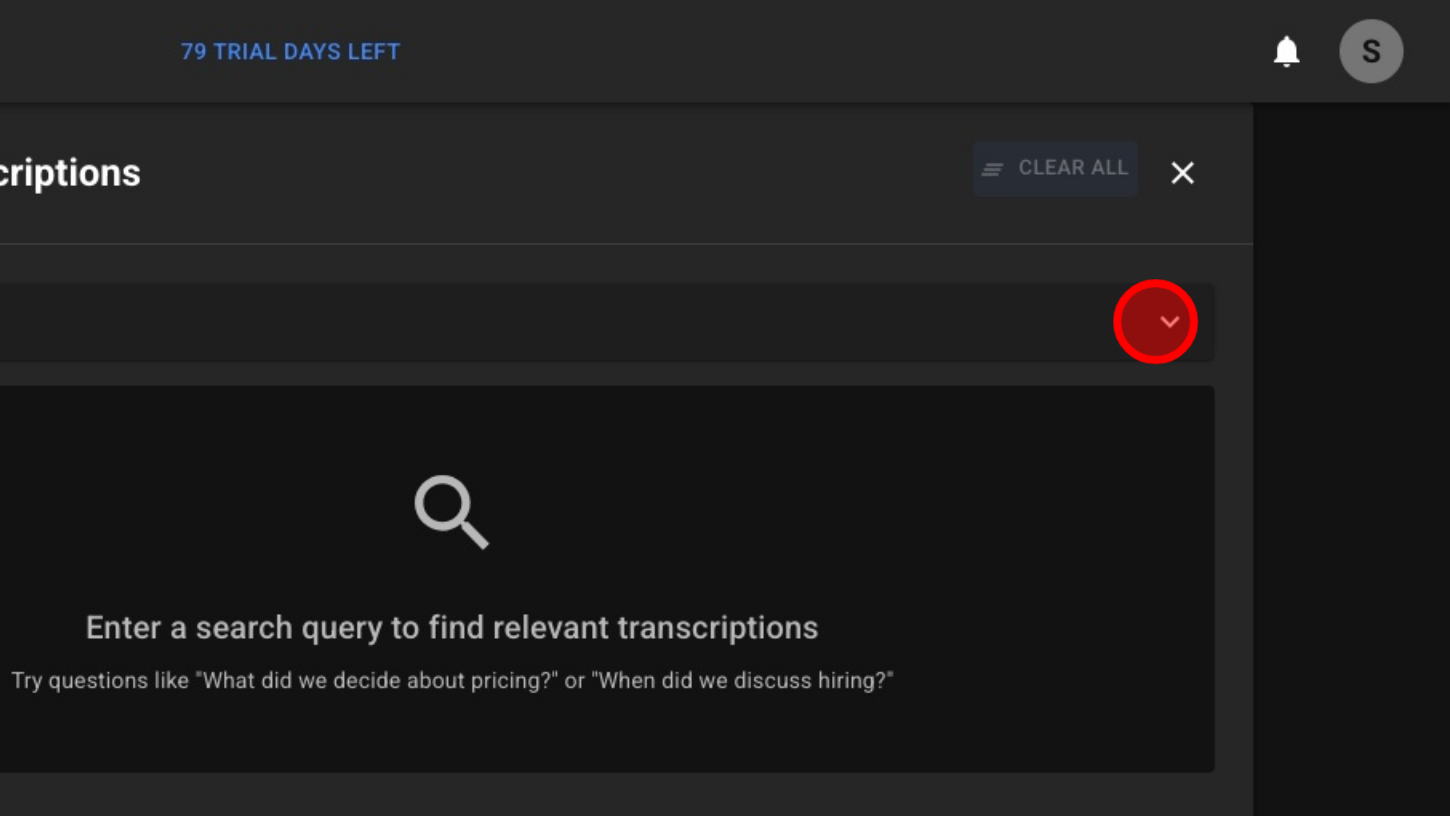
2. Open the filter menu
3. Choose to search all rooms or a specific room
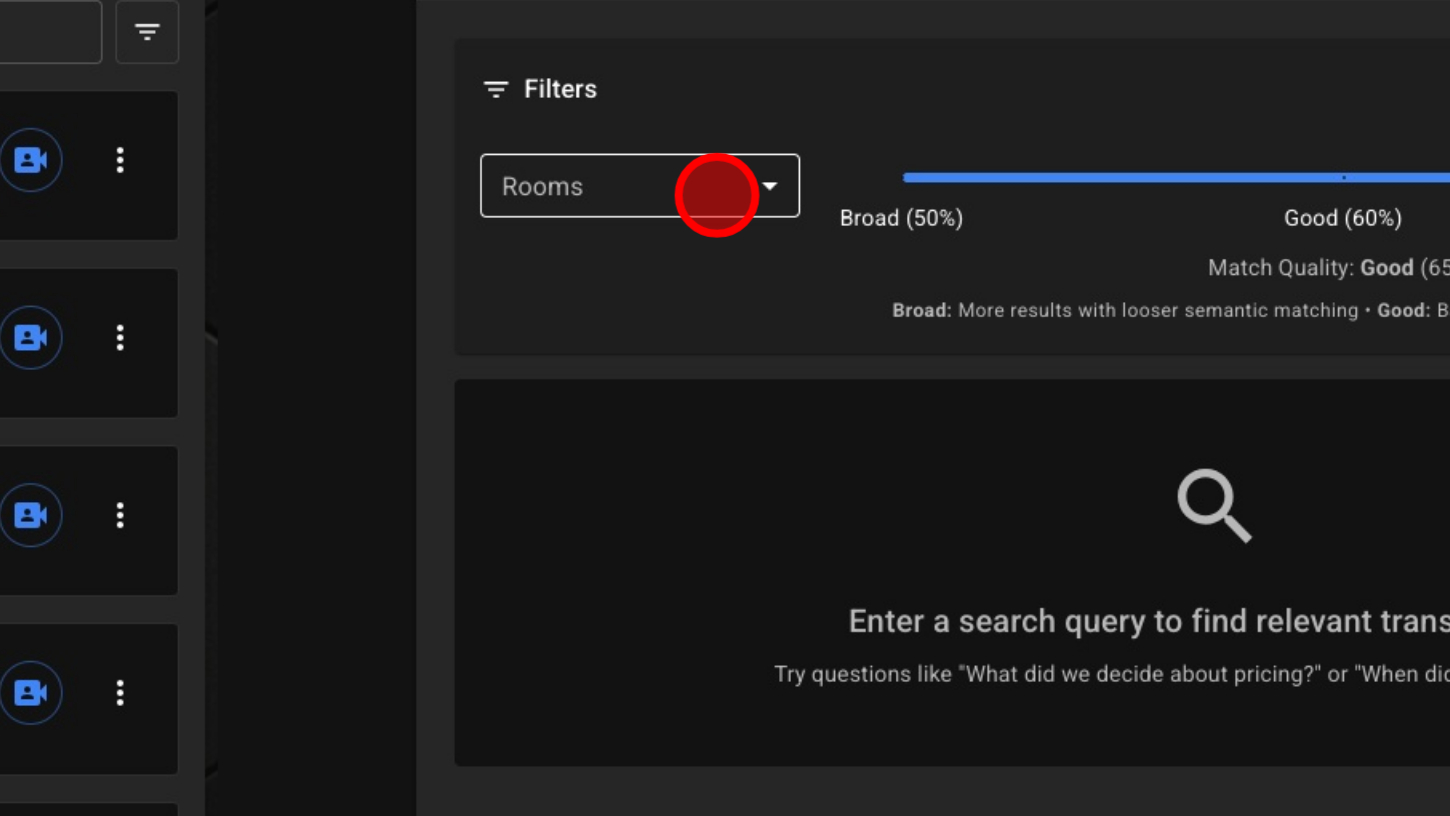
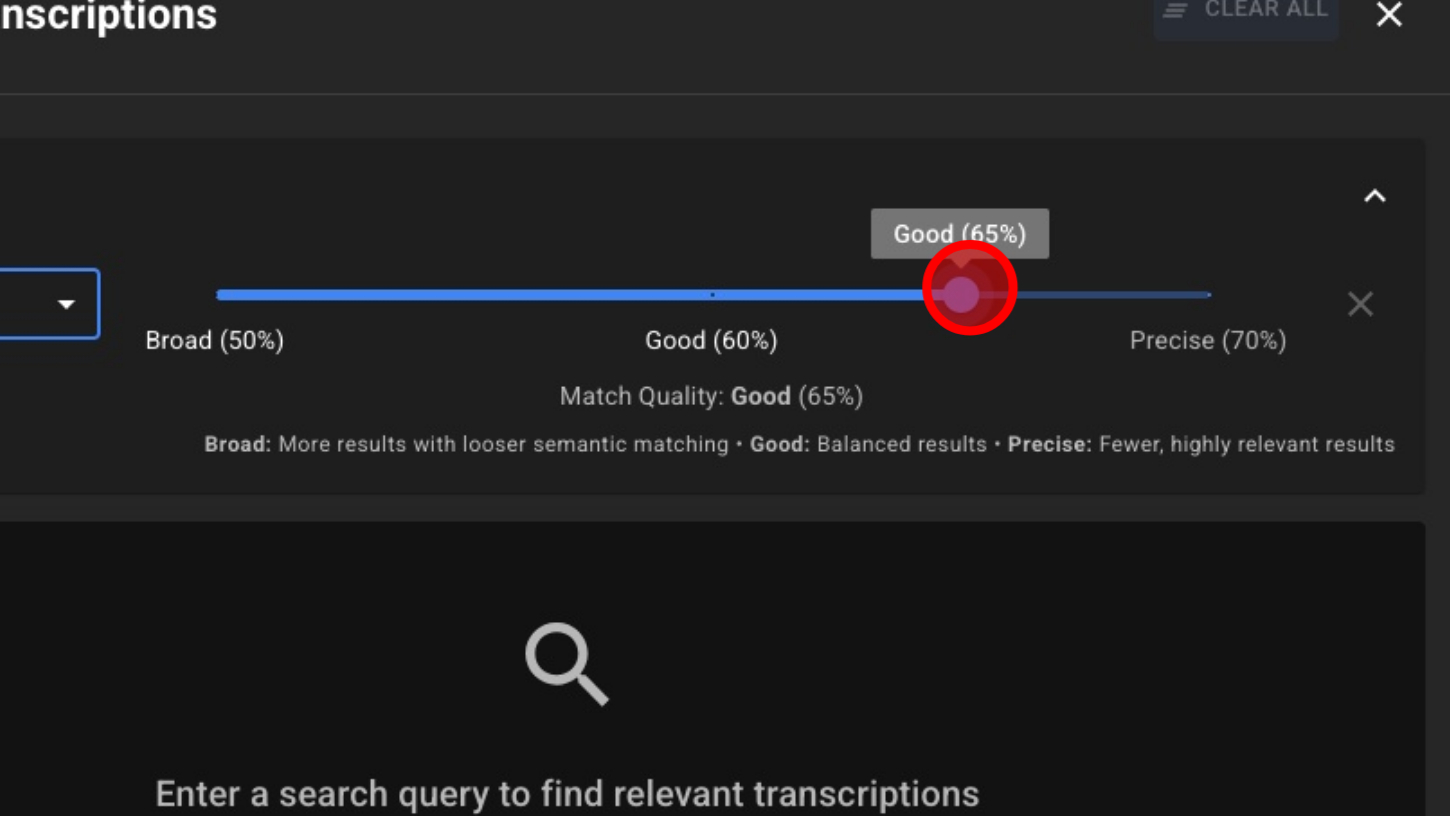
4. Select match quality (lower = more matches, higher = more accuracy)
5. Type your question or search query
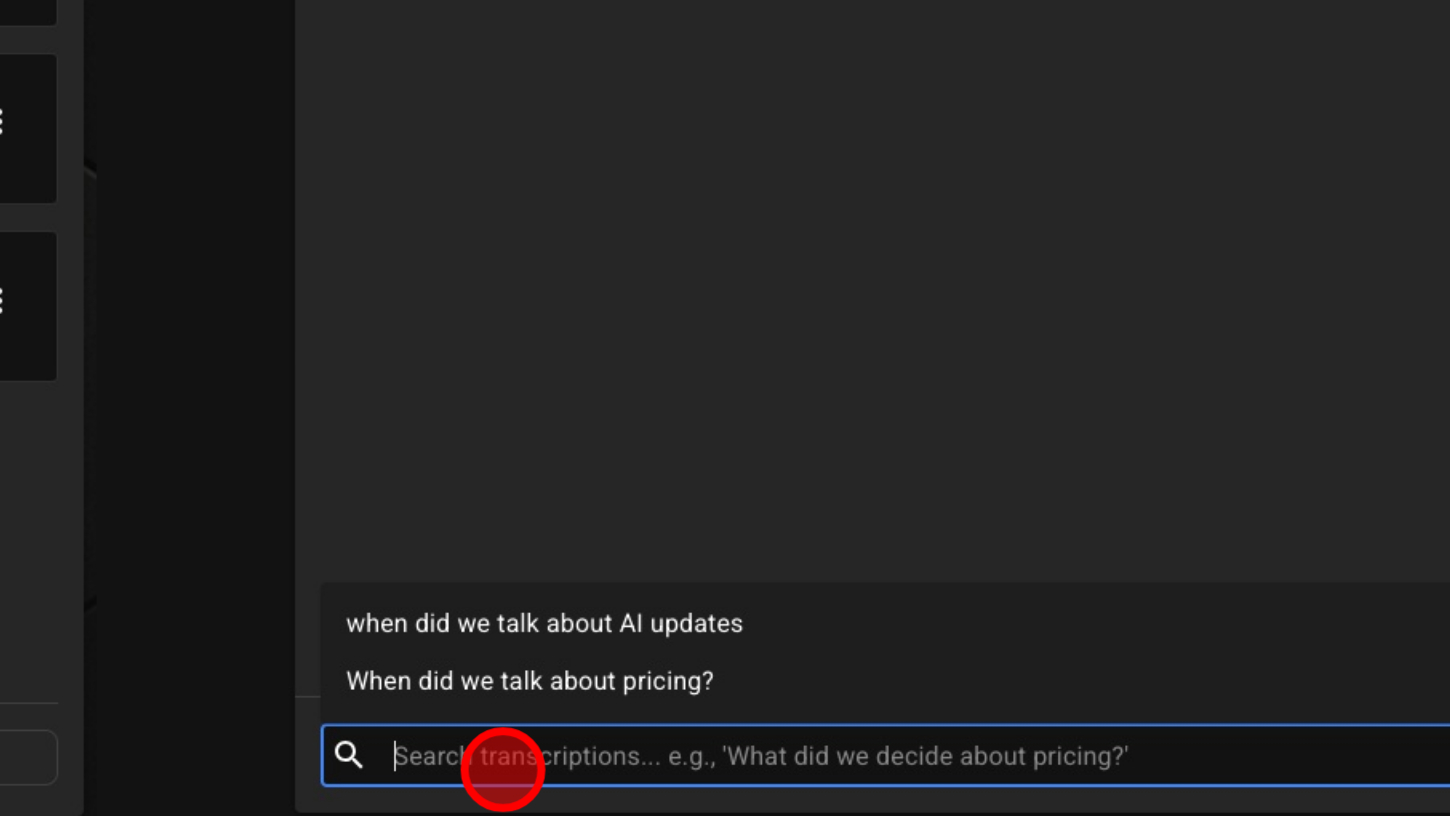
6. Click Enter or Search

7. Choose the result that matches your search
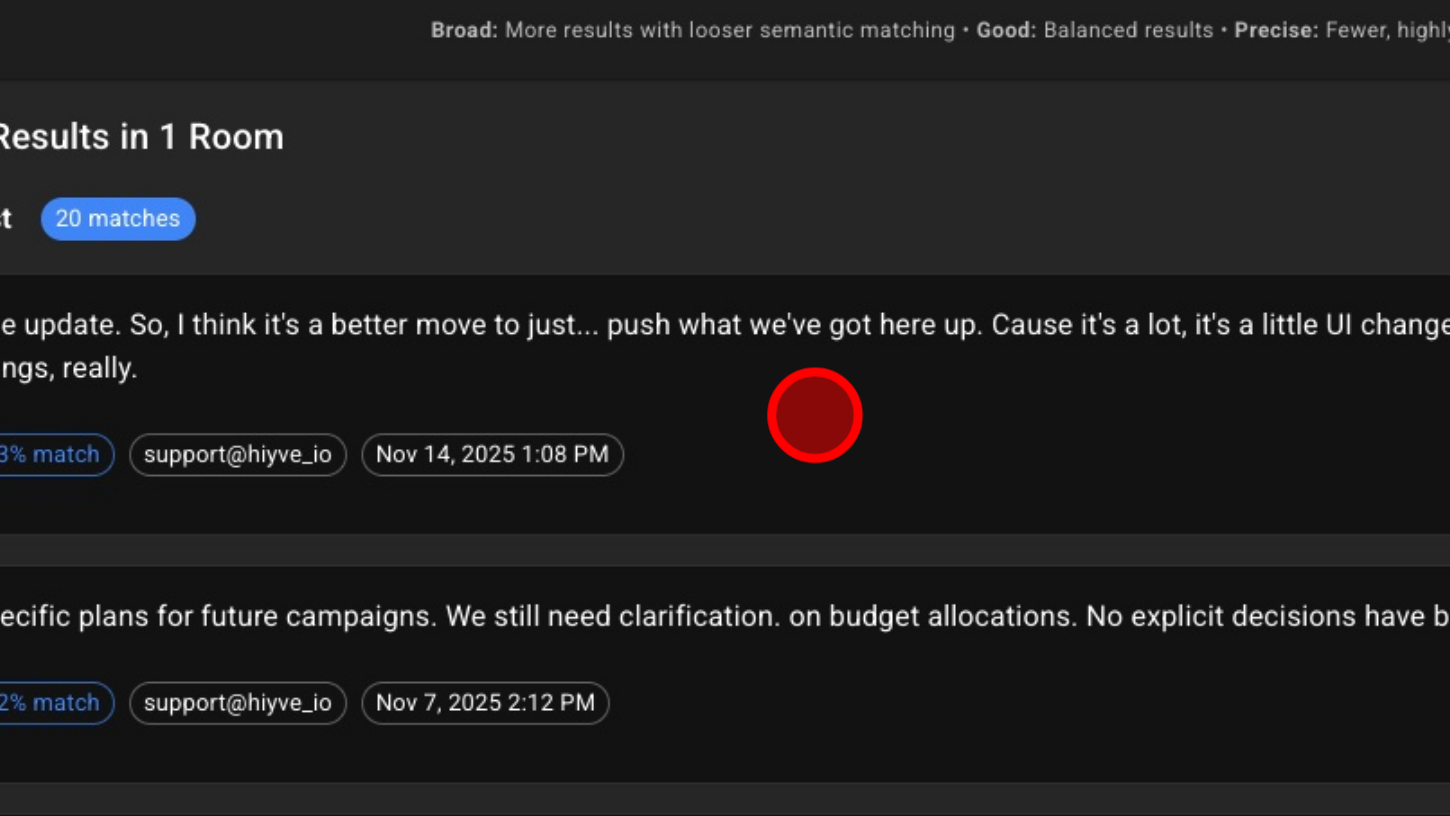
8. View full transcript to see this piece in context
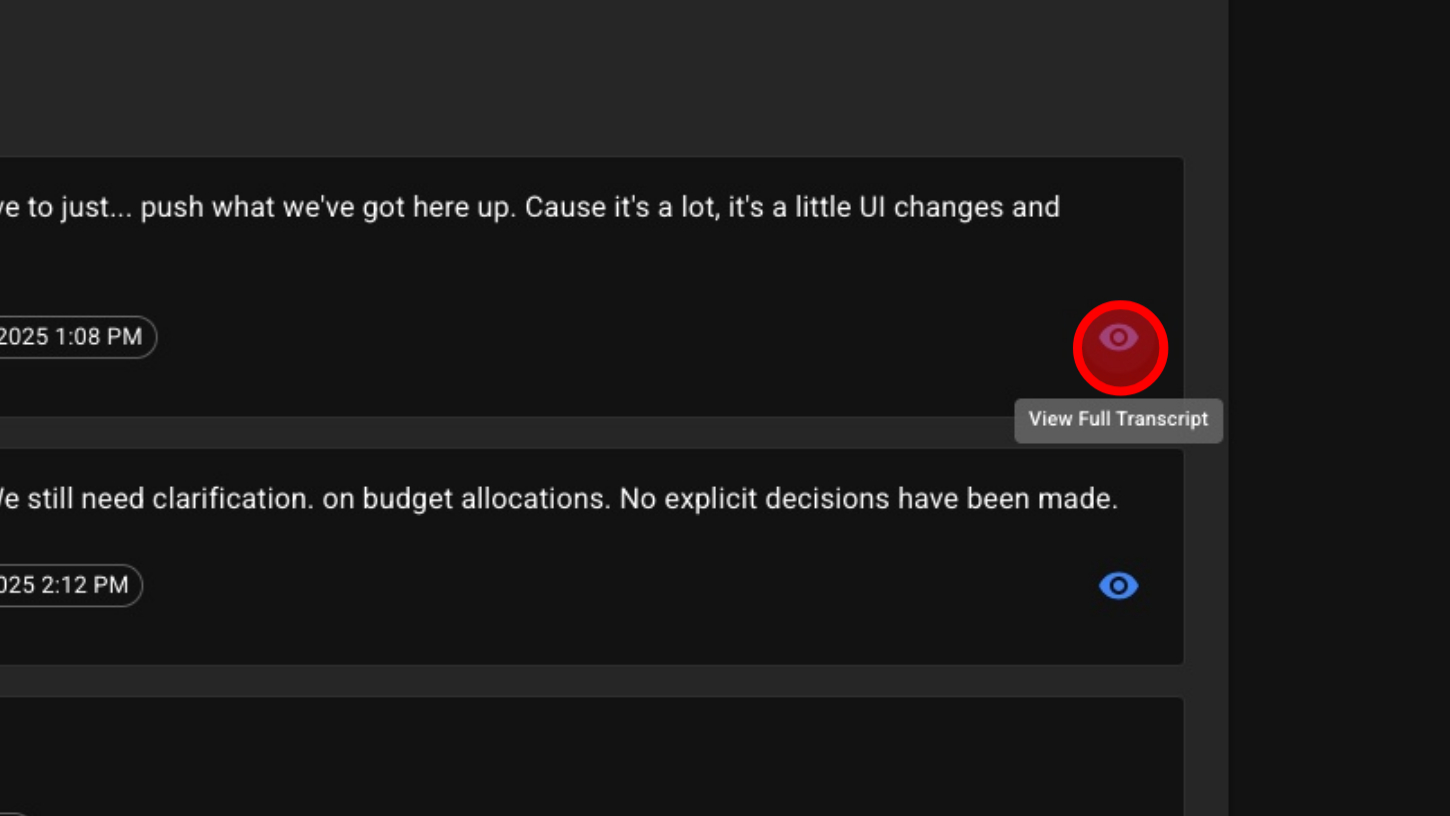
9. View full transcript