.png)
Why use Start an Instant Meeting
The Start an Instant Meeting option lets you launch a call immediately—no setup, no scheduling, and no room required. It’s perfect for quick conversations, spontaneous check-ins, or one-time meetings that don’t need saved notes or files.
Use Start an Instant Meeting to:
-
Connect instantly: Start a live call in seconds with just one click.
-
Skip setup: No need to create or configure a room beforehand.
-
Invite quickly: Share the meeting link with anyone.
-
Keep it simple: Use all core tools like Chat, Whiteboard, and Screen Share without saving content afterward.
-
Stay flexible: Ideal for quick discussions, troubleshooting sessions, or last-minute calls.
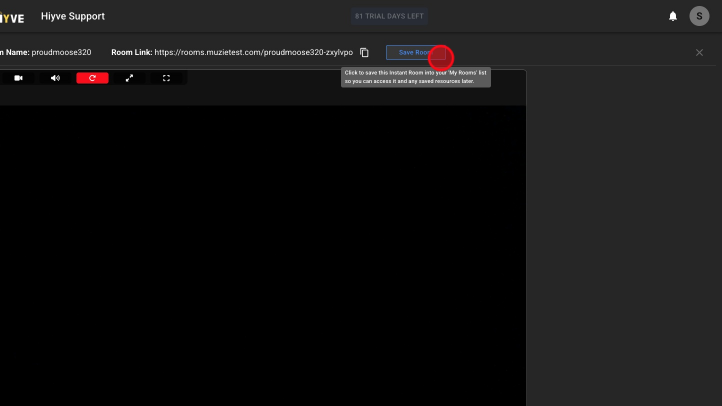
P.S. You can convert an instant meeting into a room if you decide the content is worth saving.
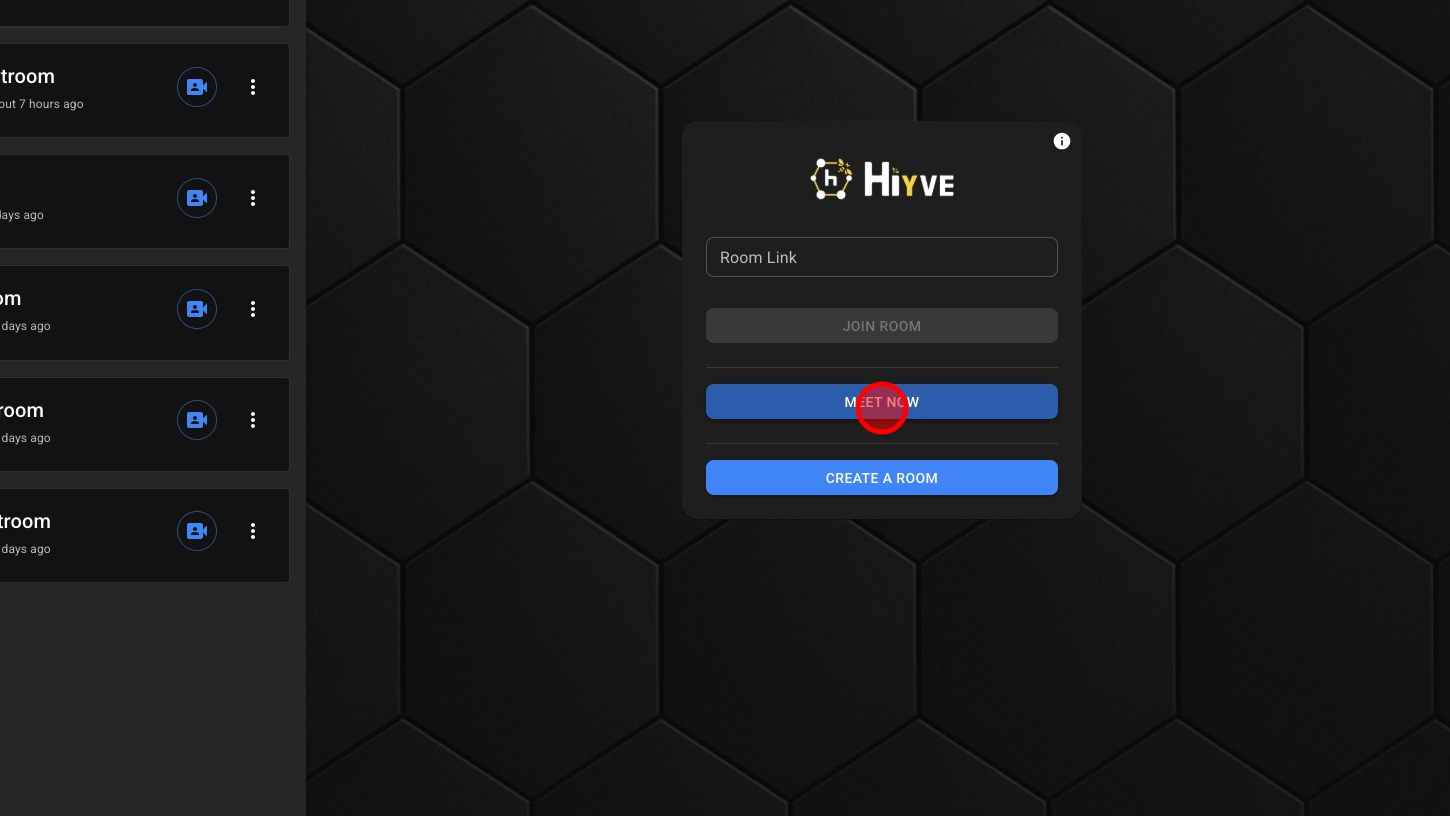
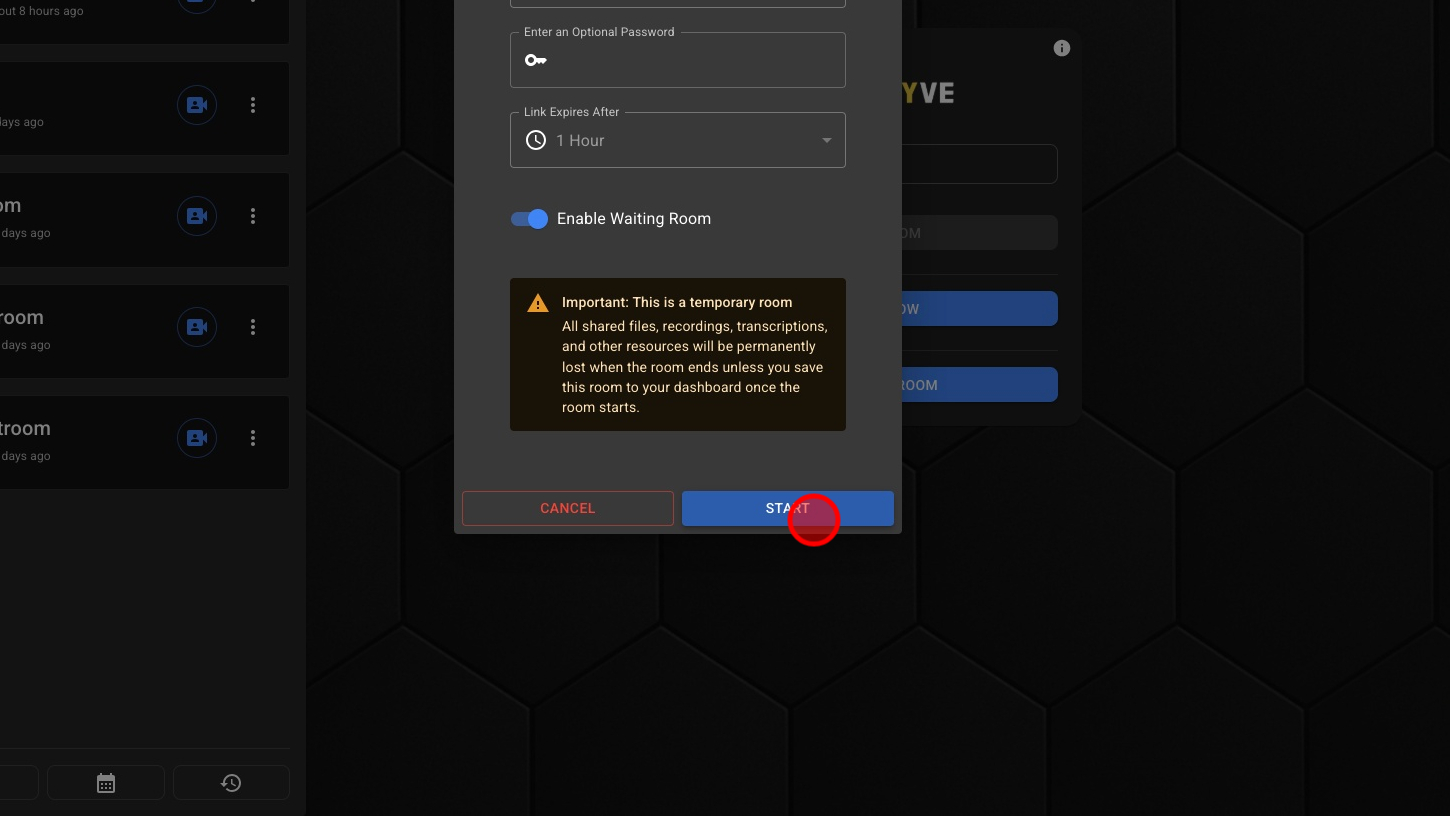
1. Click 'MEET NOW'
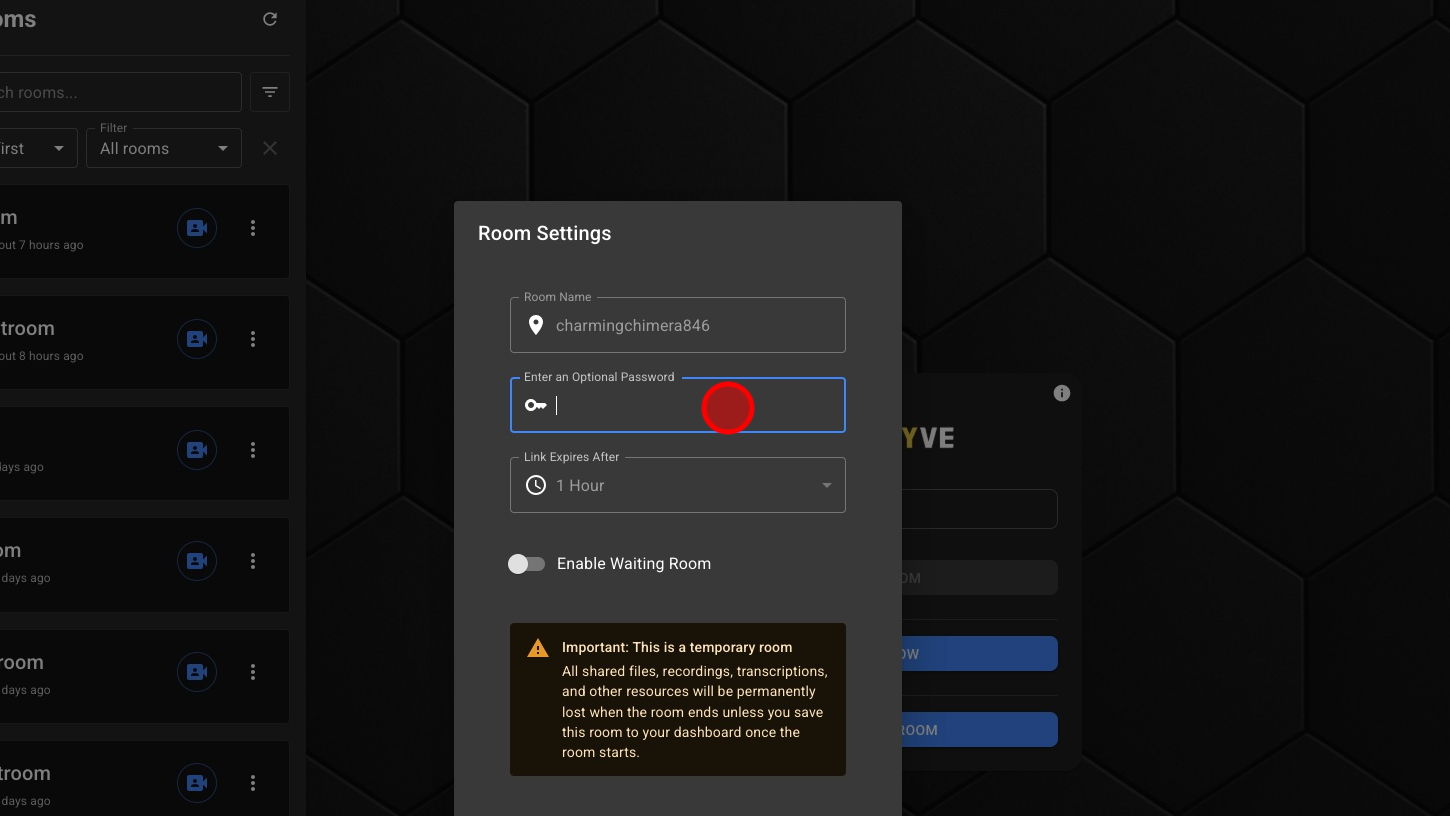
2. **Optional - Enter a Password
3. **Optional - Enable Waiting Rooms
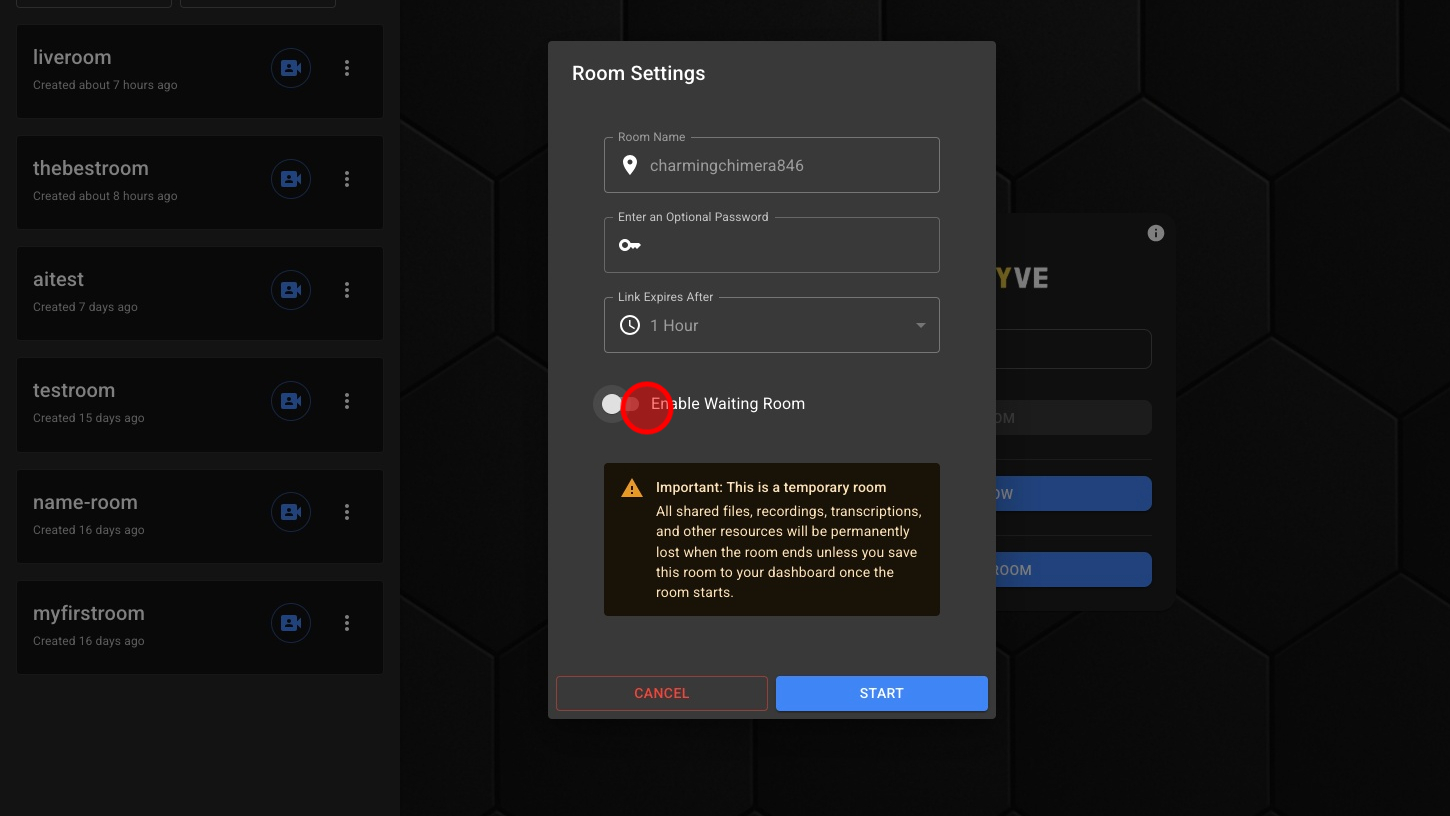
4. Click 'Start'
5. **Optional - Save Instant Meeting As A Room To Be Reused