.png)
Why use Mood Analysis
Mood Analysis helps you understand how participants feel and engage during a call. It uses facial and vocal cues to estimate emotional states such as focus, positivity, or confusion throughout the meeting. These insights can help you make better decisions in real time and improve future sessions.
Use Mood Analysis to:
-
Improve engagement: Identify when participants lose focus so you can adjust your delivery or pacing.
-
Enhance communication: See how your tone or approach impacts others and respond accordingly.
-
Support coaching and feedback: Review emotional trends after the call to better understand what moments worked and which didn’t.
-
Increase meeting effectiveness: Detect and address signs of confusion or disengagement before they affect outcomes.
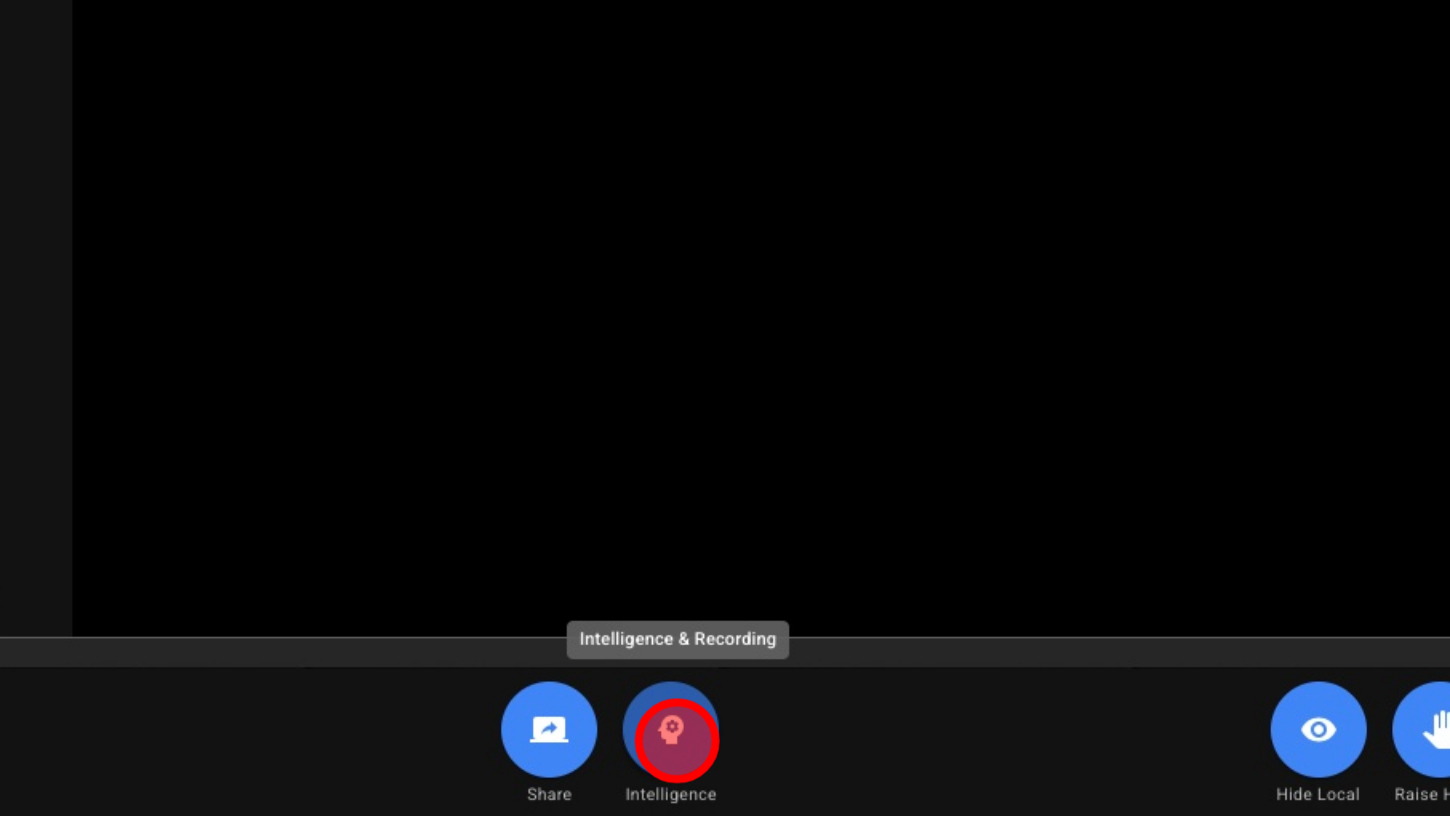
1. Open Intelligence
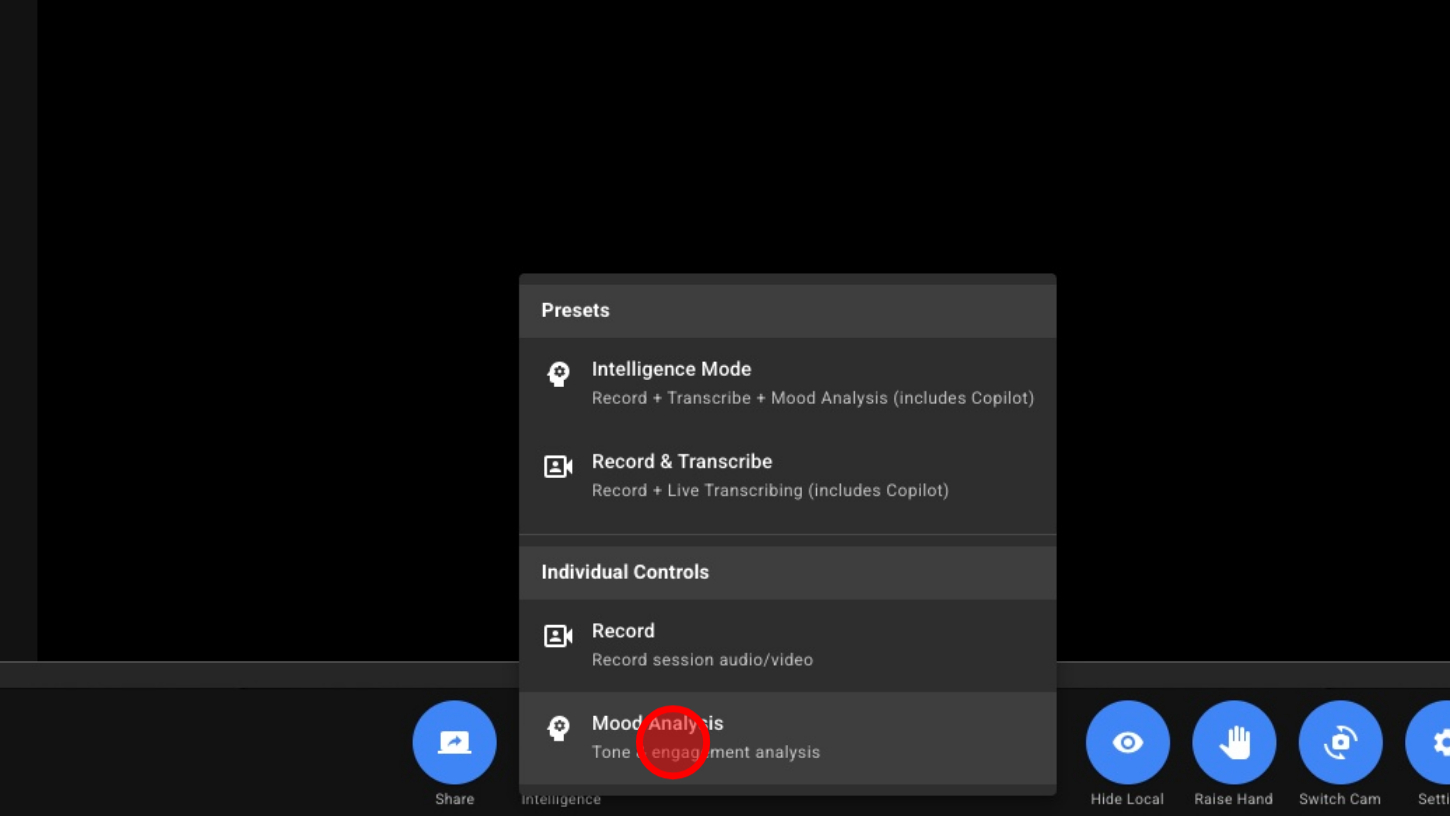
2. Choose Mood Analysis (or Intelligence Mode)
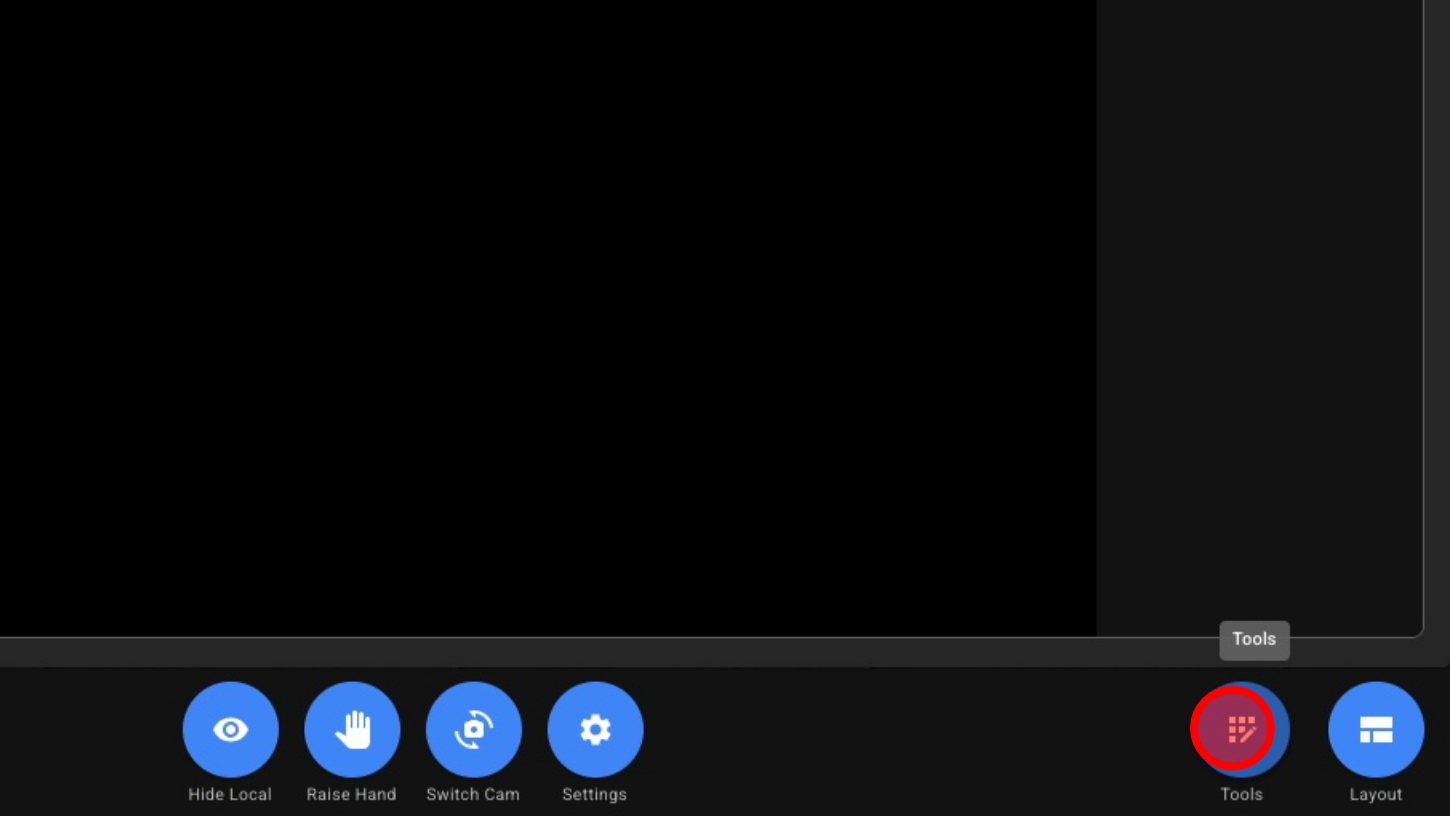
3. Open Tools
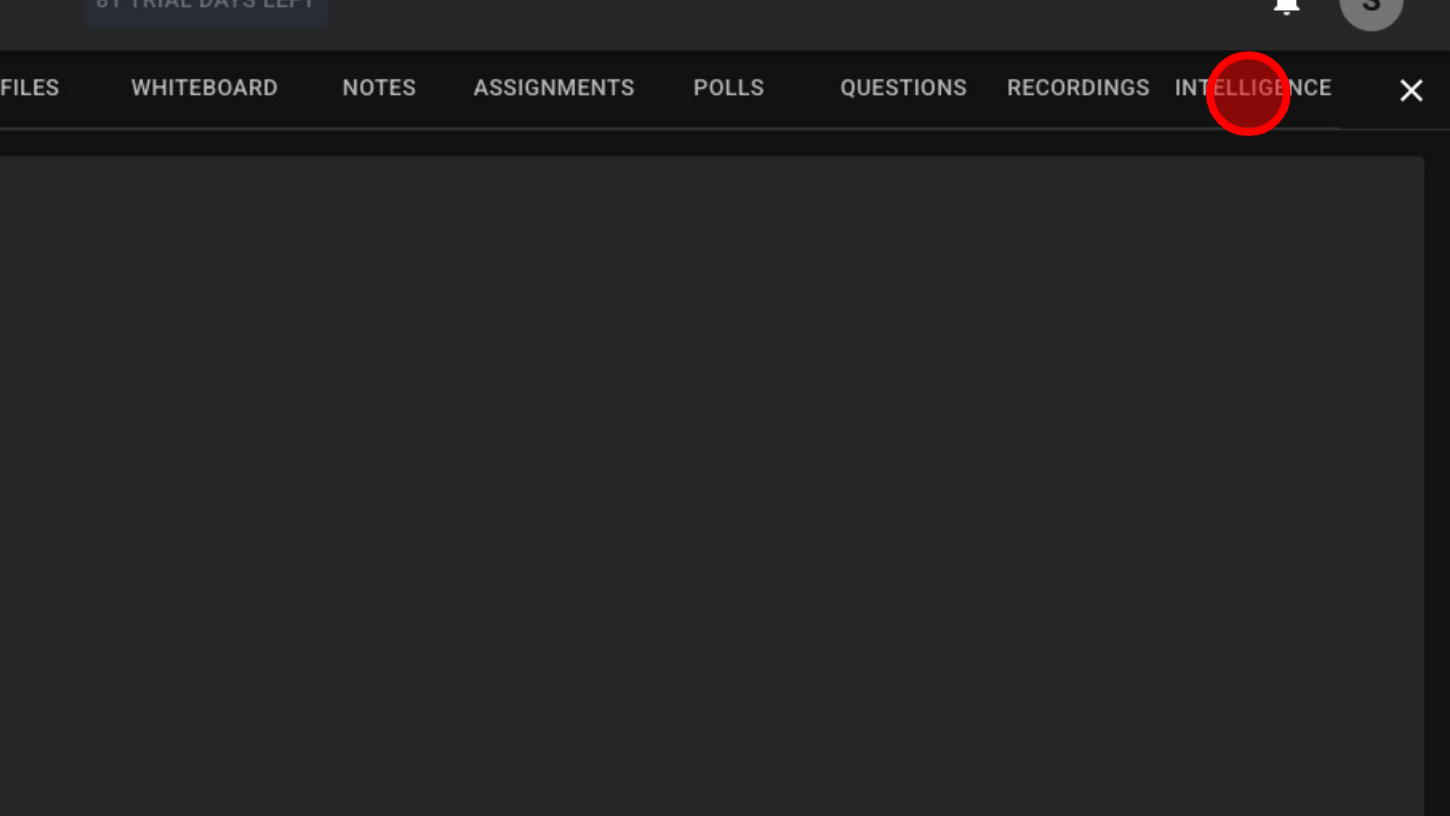
4. Click 'INTELLIGENCE'
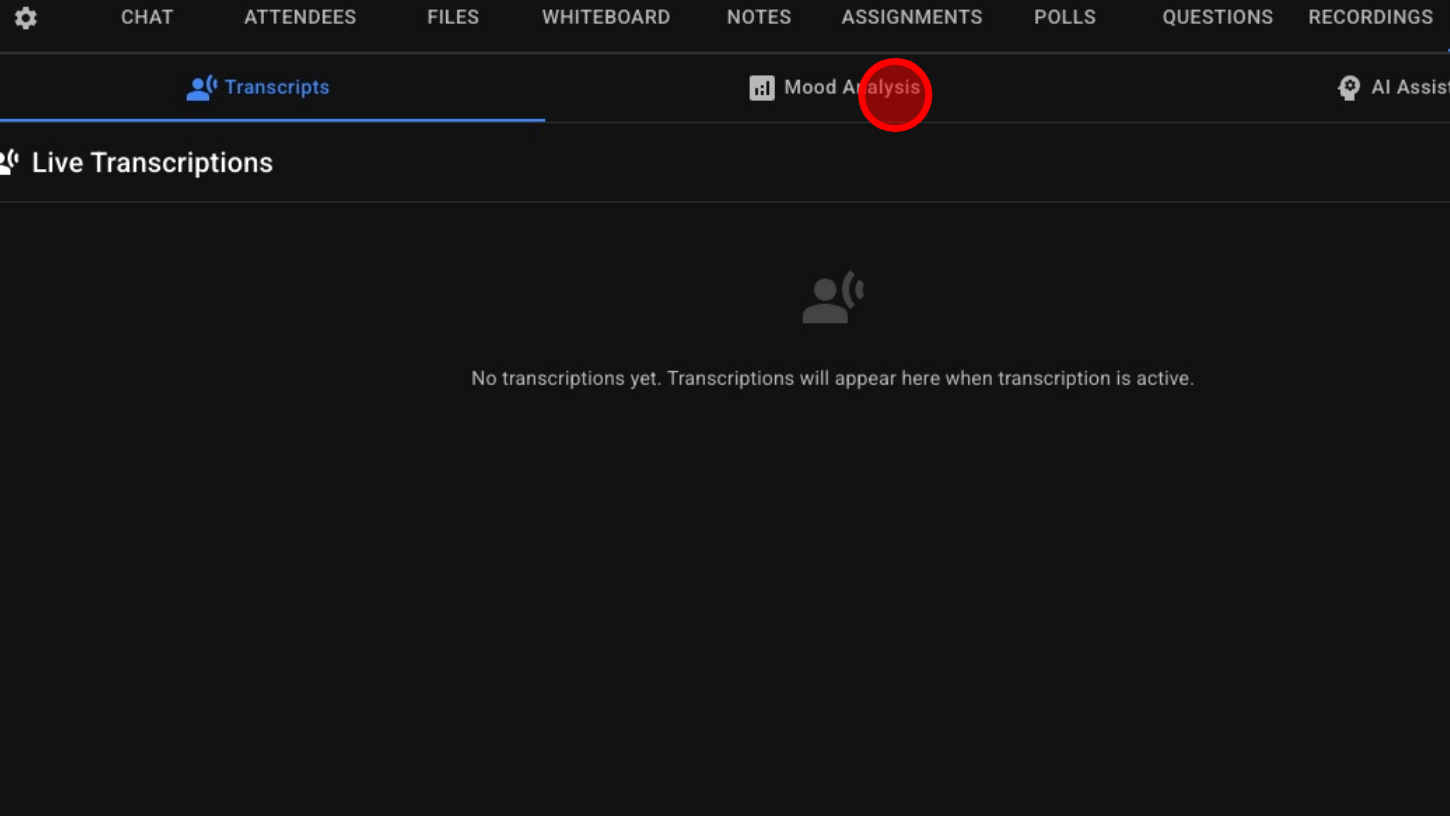
5. Click 'Mood Analysis'
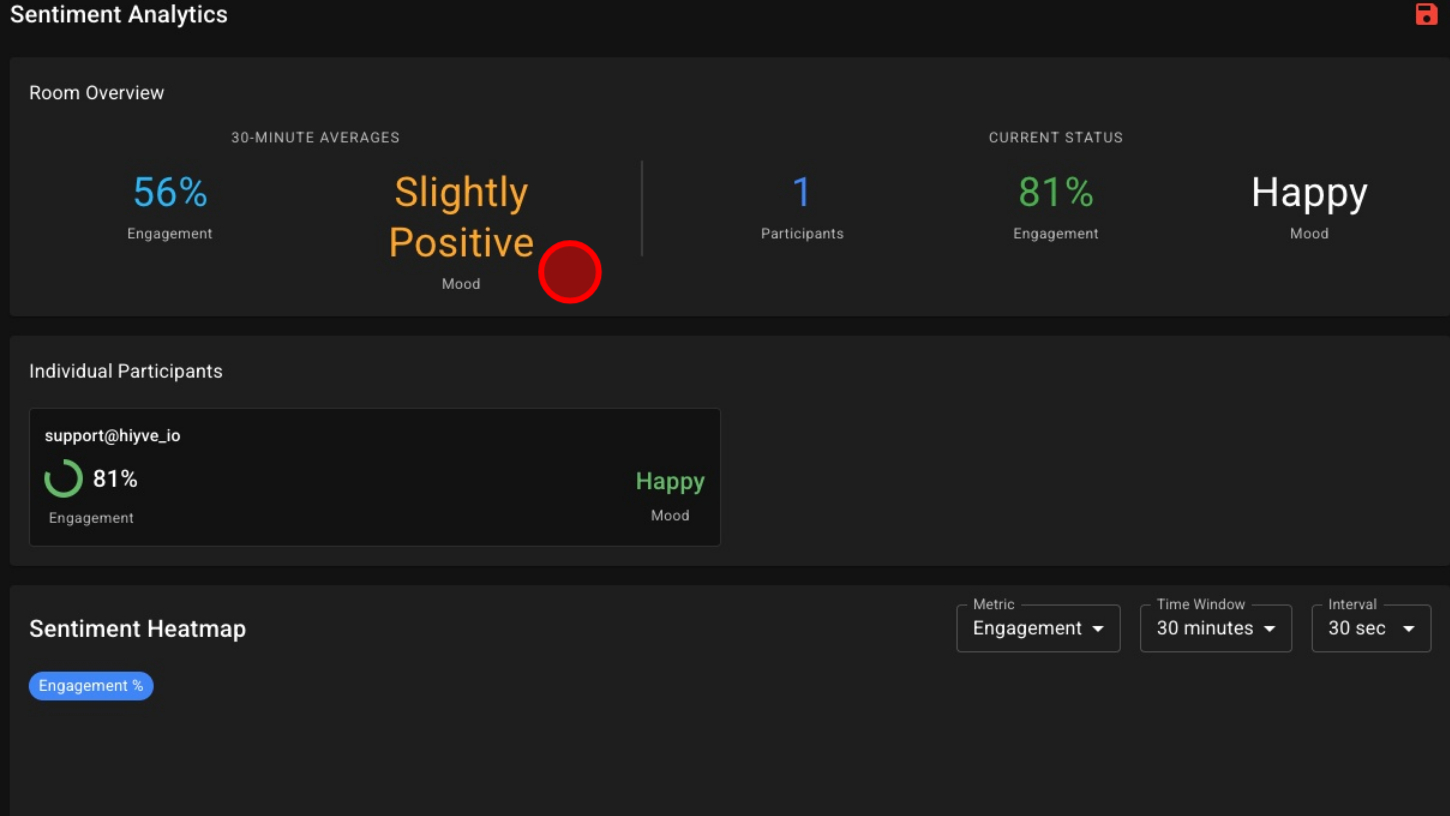
6. View Mood Data In Real Time
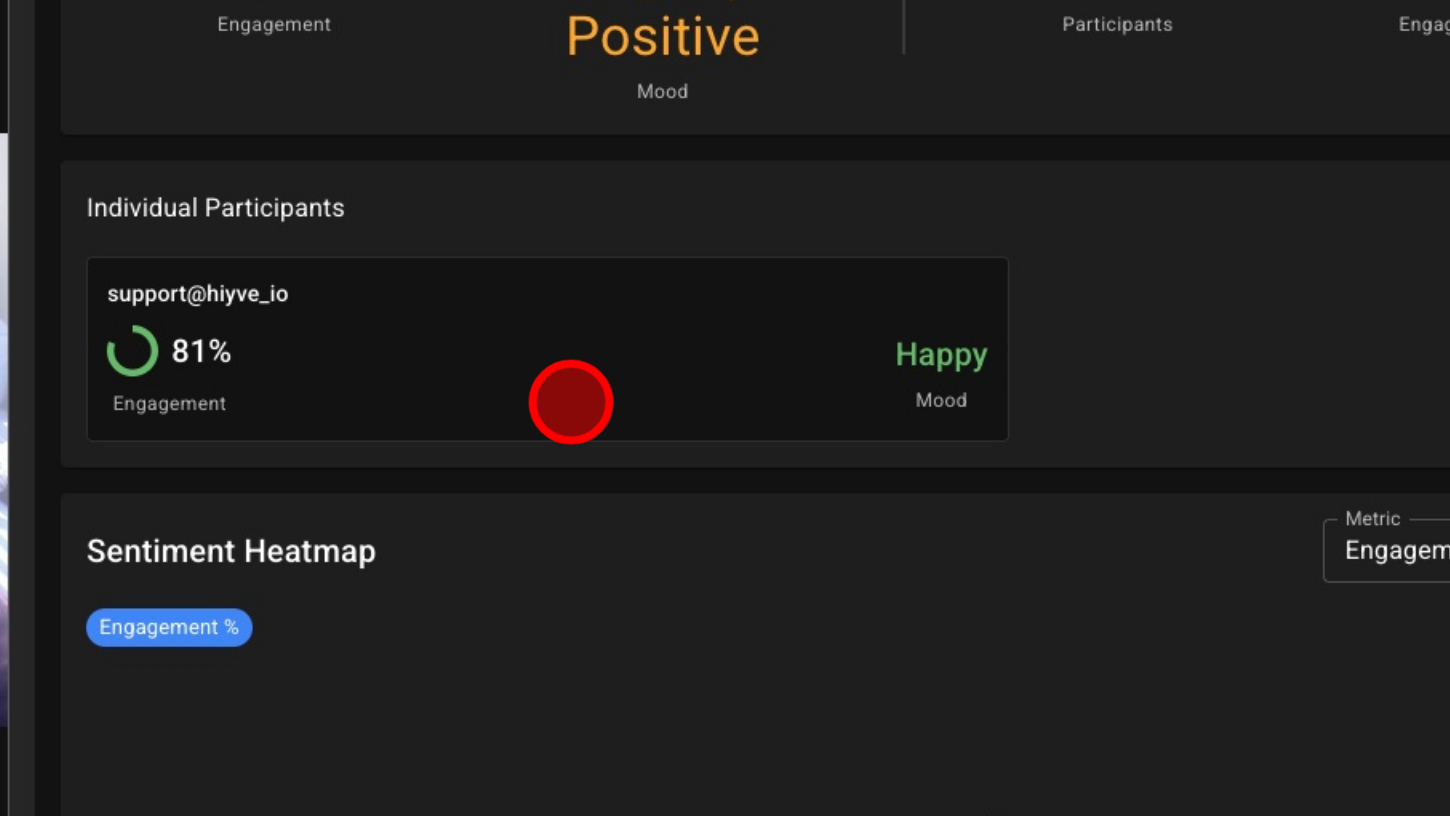
7. View Mood & Engagement For Each Participant
8. View The Timeline Data
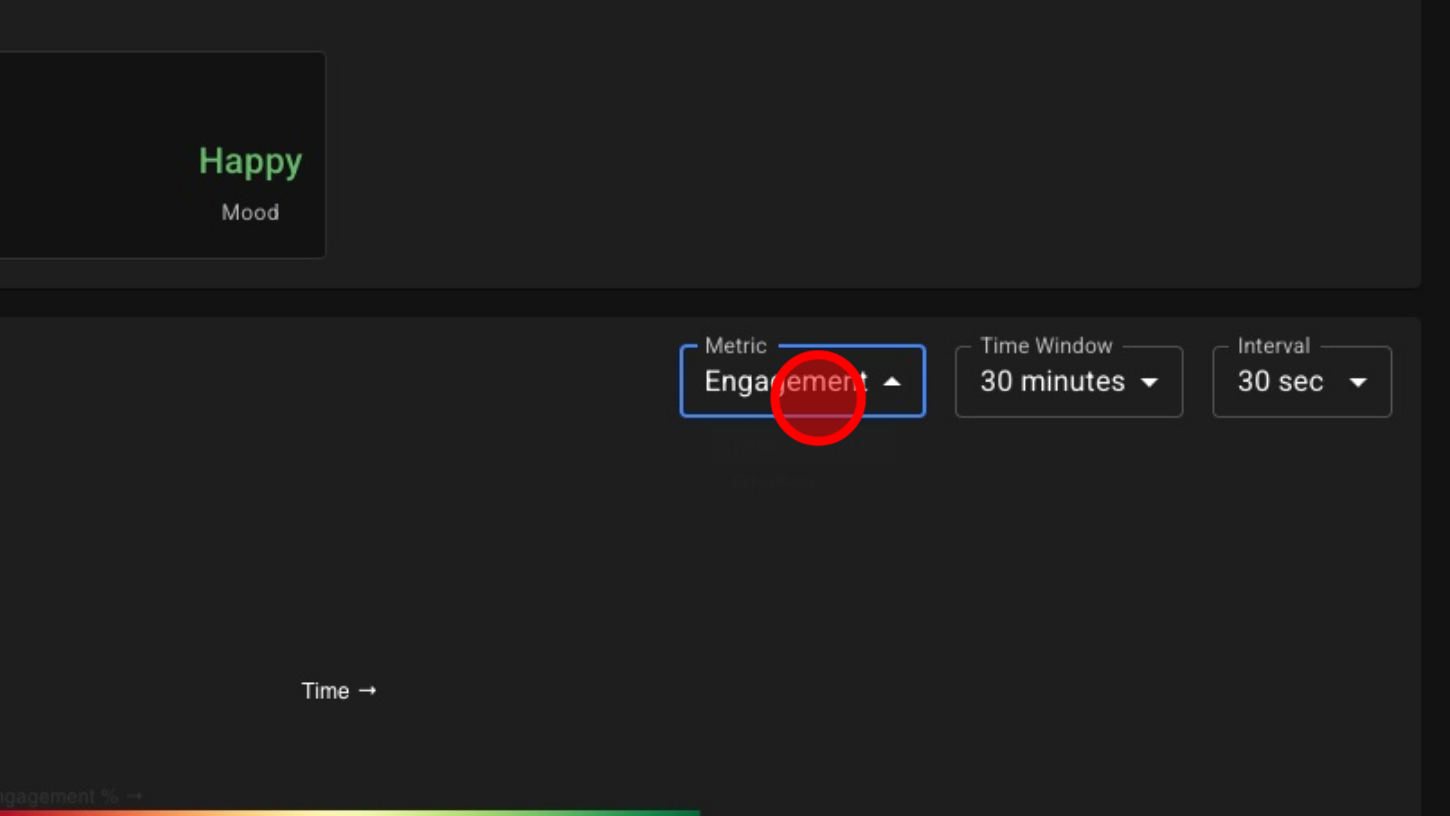
9. Choose Engagement or Emotion
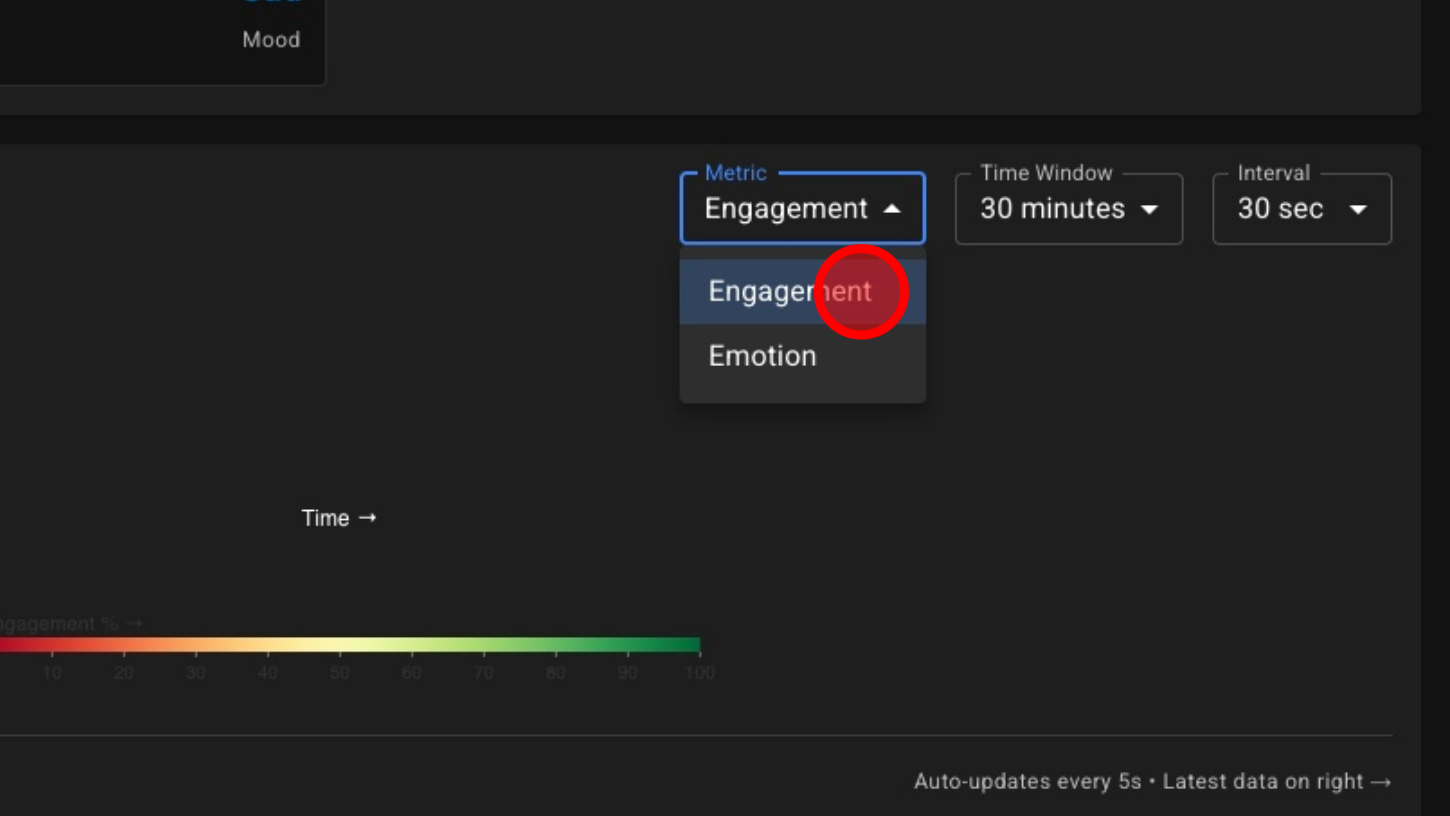
10. Choose How Long The Timeline Is
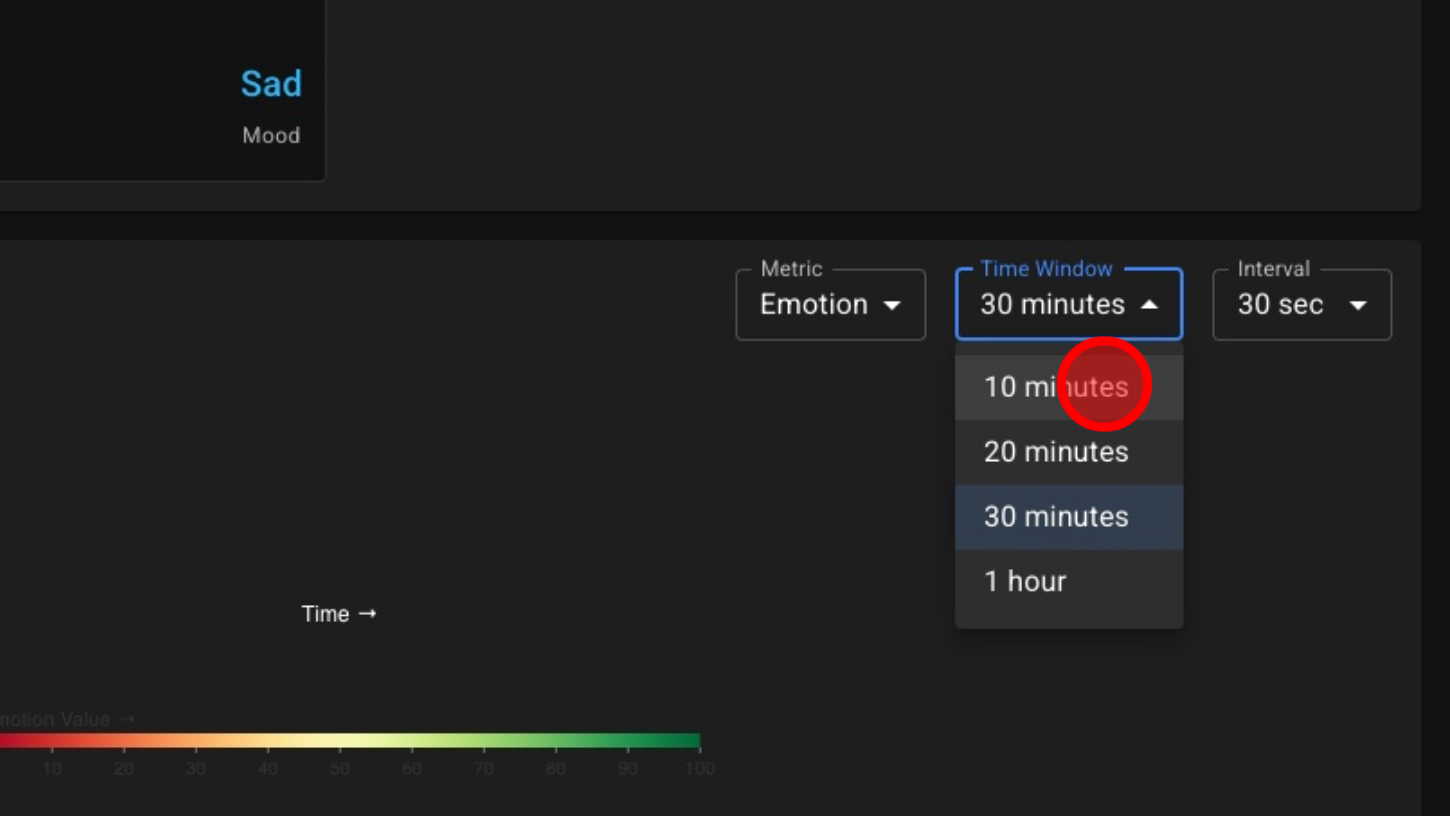
11. Choose The Interval That Data Is Collected

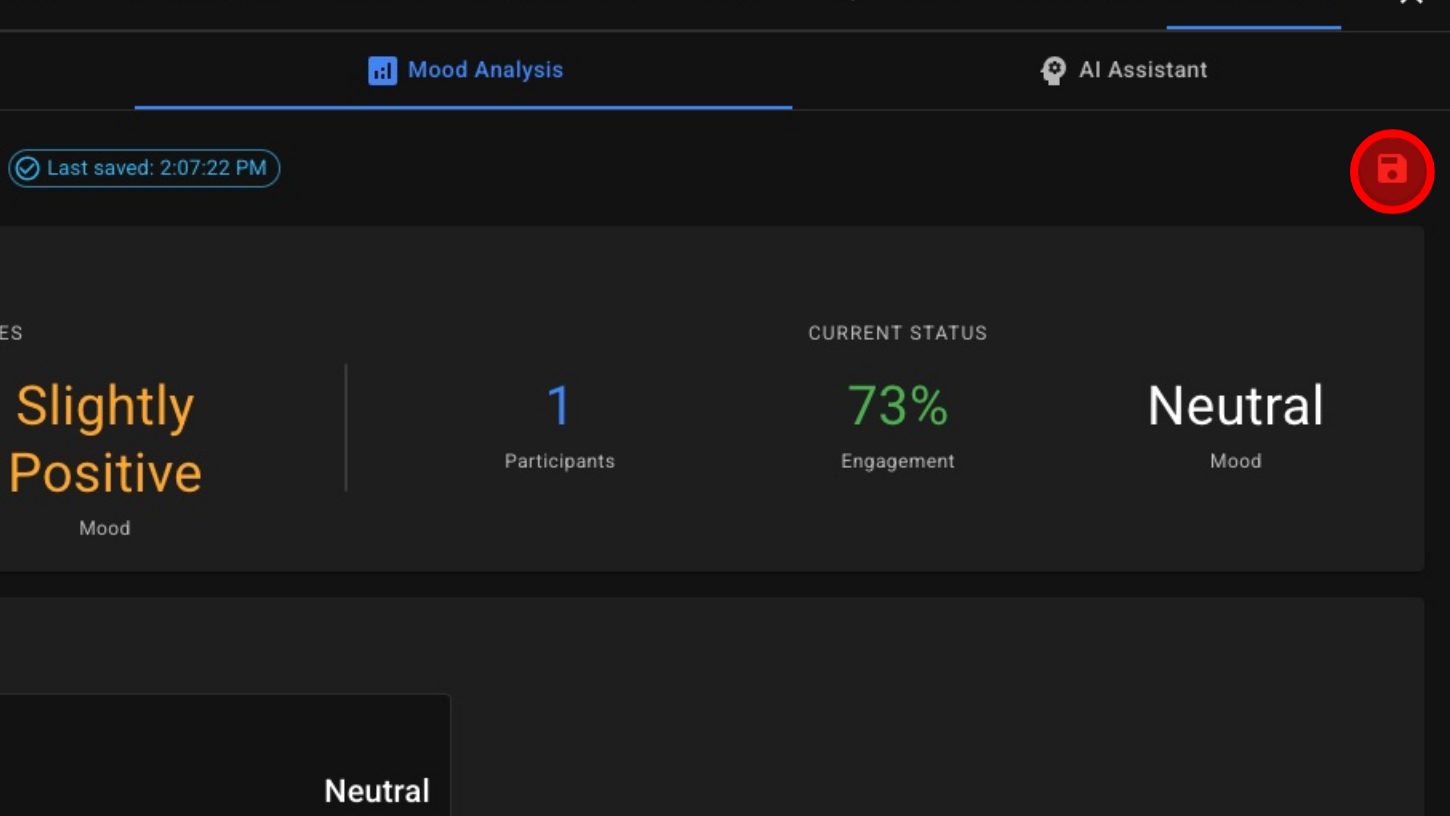
12. Save Data To Review After The Call