.png)
Why use Configure Tools
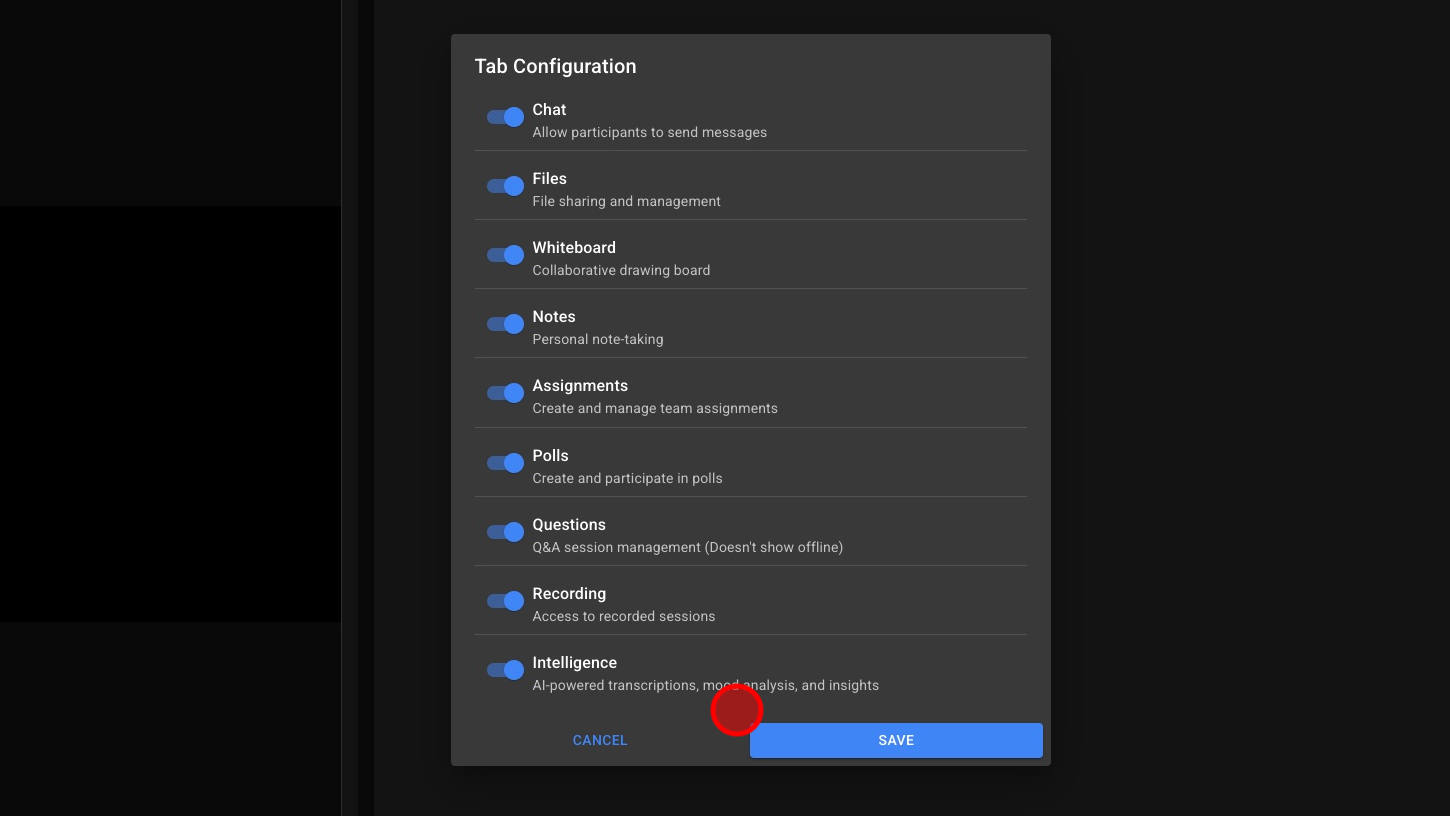
The Configure Tools panel allows you to customize which features are available during your calls. It helps you create a focused meeting environment by enabling only the tools you need and disabling the ones you don’t.
Use Configure Tools to:
-
Simplify your workspace: Hide unused tools to keep your interface clean and distraction-free.
-
Control access: Choose which features participants can use during a session.
-
Tailor experiences: Set up different tool configurations for lessons, meetings, or demos.
-
Save preferences: Keep your preferred setup for future sessions or recurring rooms.
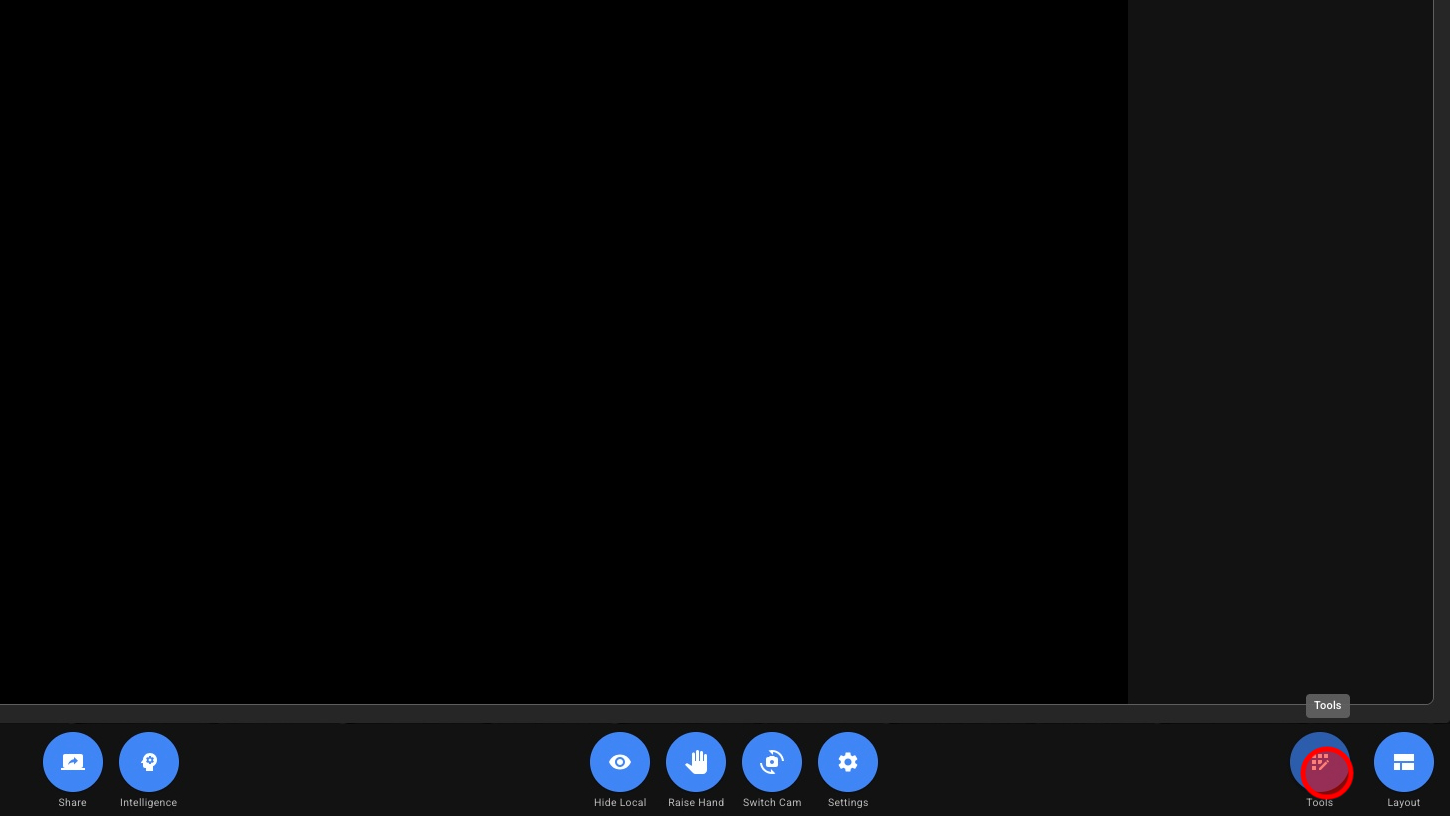
1. Open Tools
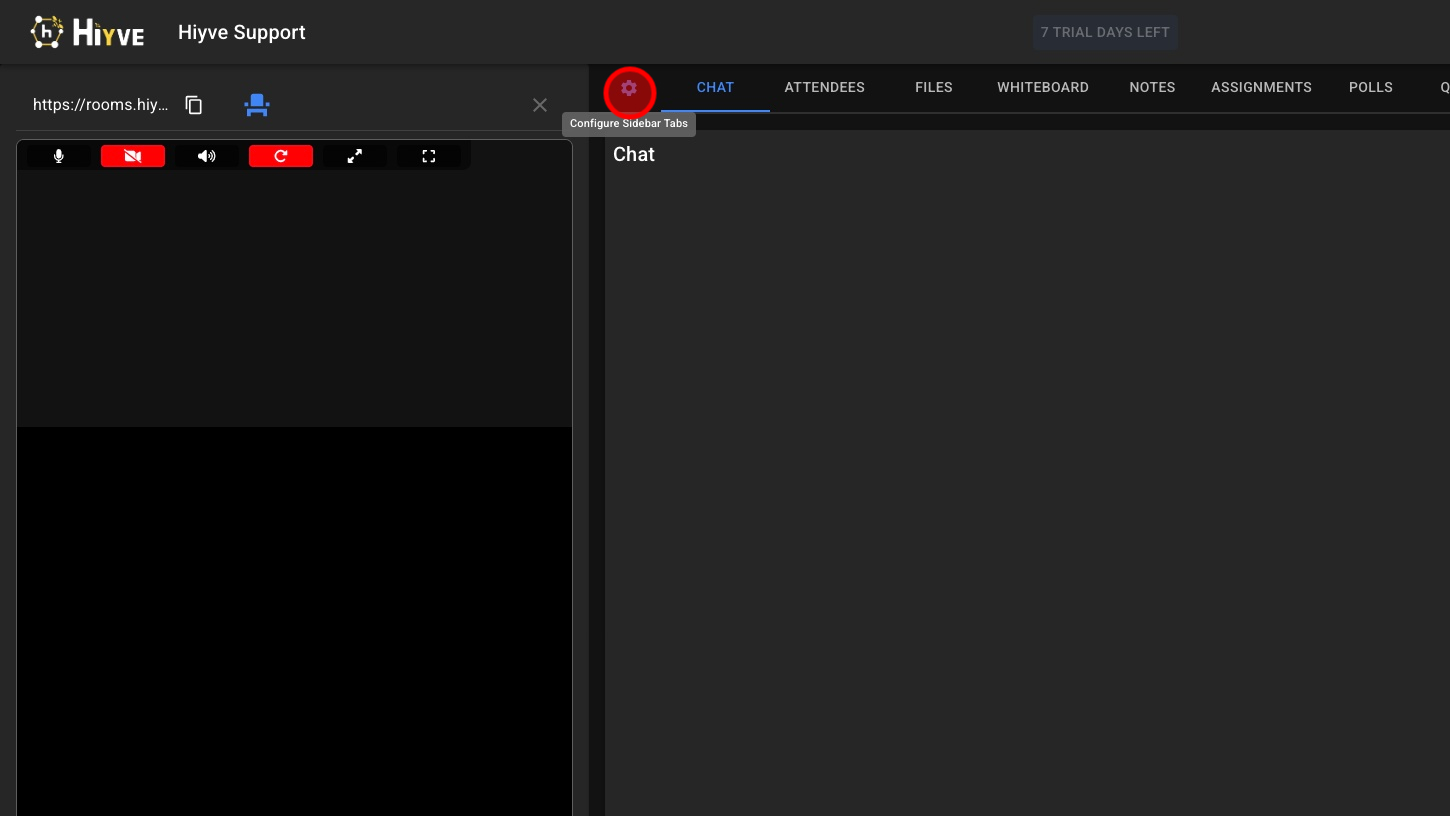
2.Configure Tools Menu
3. Choose With Tools Are Available During Your Calls