.png)
Why use Attendees
The Attendees tool lets you view and manage everyone currently in your session. It provides quick access to participant details and controls, helping you maintain order, manage permissions, and keep meetings running smoothly.
Use Attendees to:
-
See who’s present: View all participants in real time as they join or leave the session.
-
Manage permissions: Mute participants, or remove users when needed.
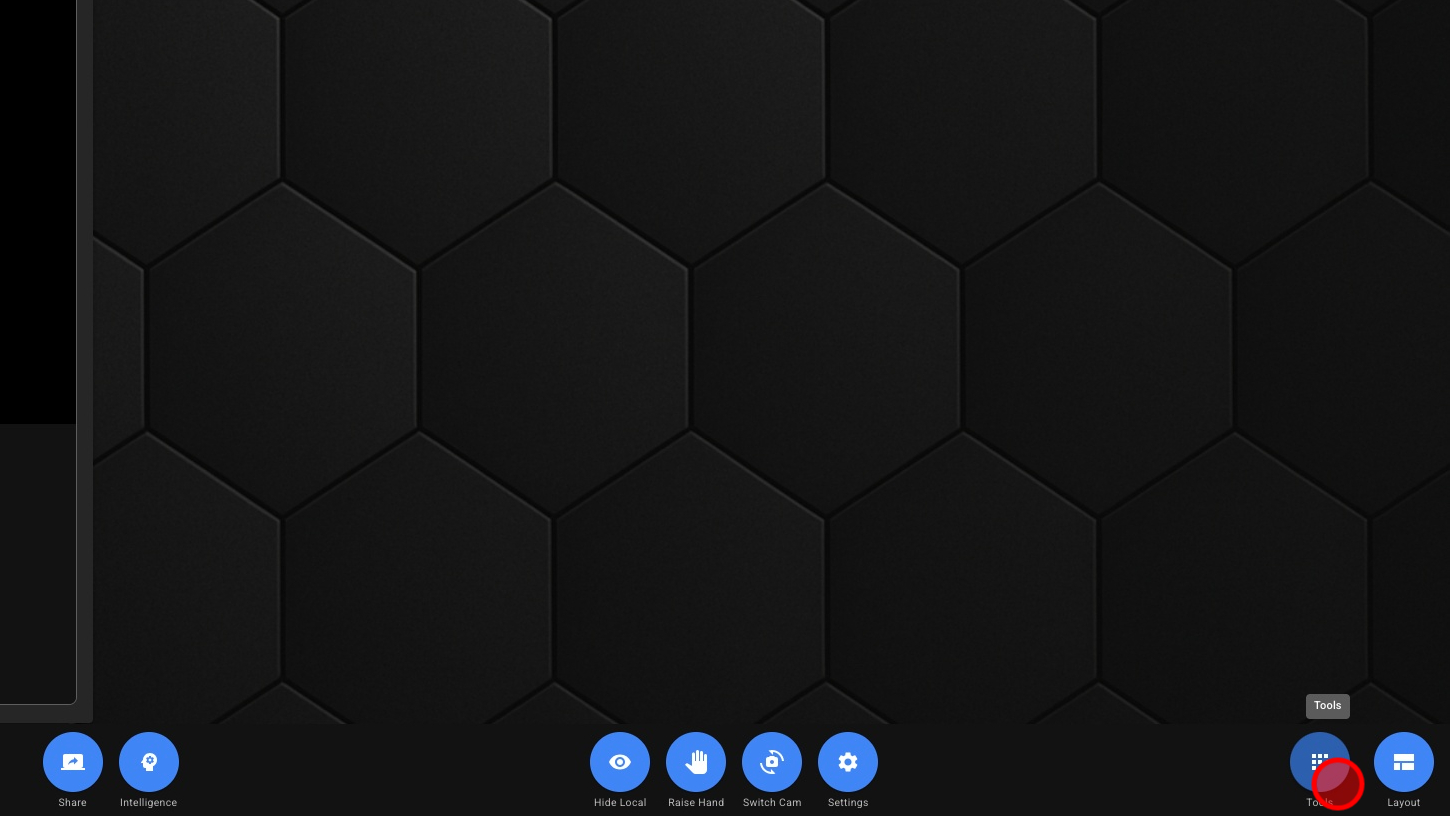
1. Open Tools
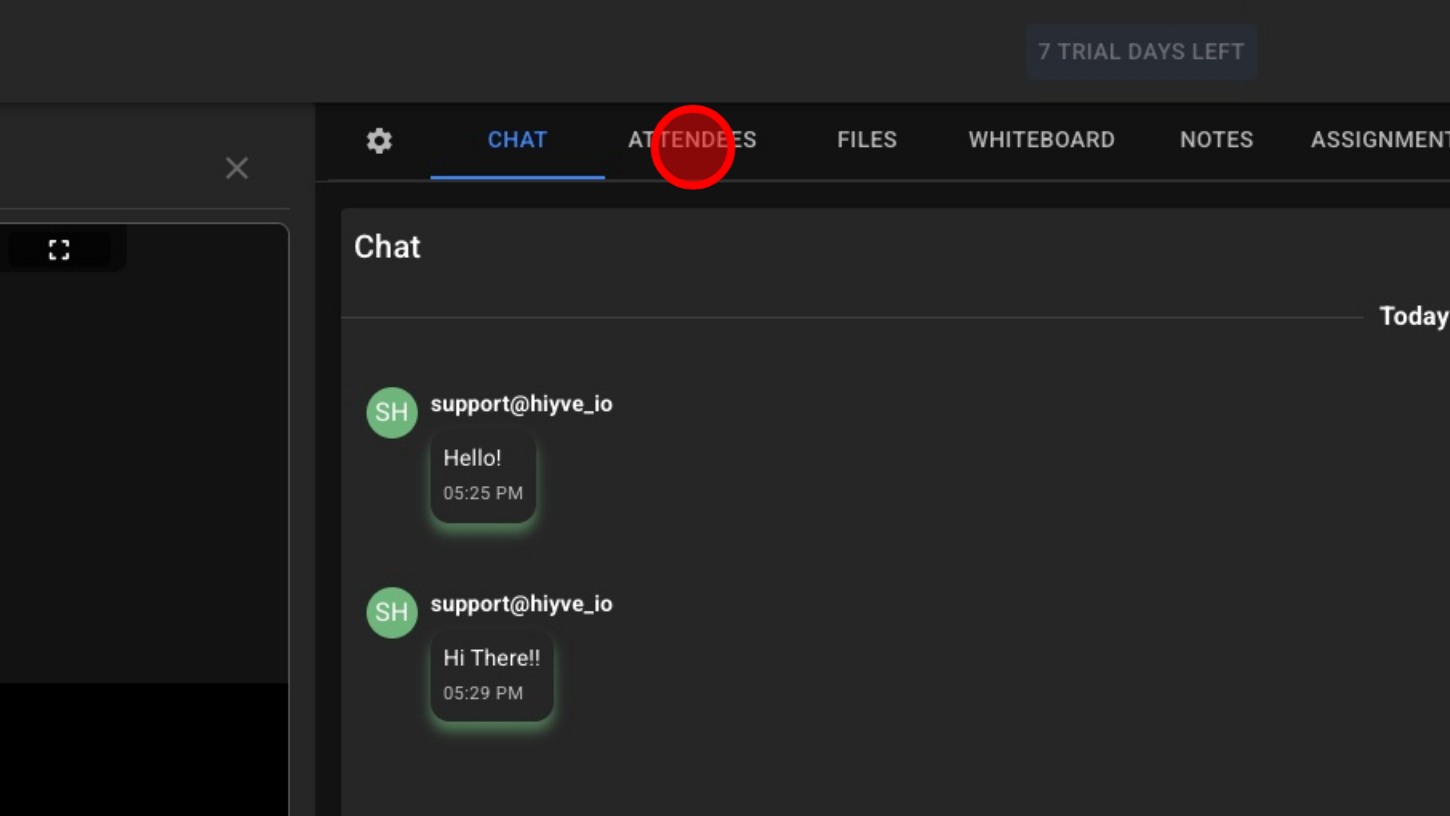
2. Click “Attendees”
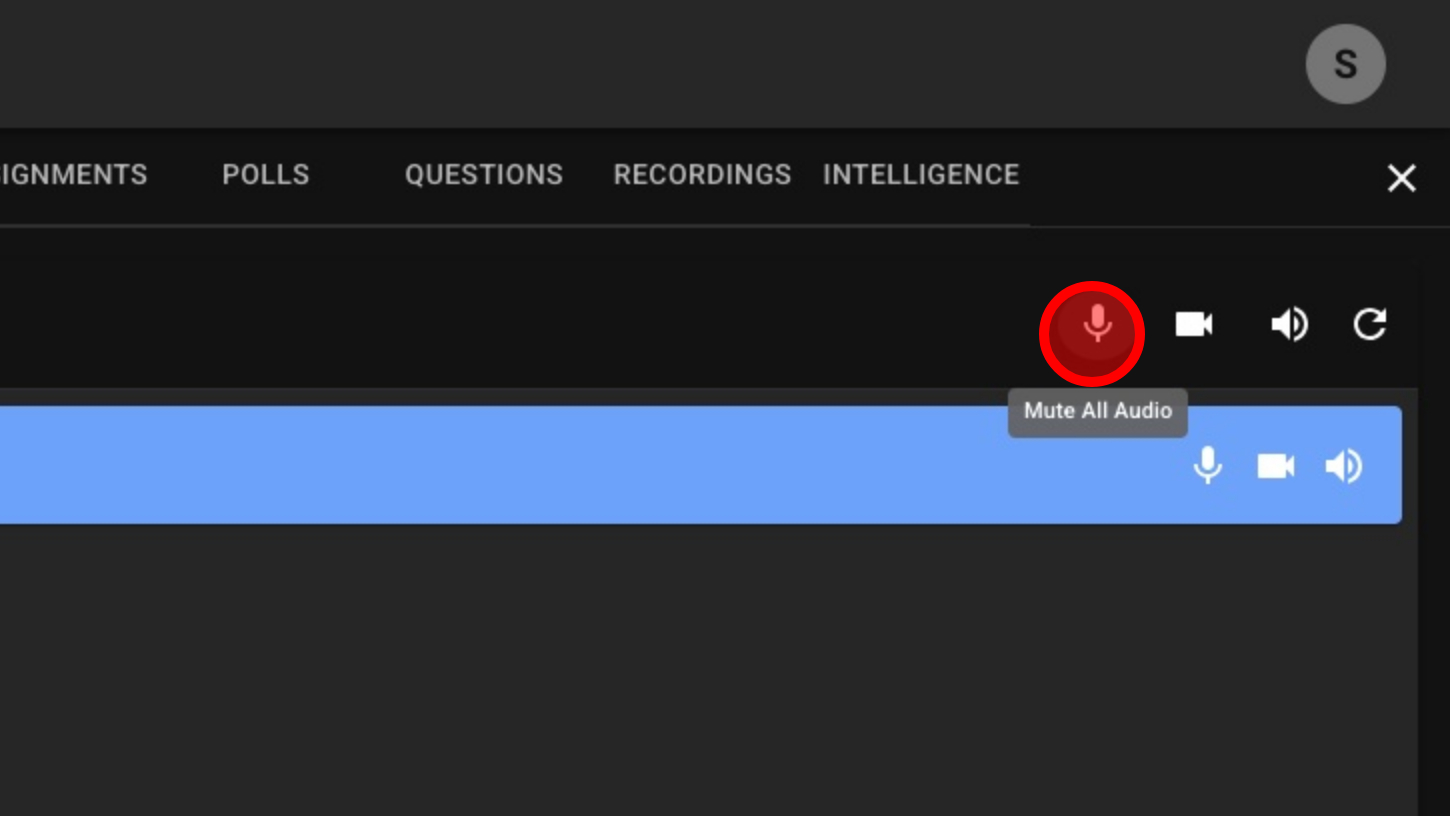
3. Mute All Microphones (Not Including Host)
4. Disable All Cameras (Not Including Host)
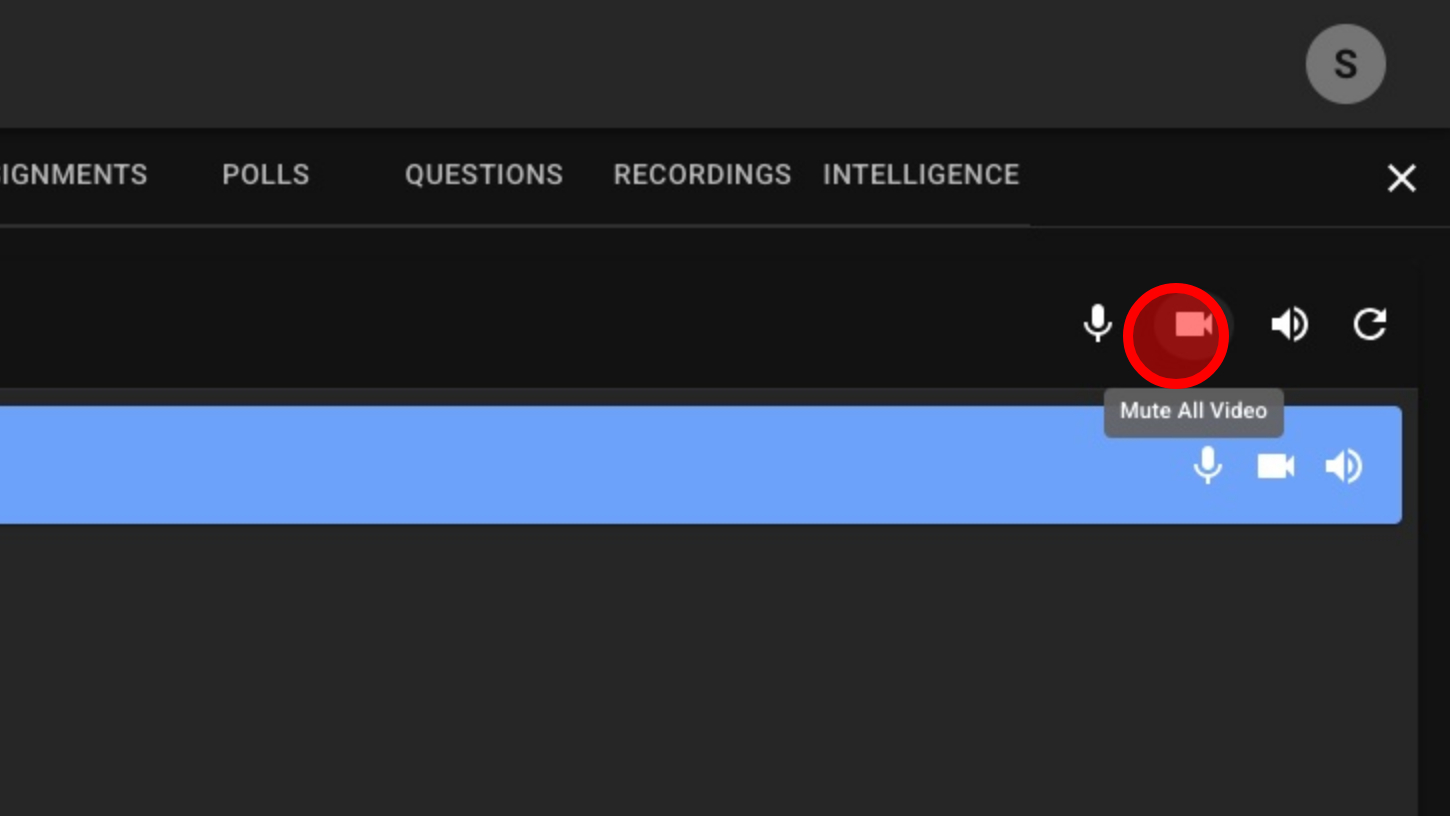
5. Mute All Speakers (Not Including Host)
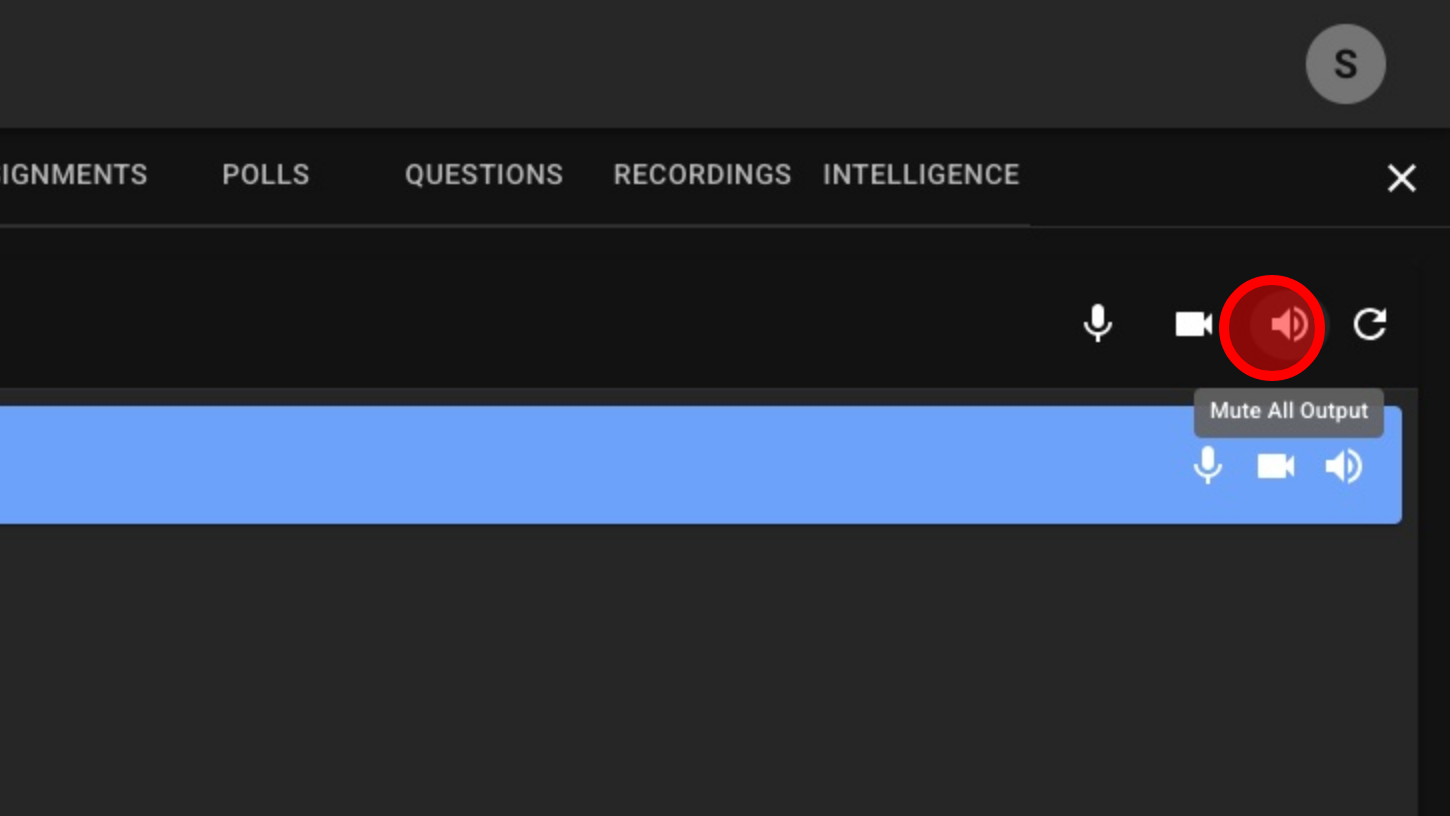
6. Refresh Attendees List
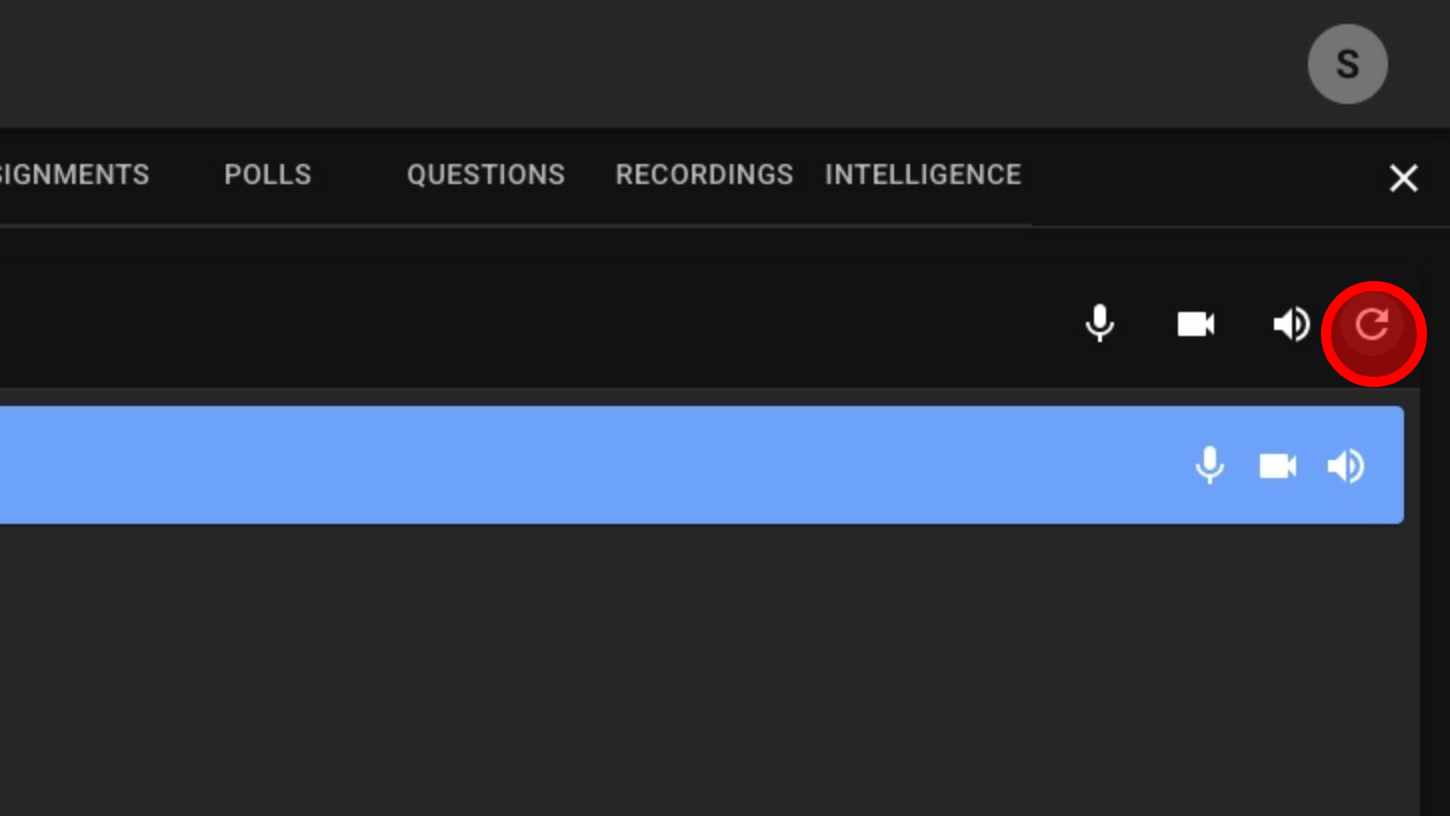
7. Mute/Unmute Individuals Microphone
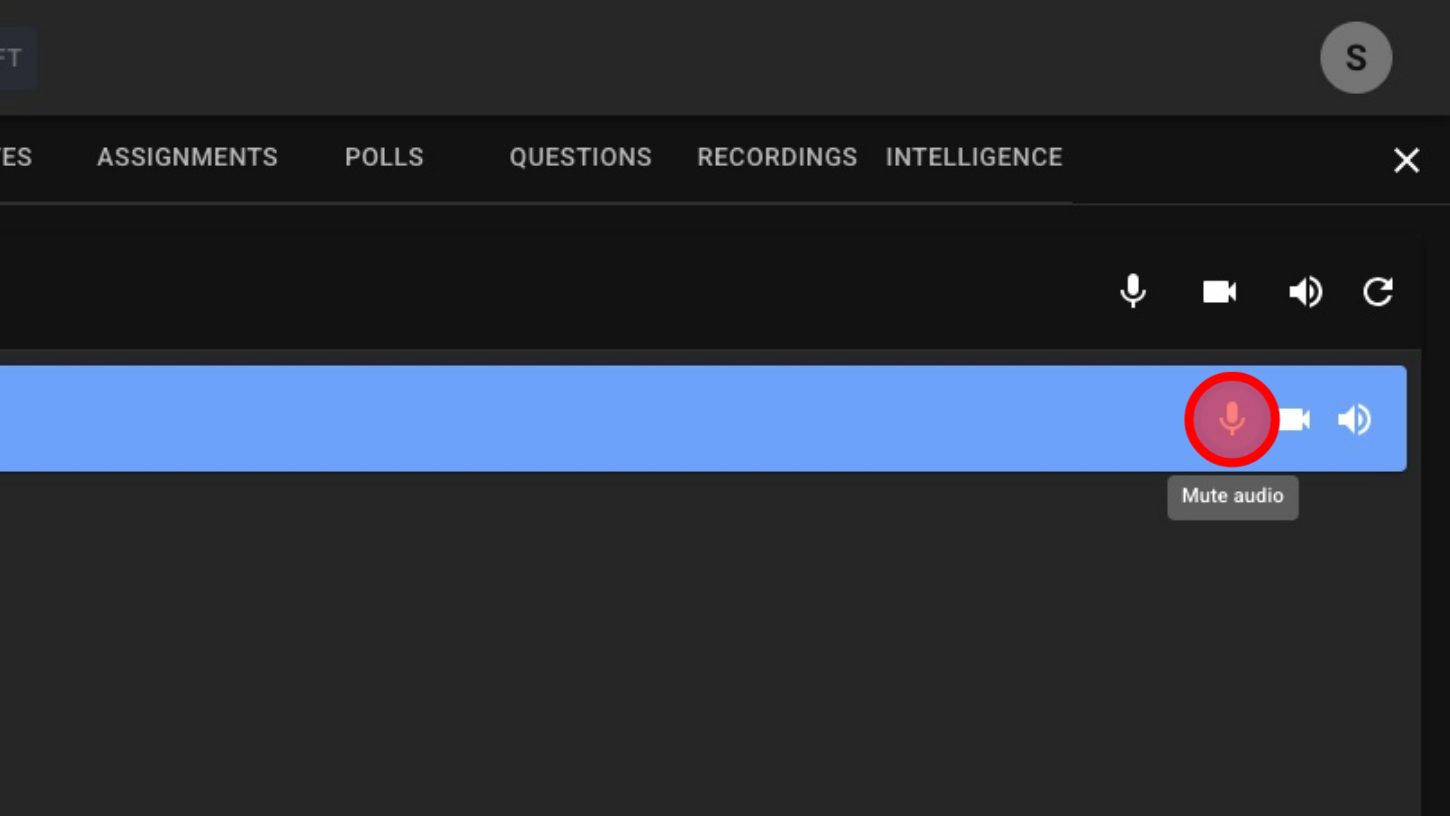
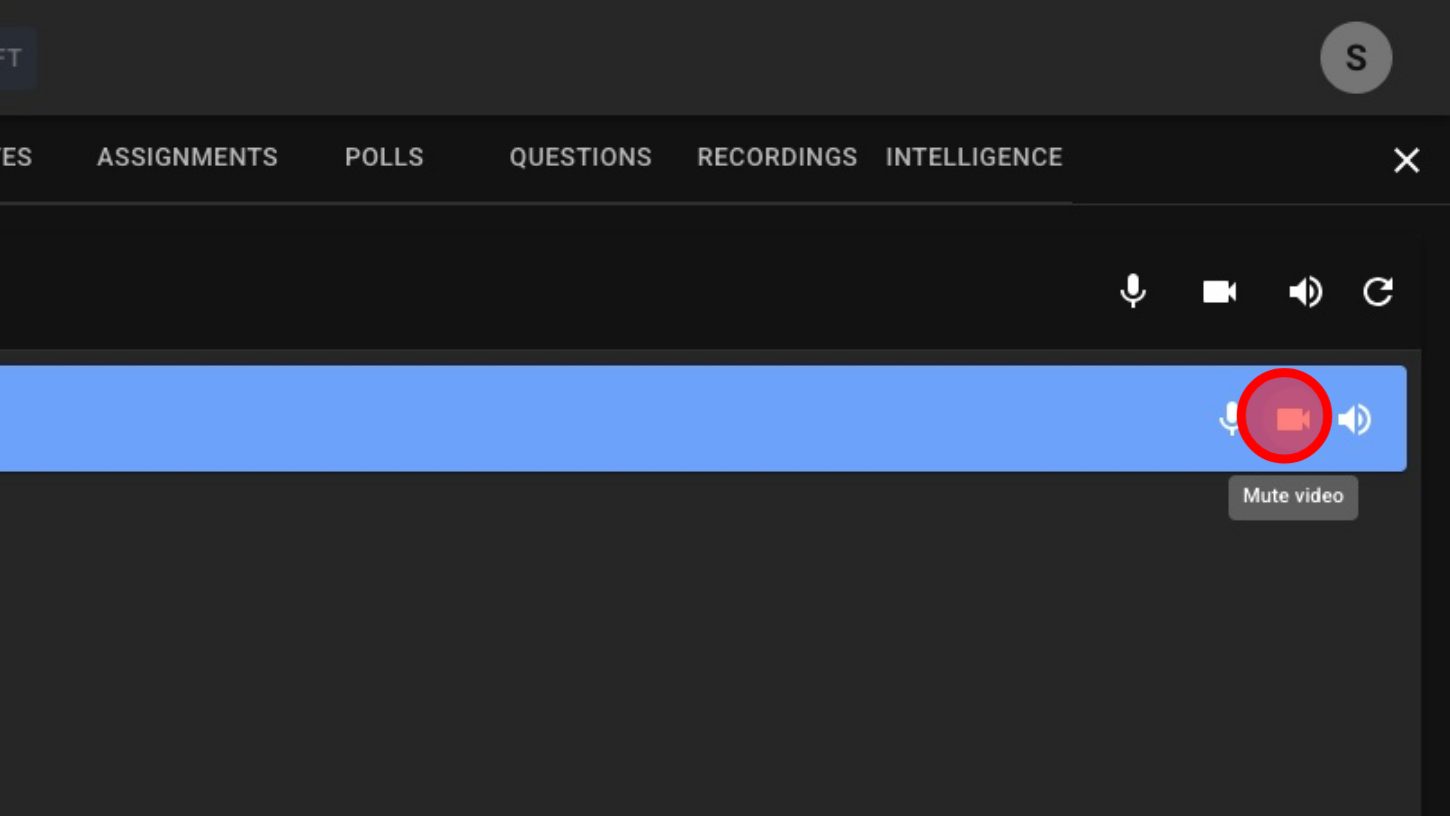
8. Enable/Disable Individuals Cameras
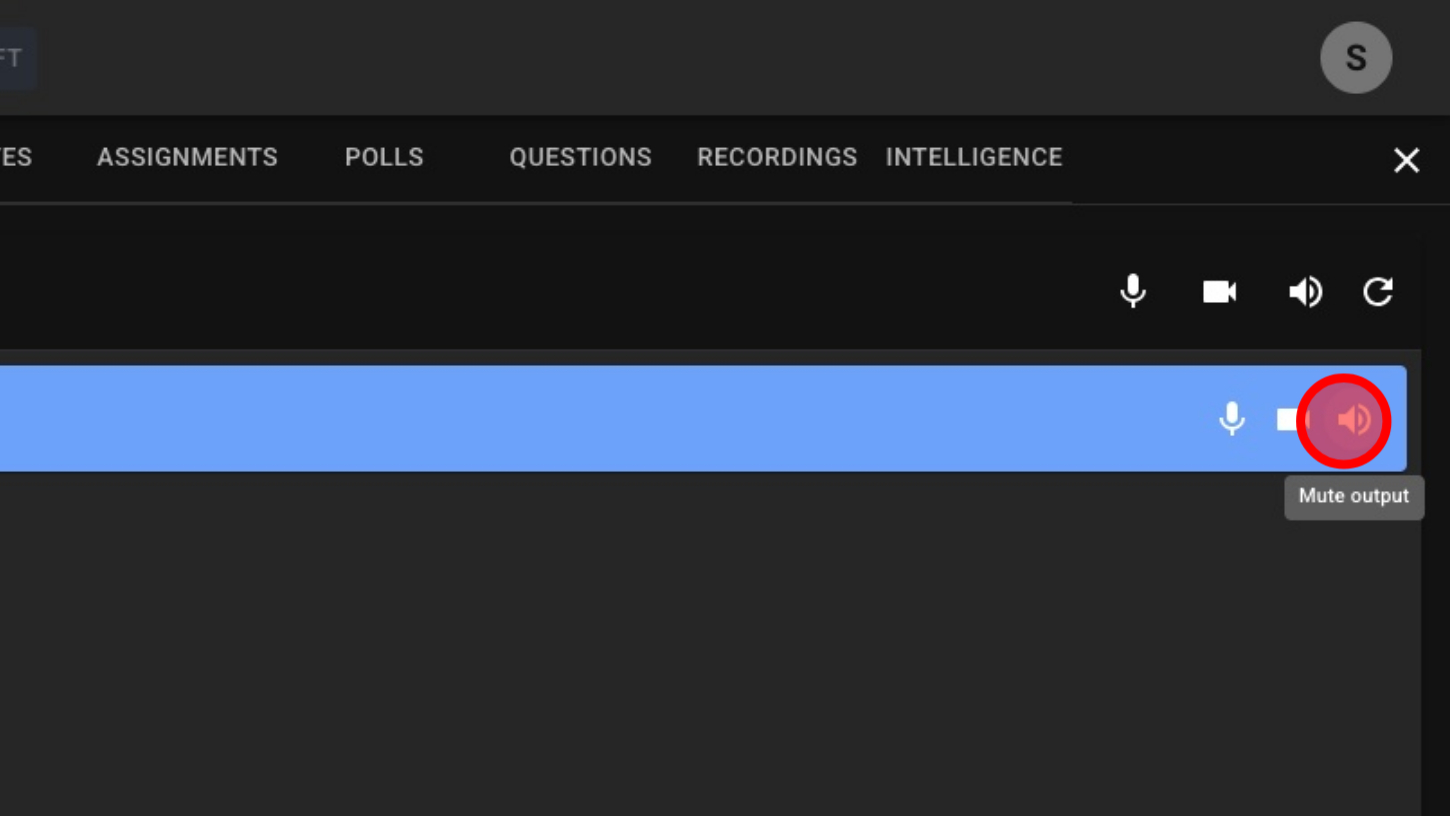
7. Mute/Unmute Individuals Speakers (Output)