.png)
Why use Polls
The Polls tool helps you quickly gather opinions, feedback, or decisions from participants during a live session. It keeps everyone engaged and allows you to make data-driven choices in real time.
Use Polls to:
-
Check understanding: Gauge how well participants grasp a topic or concept.
-
Collect feedback: Get instant reactions on ideas, presentations, or lessons.
-
Drive engagement: Encourage interaction and keep attention high throughout the session.
-
Make decisions: Use quick votes to choose next steps, prioritize topics, or confirm agreement.
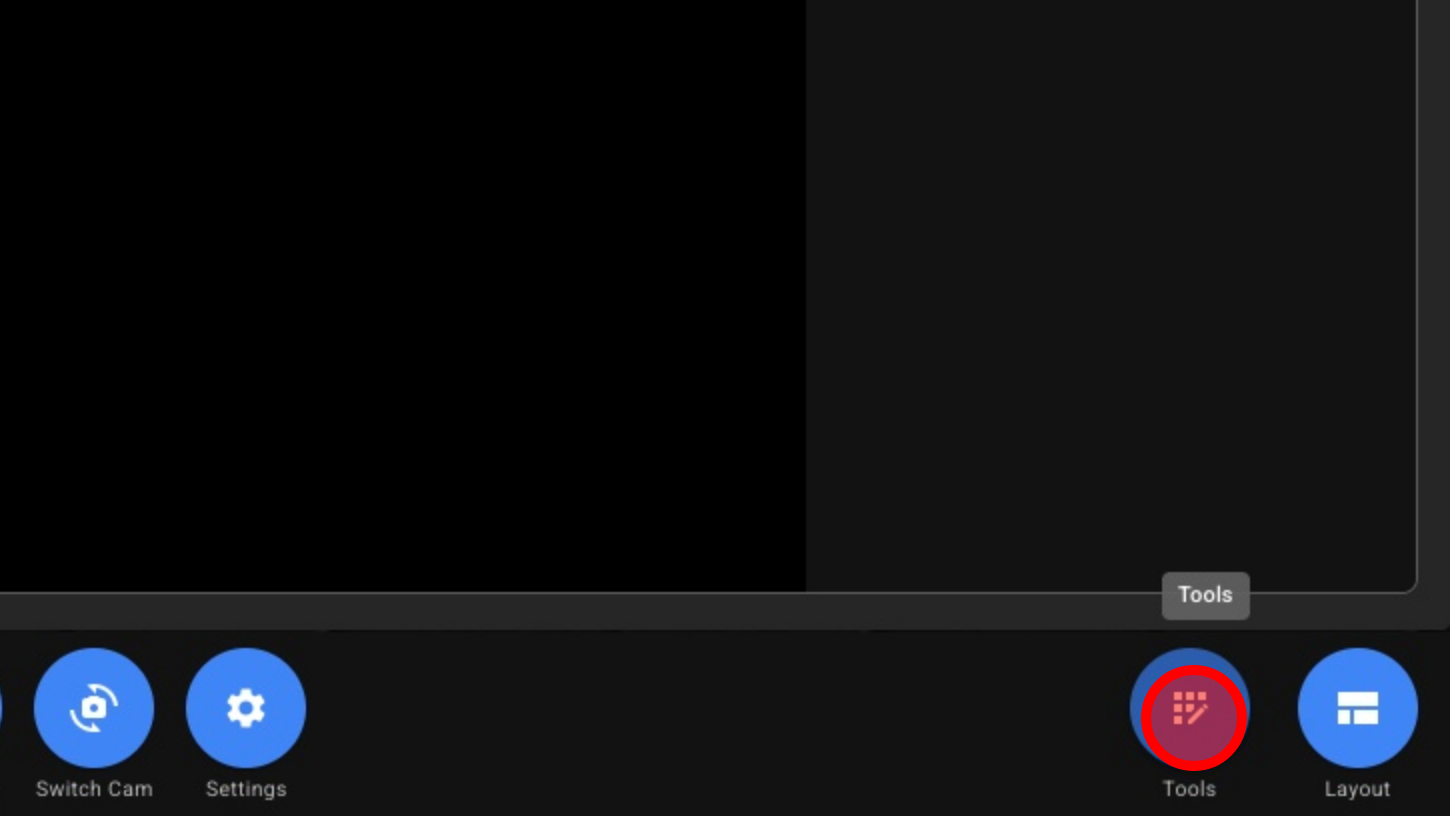
1. Open Tools
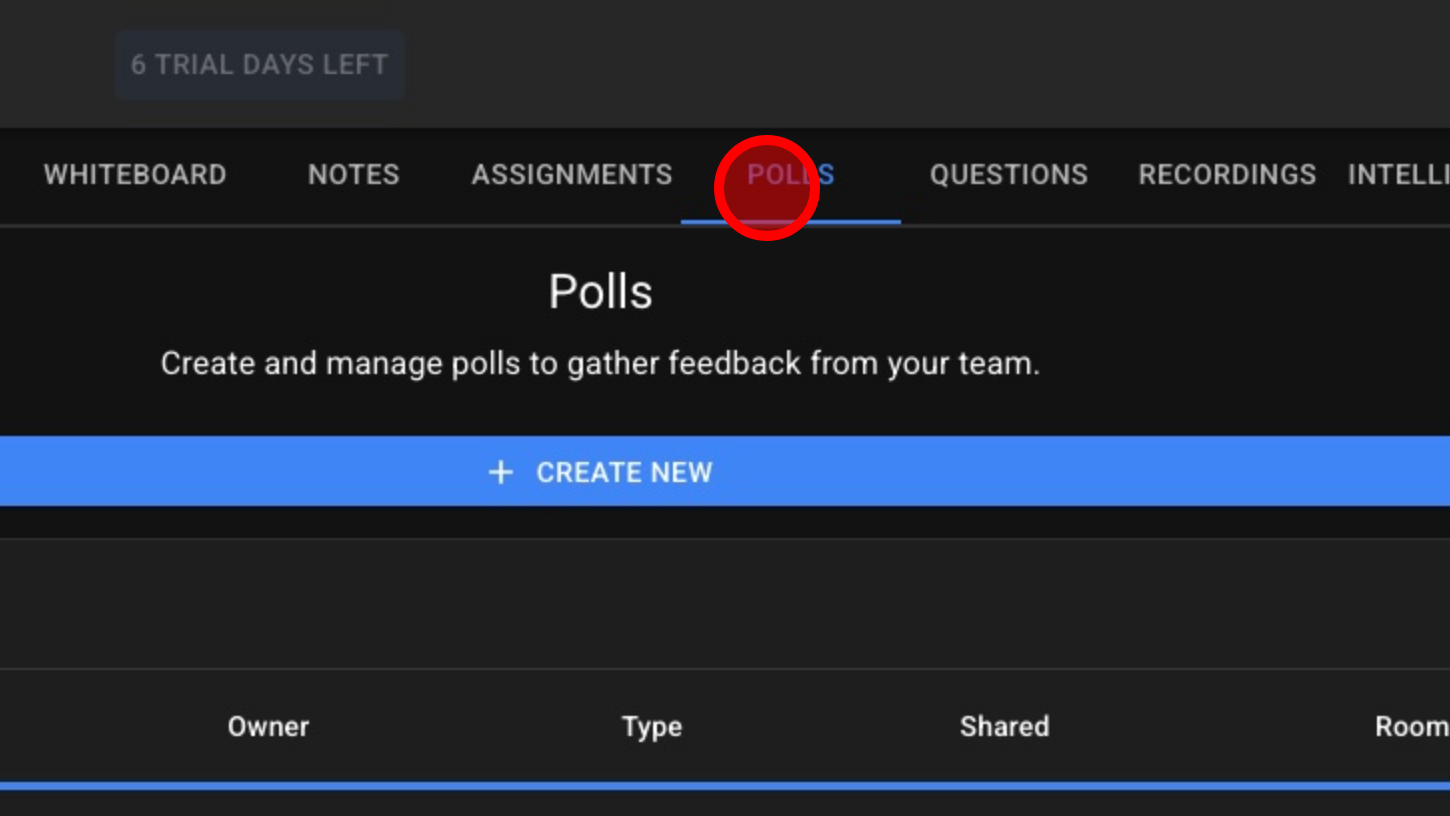
2. Click 'POLLS'
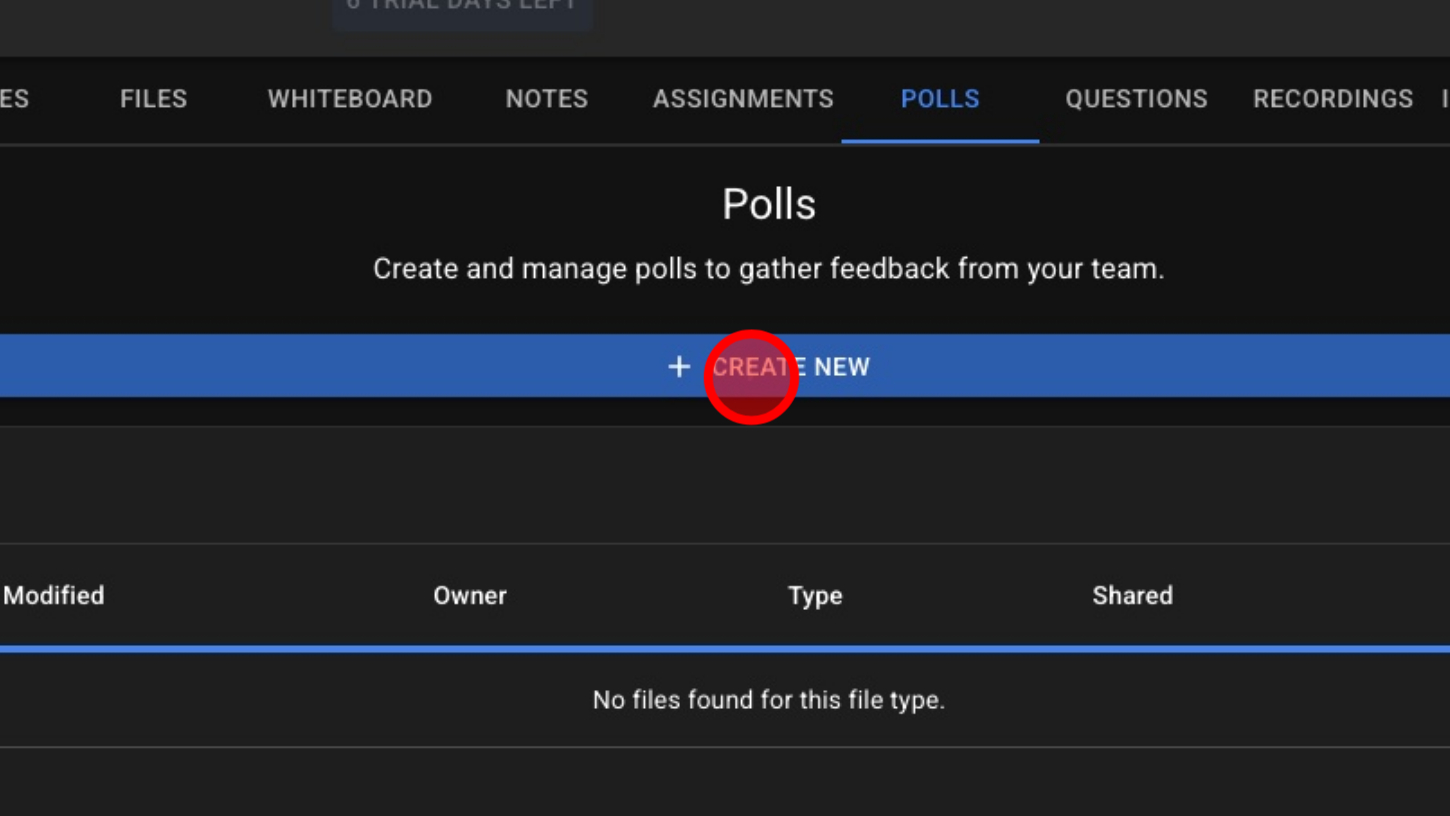
3. Click 'CREATE NEW' button
4. Click Input Field
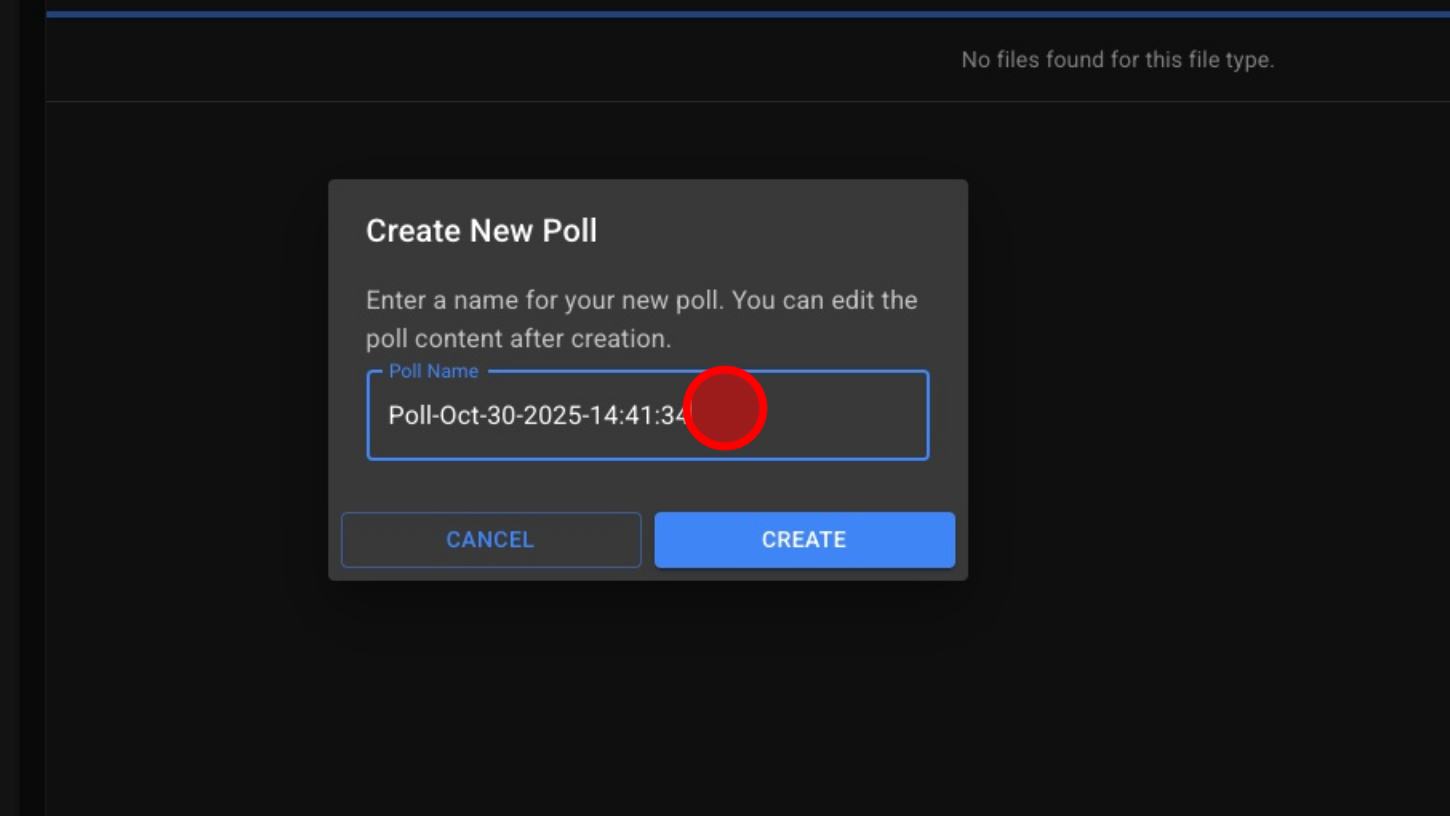
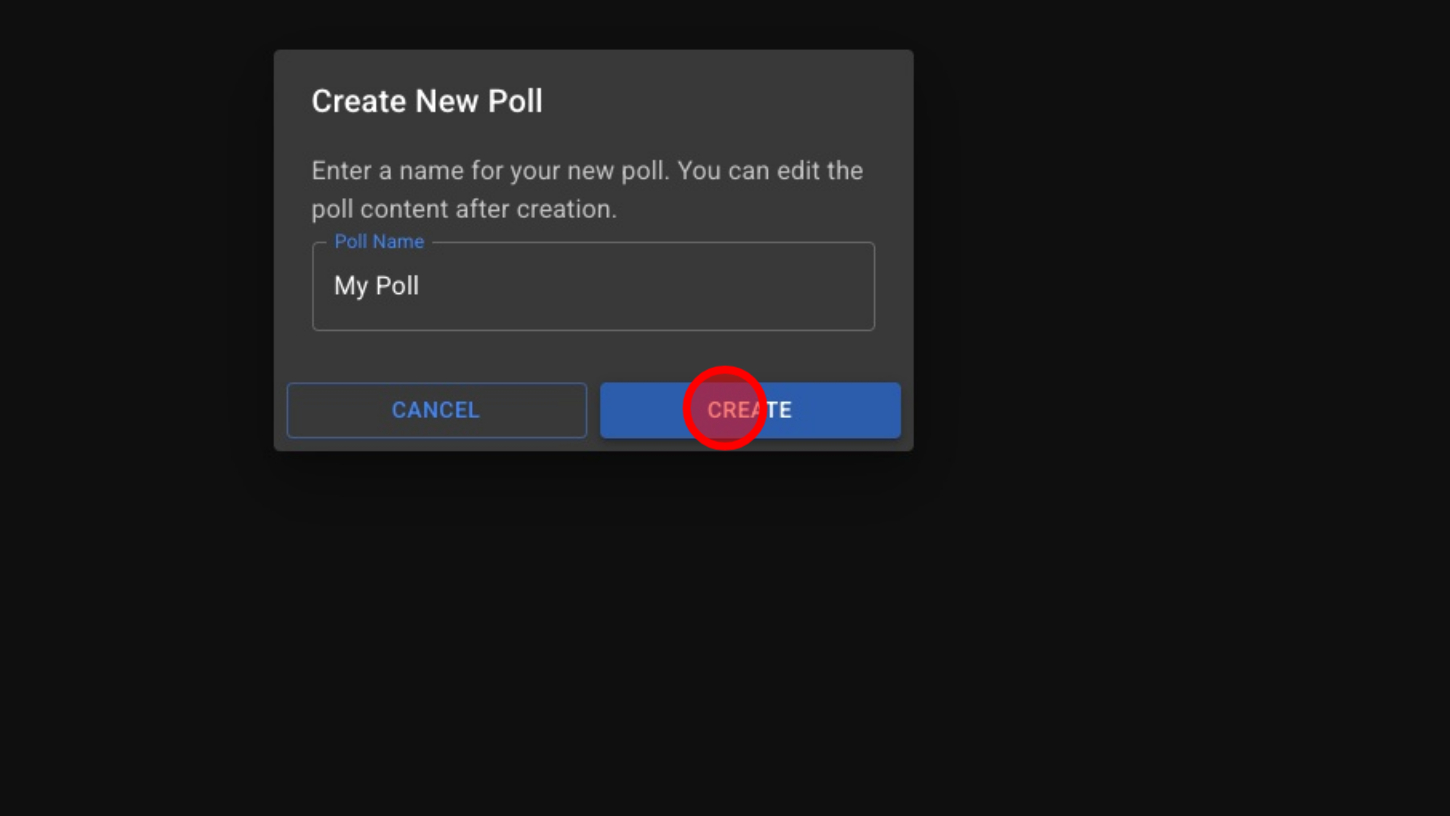
5. Click 'CREATE' button
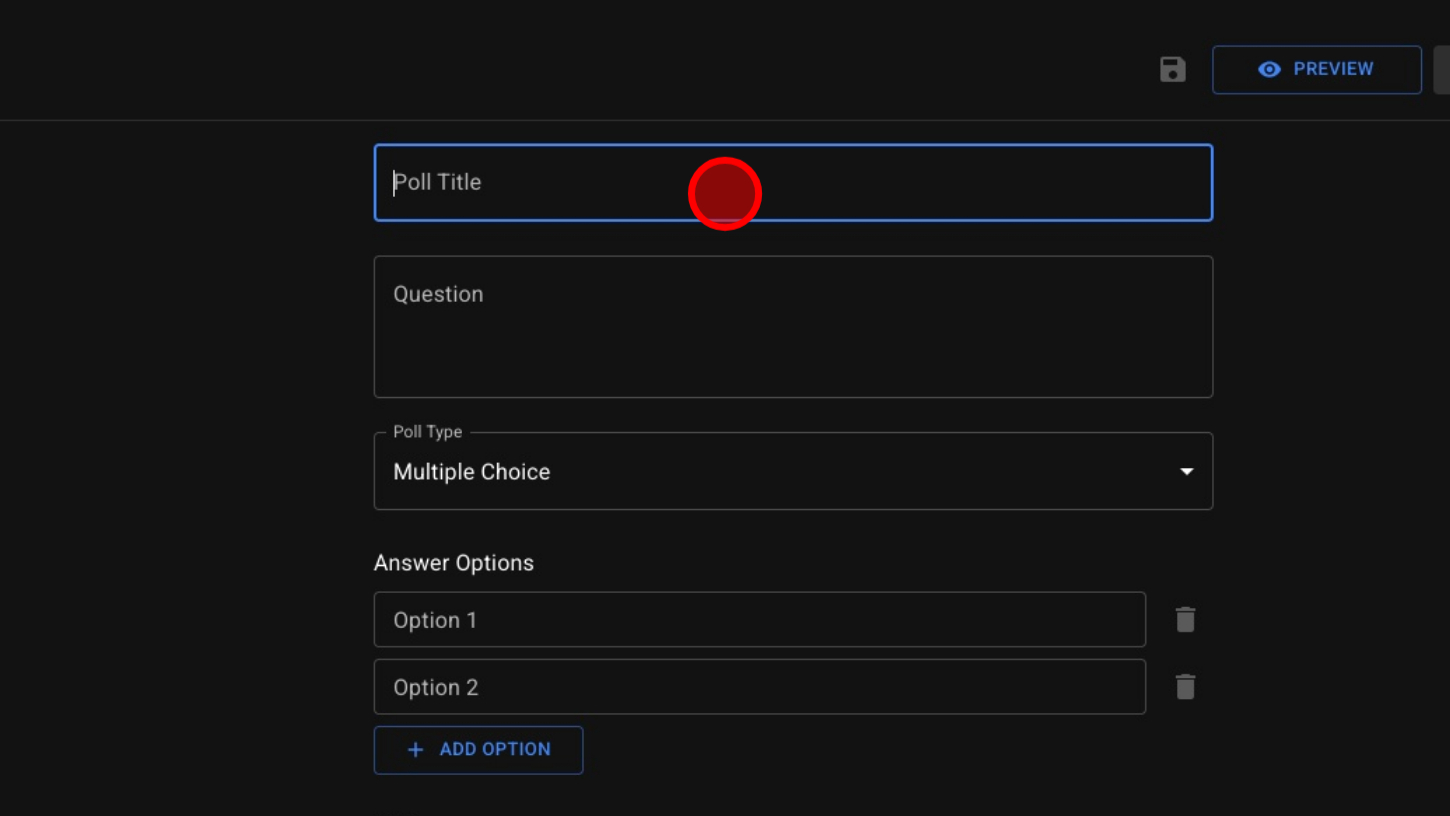
6. Enter Poll Title
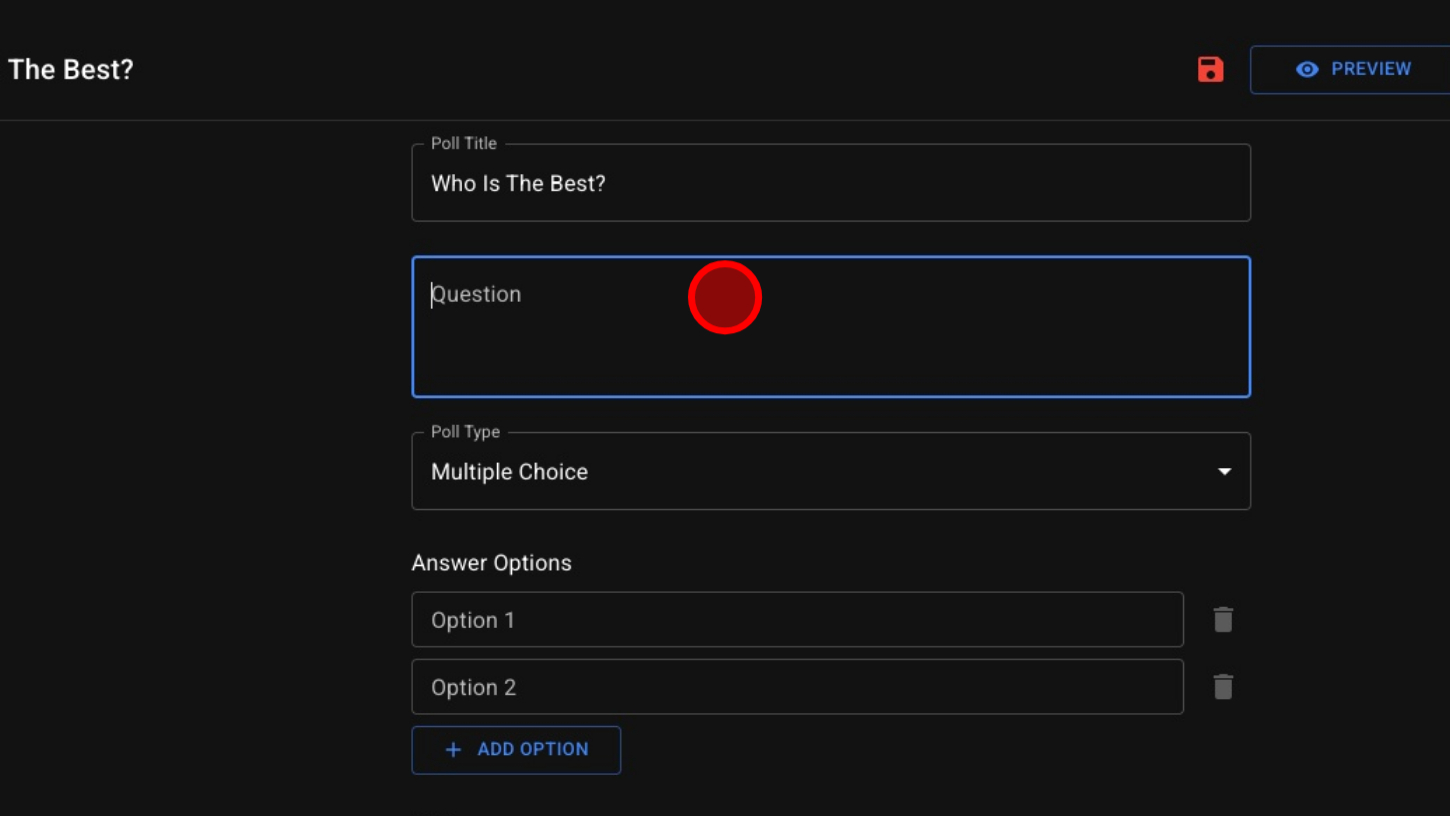
7. Enter a Question
8. Choose Poll Type
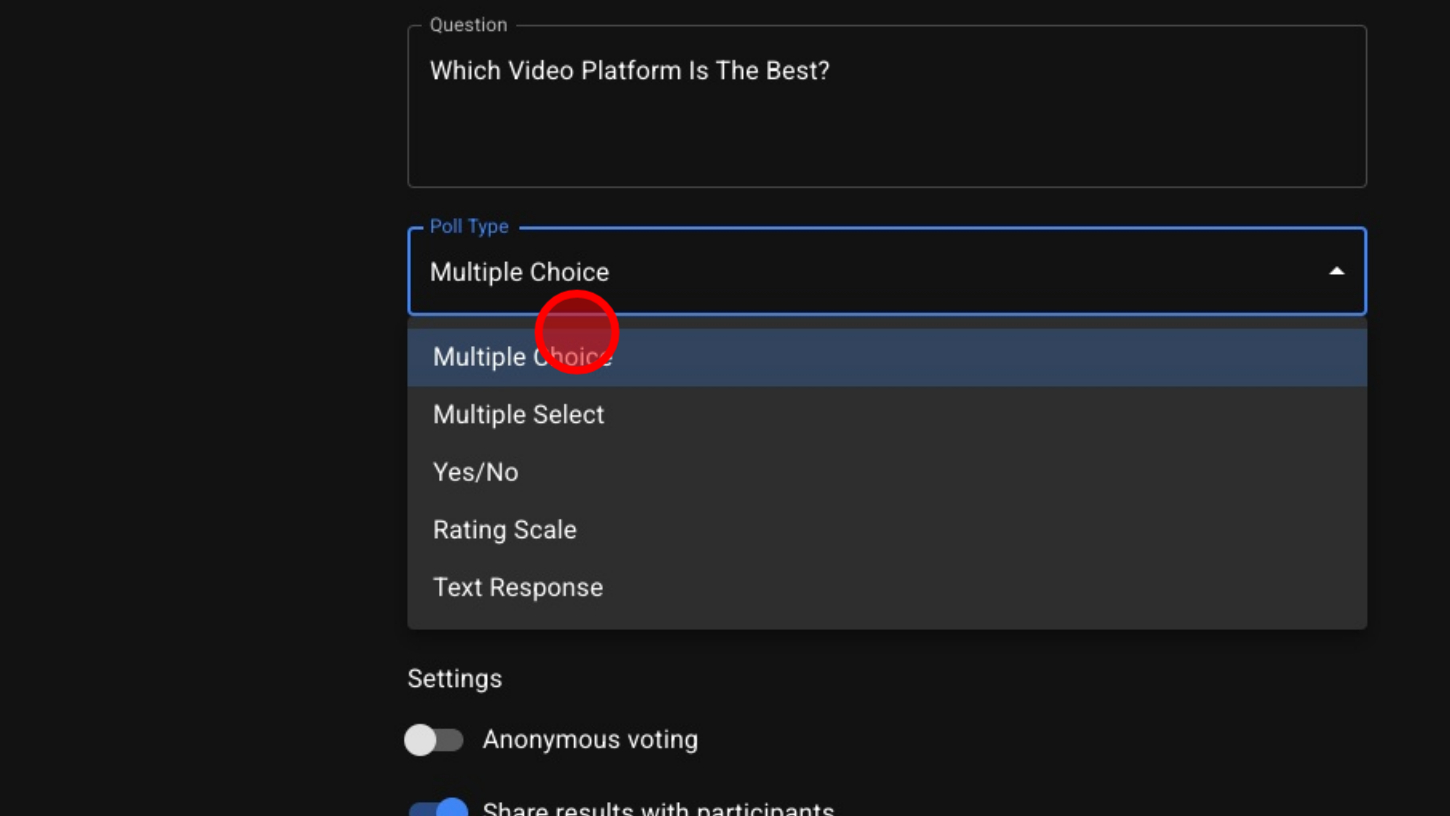
9. Enter Options
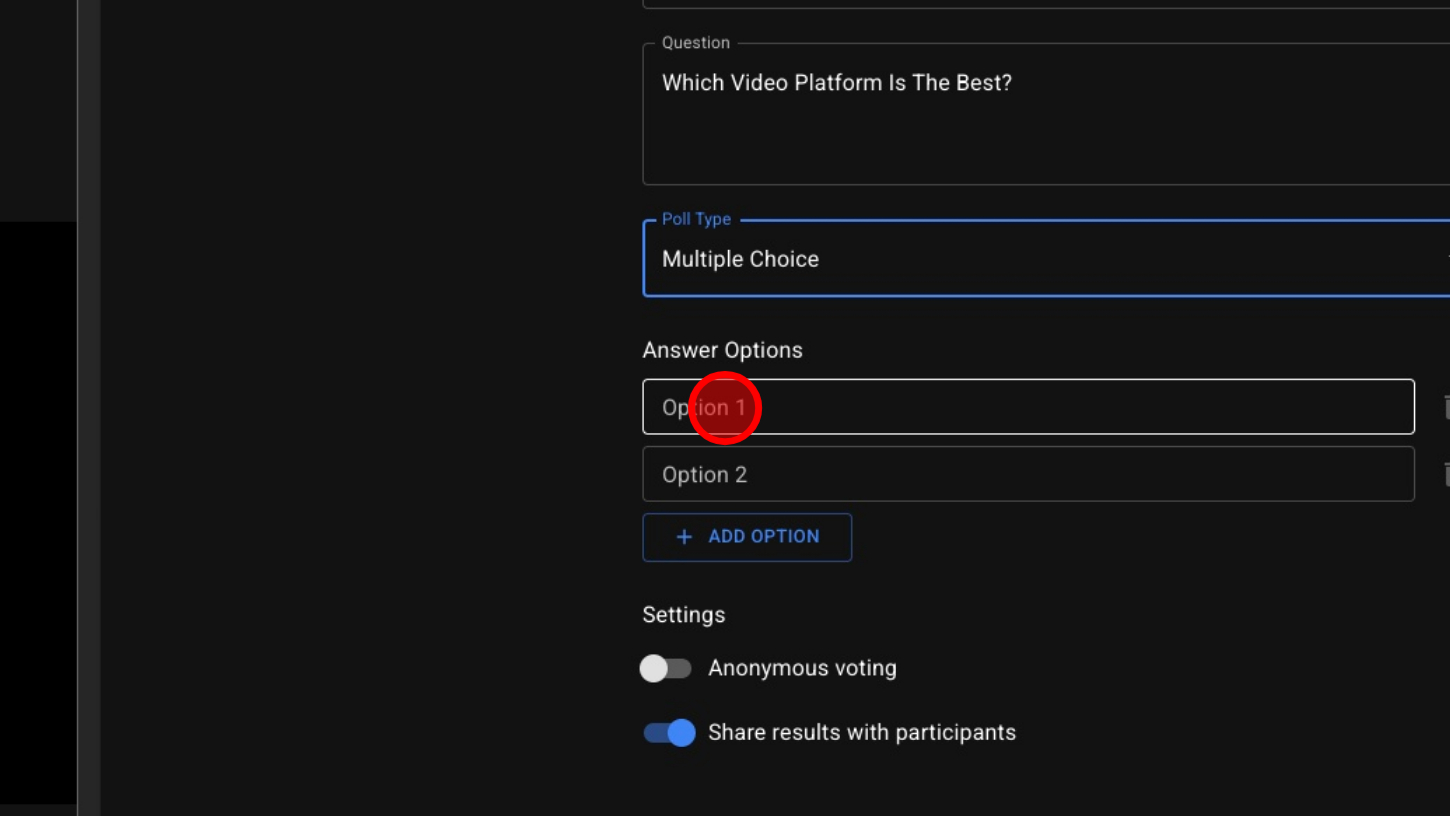
10. Optional – Allow Anonymous Voting
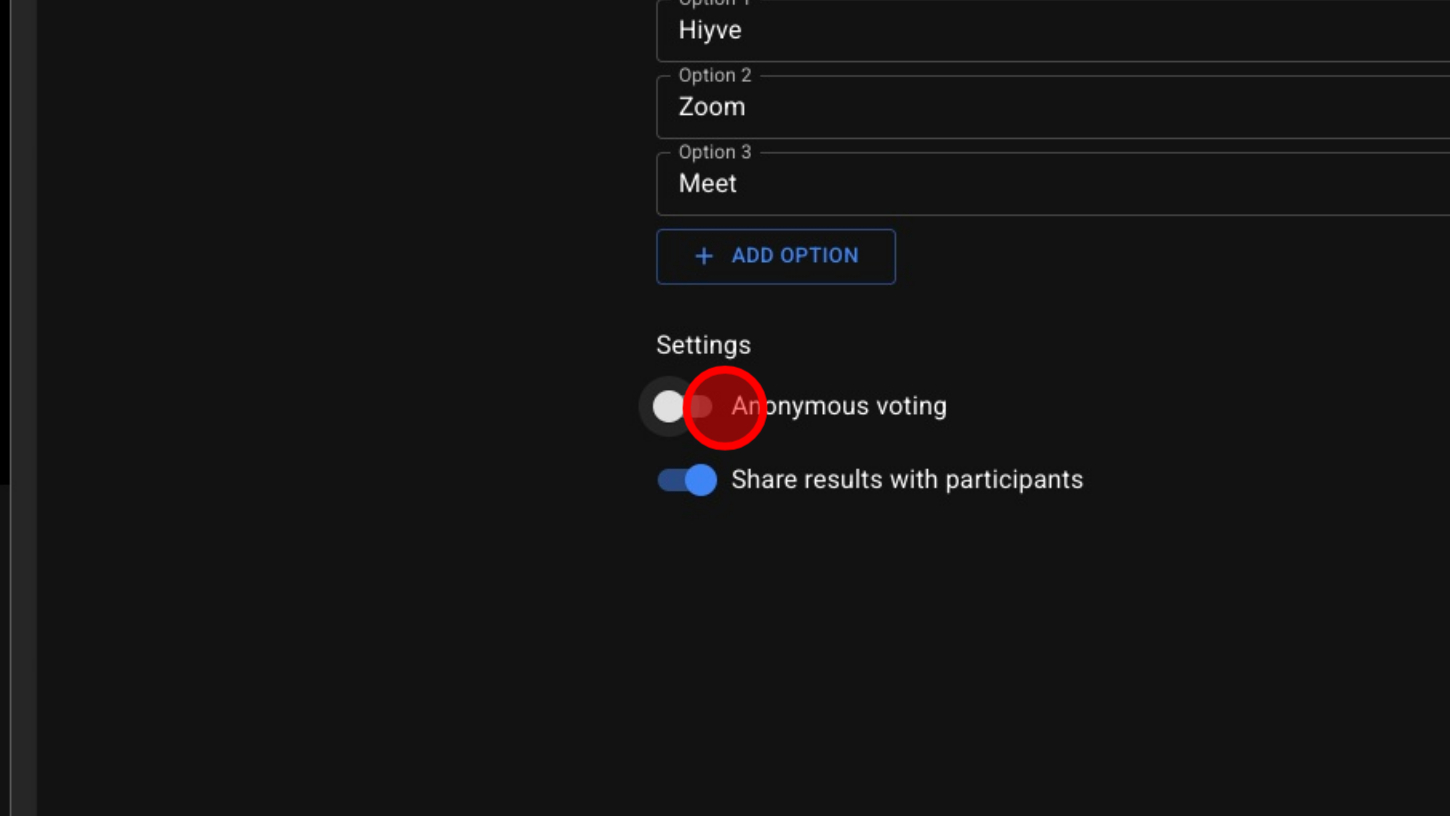
11. Optional – Share Results With Guests
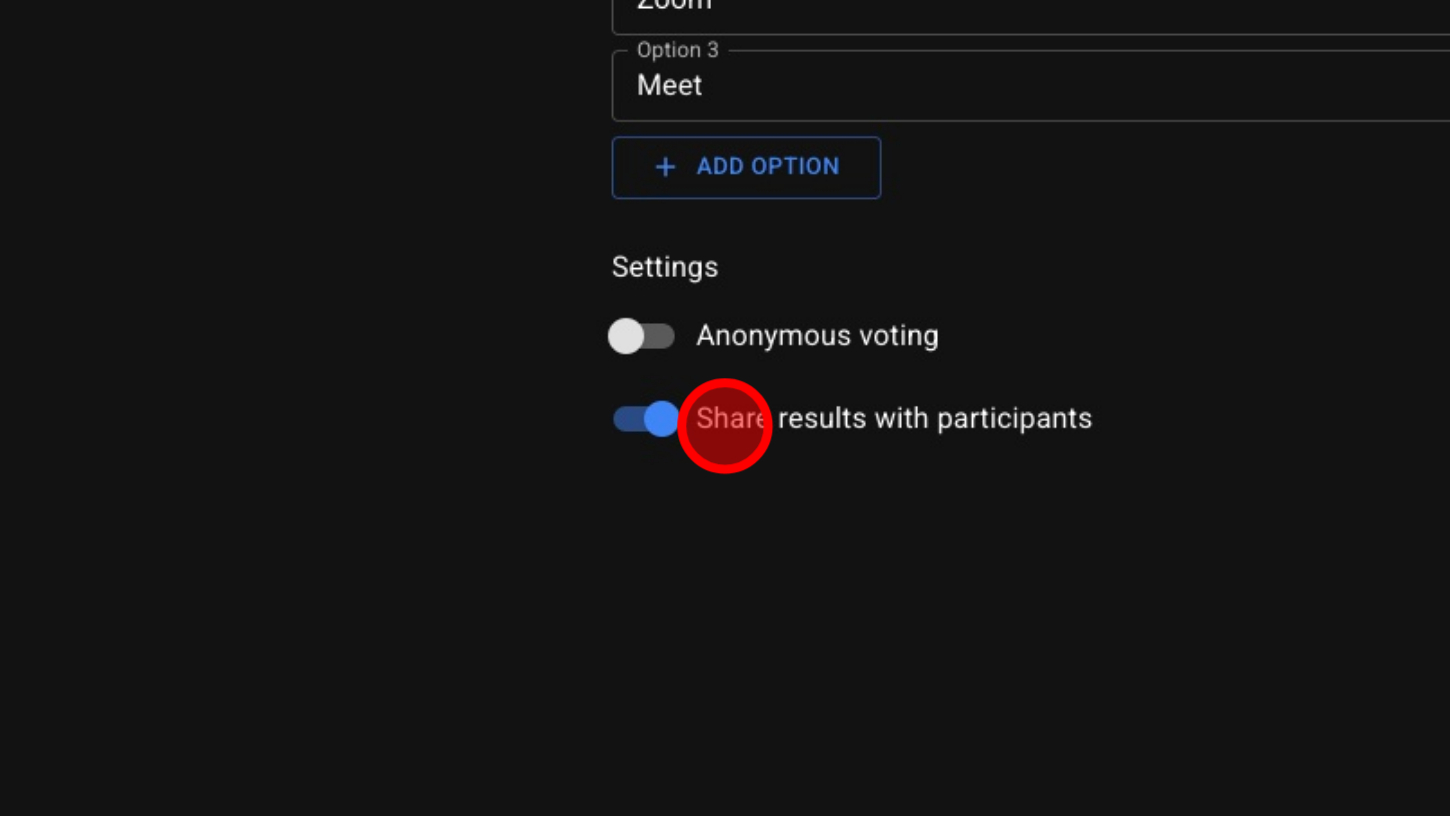
12. Preview Your Poll

13. View Preview
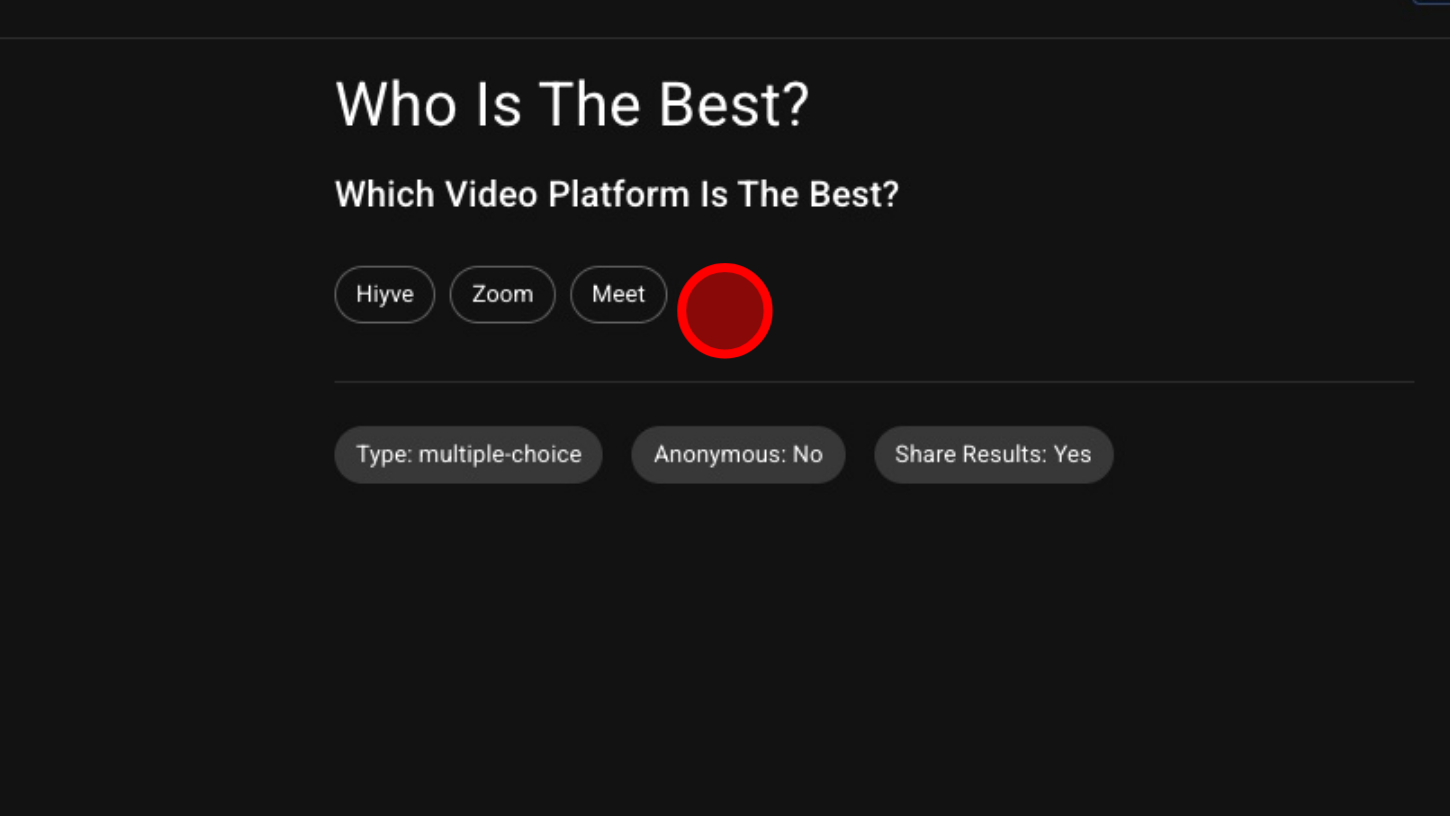
14. Click 'RUN POLL' button
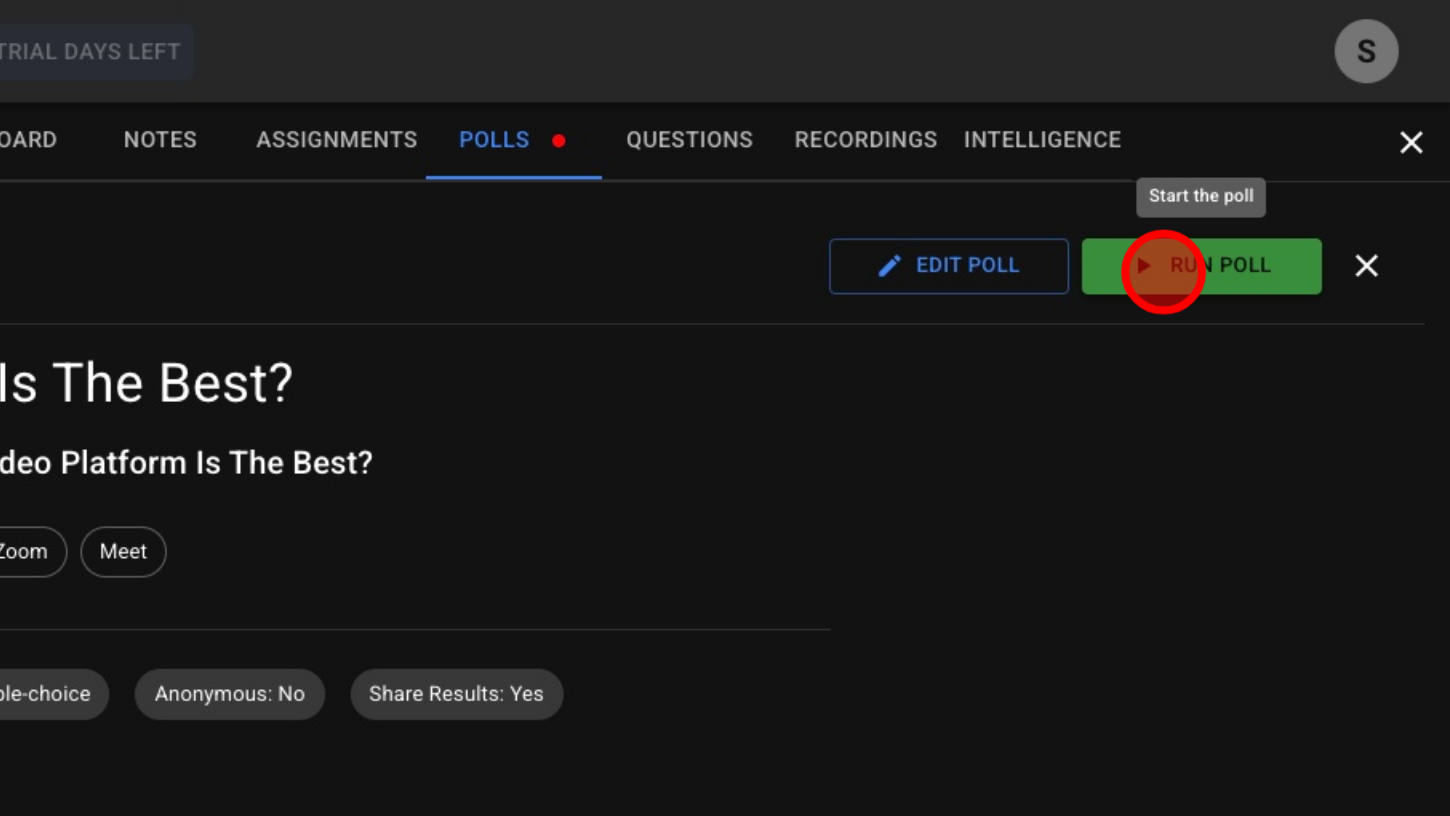
15. Select Choice
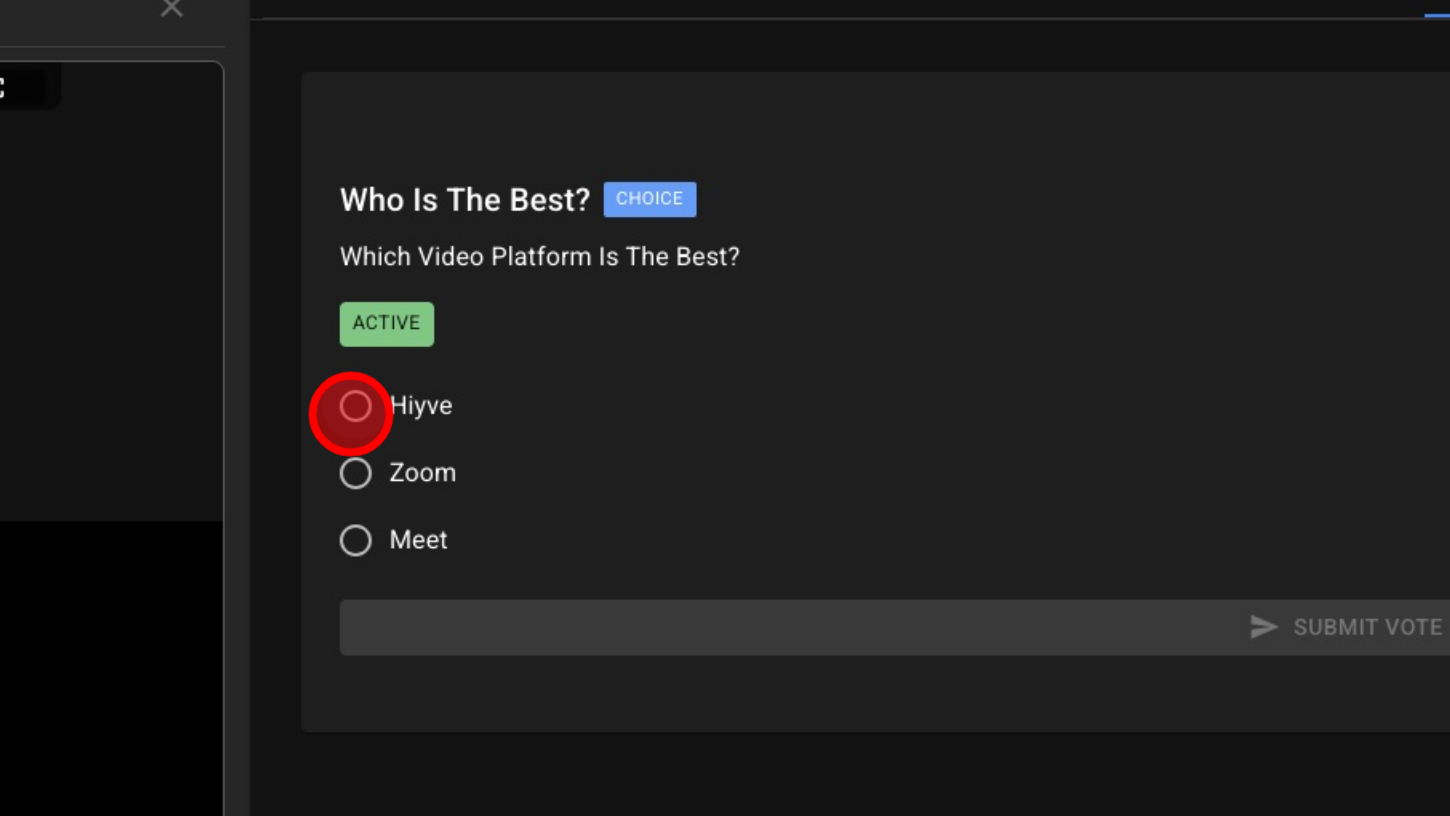
16. Click 'SUBMIT VOTE' button
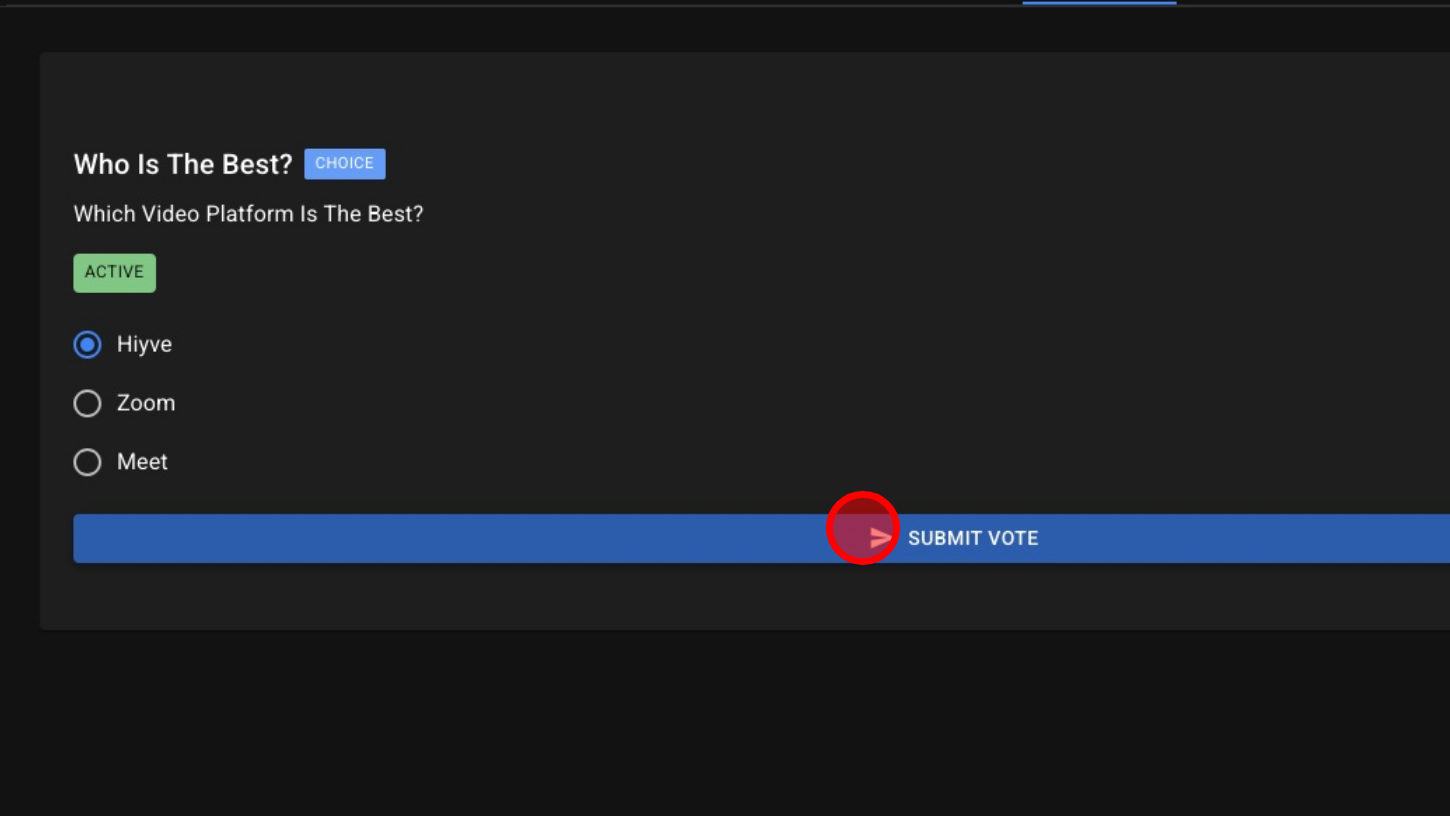
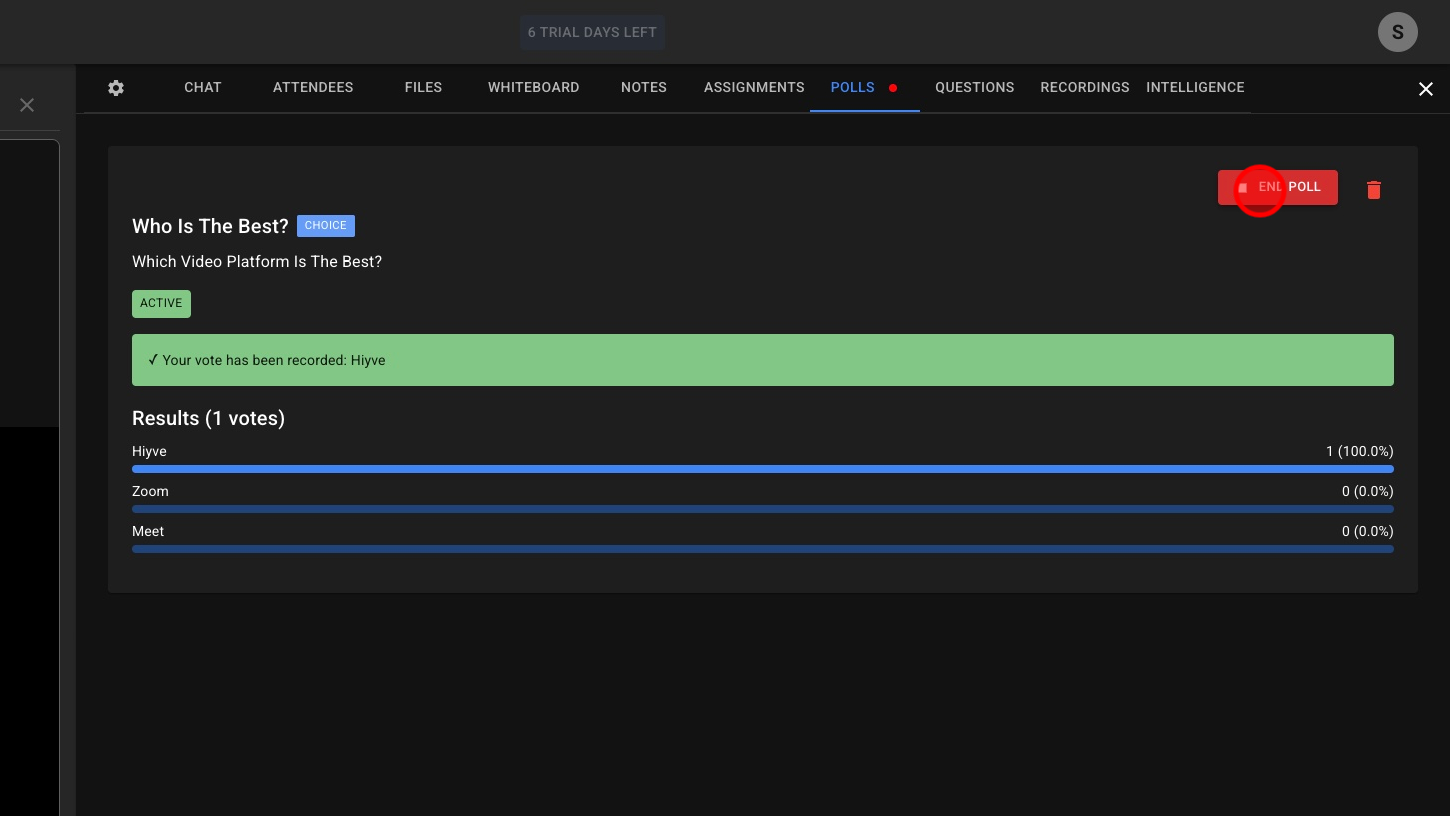
17. View Results & End Poll